25
CHAPTER 2 - CHANNELS & PROGRAM INFO
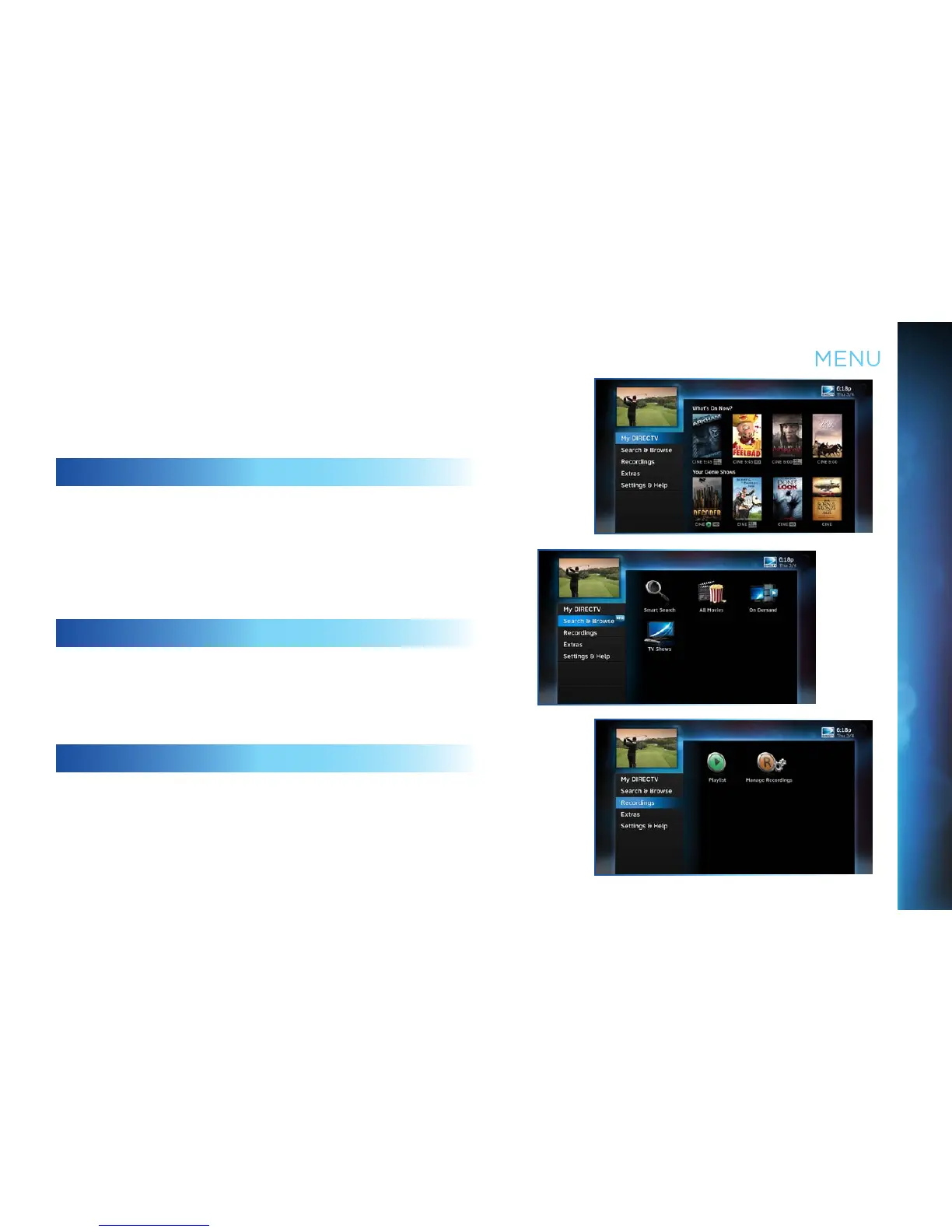
The DIRECTV Menu is your hub for access to My DIRECTV,
Search & Browse, Recordings, Extras, and Settings & Help.
Press MENU on your remote to see your available options.
MY DIRECTV
My DIRECTV gives you quick access to programs/channels you
watch frequently, as well as recommended programs based
on your past viewing history. Use the ARROW keys to highlight
a title you are interested in, then press SELECT for program
information.
SEARCH & BROWSE
The Search & Browse option lets you access Smart Search, All
Movies, On Demand and TV Shows. See Chapter 3 “Search &
Browse” for more information.
RECORDINGS
The Recordings option lets you access the Playlist and Manage
Recordings features. For additional information, see
Chapter 4, “Recordings”.
MENU



 To Next Page