88
DIRECTV
®
HD DVR RECEIVER USER GUIDE
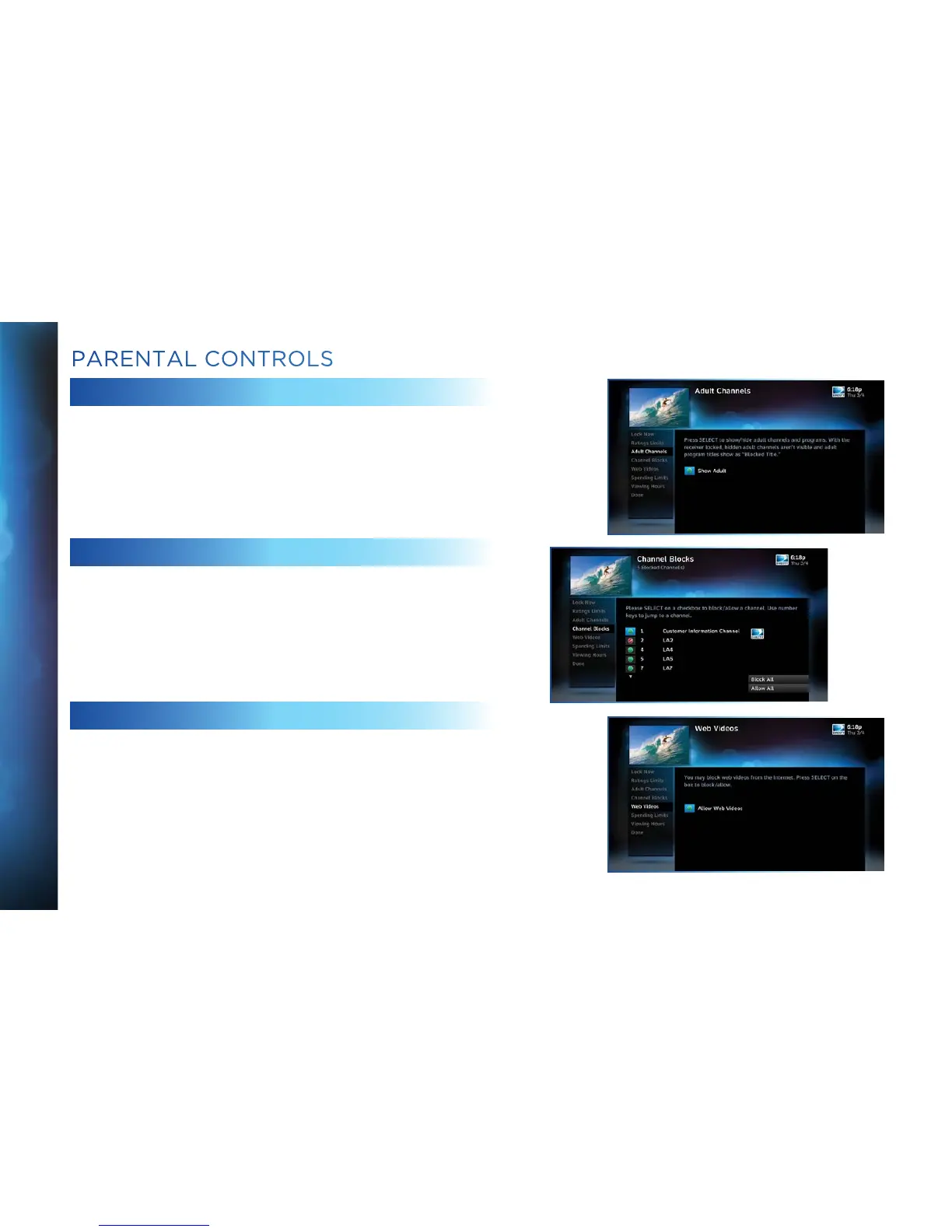
ADULT CHANNELS
Hide adult channels in the program guide, Manage Recordings
screens, and when channel surfing. Select “Adult Channels”, then
highlight and select the box to toggle between “Hide Adult” and
“Show Adult”.
CHANNEL BLOCKS
Prevent children from viewing pre-selected channels. Select
“Channel Blocks”. Scroll down the channel list and select those
you wish to block. You can also key in channel numbers or use
“Block All” or “Allow All” to save time.
WEB VIDEOS
Prevent children from viewing video from the Internet. Select
“Web Videos”, then highlight and select the box to toggle between
“Block Web Videos” and “Allow Web Videos”.
PARENTAL CONTROLS



 To Next Page