56
DIRECTV
®
HD DVR RECEIVER USER GUIDE
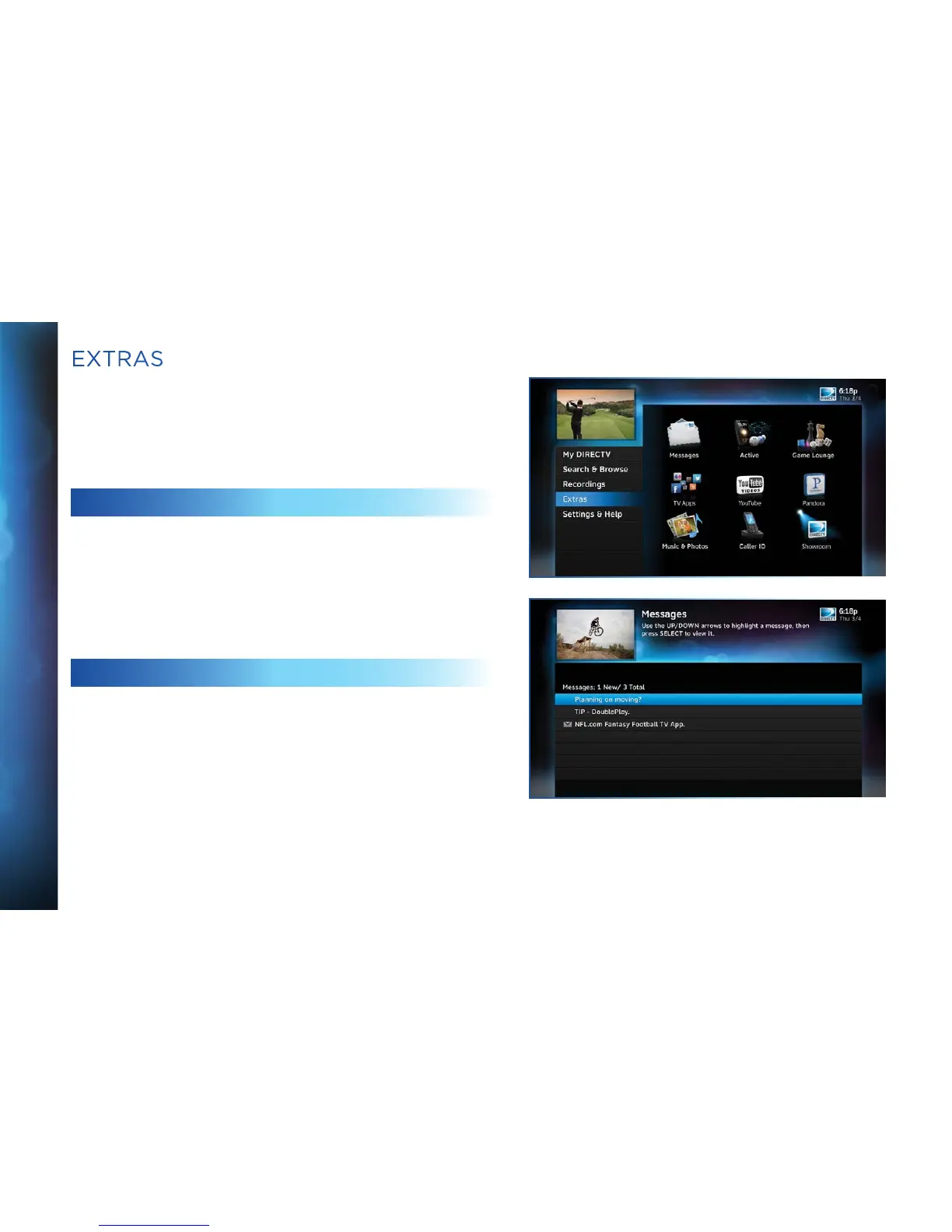
Use the Extras option to access Messages, the DIRECTV Active
™
channel, GSN Game Lounge, Music & Photos, Pandora and
YouTube. Depending on your setup, it may also include the Caller
ID feature.
MESSAGES
Press MENU, select “Extras” and then “Messages” to see your
messages from DIRECTV. DIRECTV sends you messages about
important news items or special promotions.
DIRECTV ACTIVE CHANNEL
Press MENU, then select “Extras”, then “Active” to access the
DIRECTV Active channel, or simply press the ACTIVE key on your
remote.
The DIRECTV Active Channel provides a variety of interactive
services, including daily and extended weather forecasts, daily
horoscopes, lottery results, the GSN Game Lounge, and a quick
list of the most popular shows on DIRECTV at any given time.
For local weather on demand, press ACTIVE and select the
“Weather” option. The first time you use this feature, you will
have to enter your local ZIP code. You can view up to five cities by
EXTRAS



 To Next Page