One Chunnel GSM VoIP Gateway
39
b) Number entered = “13001234567”, actual number dialed = “13001234567”.
Please note that the above samples are simple and intended to show the meaning of
various rules. They may not have any practical meaning. A combination of these rules
(joined with the symbol “|”) can be realized for a much more complicated dialing
application.
3.9 Gain Settings…
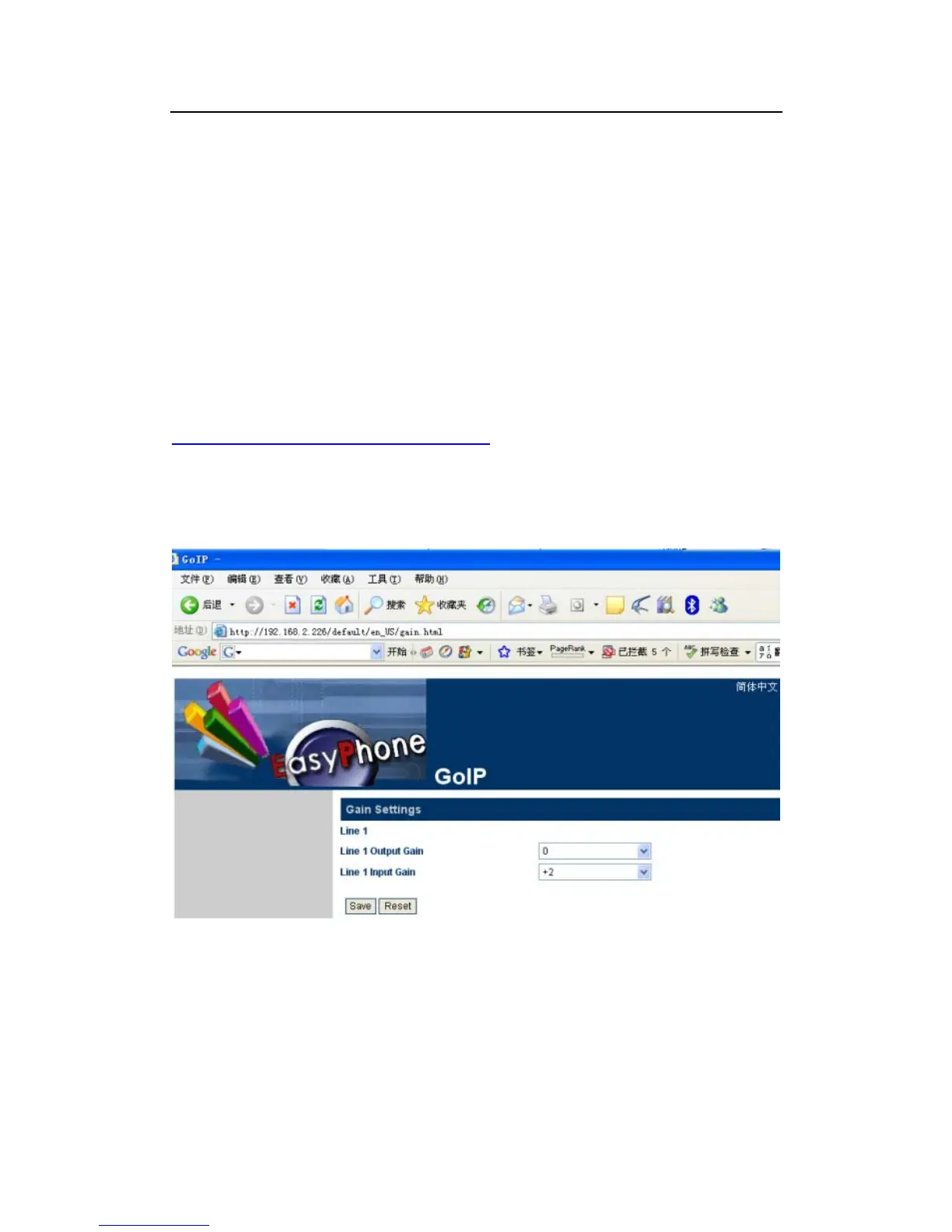
A hidden webpage is provided to set the receiving and transmit gains of VoIP Chunnel.
The URL link is:
http://xxx.xxx.xxx.xxx/default/en_US/gain.html
THIS PAGE IS INTENDED FOR AN EXPERIENCED USER OR AN ADMINISTRATOR
ONLY. PLEASE SET THE GAINS WITH CAUTIONS.
Note: A too low or too high input gain MAY affect the sensitivity of DTMF detections
3.10 Network Configuration
Click on “Network” tab in the left menu column to configure the LAN and PC ports.


 To Next Page