One Chunnel GSM VoIP Gateway
44
Click the Start button to start the firmware upgrade.
WARNING: POWER SHUTDOWN / FAILURE DURING FIRMWARE UPGRADE MAY
PERMINENTLY DAMAGE THE GOIP GATEWAY.
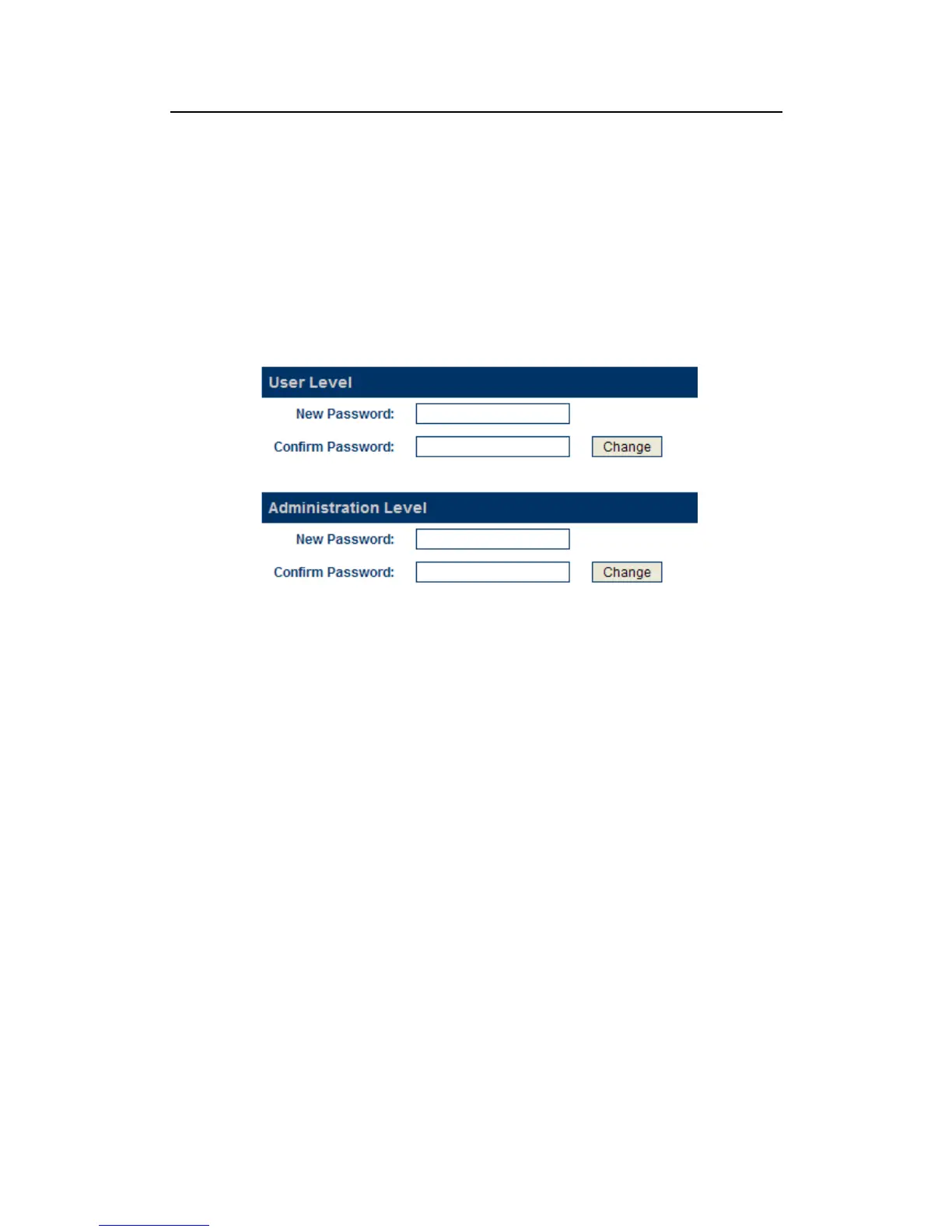
3.13.2 Change Password
Click on the Change Password tab to access the page below.
A) User Password
This is the password for the user name/ID “user”. The default password is “1234”.
This user name is limited to access the Network Configuration menu.
B)Administrator Password (default: admin)
This is the password for the user name/ID “admin”. The default password is
“admin”. This user name allows full access to all configuration settings available.
3.13.3 Reset Configuration
Click on the Reset Config tab to reset the GoIP Gateway to its factory default settings.
3.13.4 Reboot the Device
Click on the Reboot tab to reboot the GoIP Gateway.


 To Next Page