C-5
Quick Setup
Programming the
Recover Button for
TV2 Operation
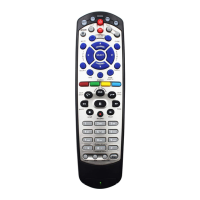
For TV2 Remote Controls on
DISH Player-DVR 522, 625, 942
and ViP222, VIP222k, ViP622 DVR,
ViP722 DVR, ViP722k DVR Receivers
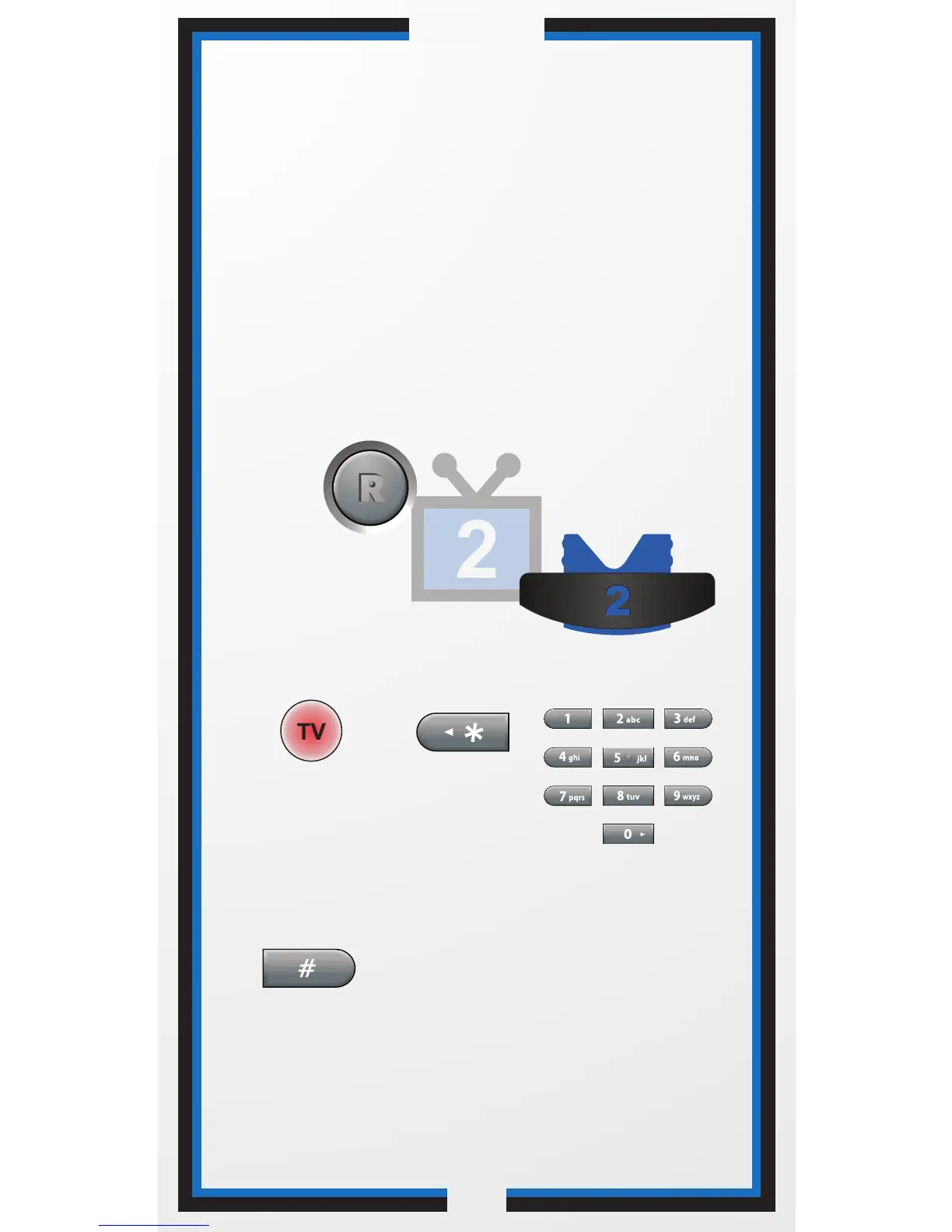
Press
STAR.
Press
POUND.
1 2
Press & hold the
TV Mode button
until all Mode
buttons light up.
Enter the channel
number you tune
your TV to when
you watch satellite
programming.
4
3
Use the RECOVER button as described in
If You Lose Your Picture on the next page (C-6).
Programming your RECOVER button allows you
to easily regain satellite programming if you
accidentally change TV channels or inputs.














 To Next Page