Done Cancel
Secondary Remote Address
Secondary Remote Address
2
4 Select Done on the screen
3 Press SAT and then RECORD on your remote
The appearance and location
of the SYSTEM INFO button
varies from receiver to receiver
This button is located behind a
door on the front of some
receivers
2 Press SYSTEM INFO on your receiver
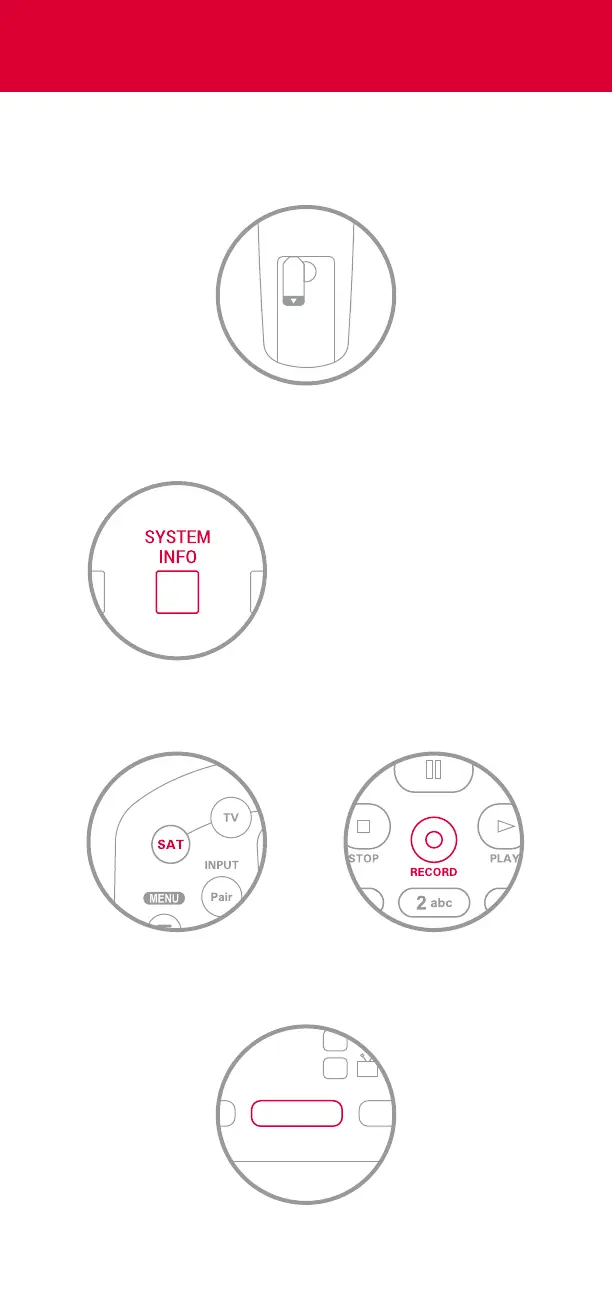
1 Remove the PULL tab on the back of your
remote control
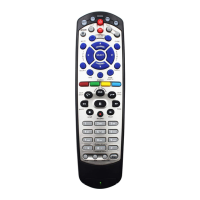
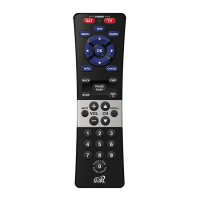
Turn On Your Remote












 To Next Page