Page 6
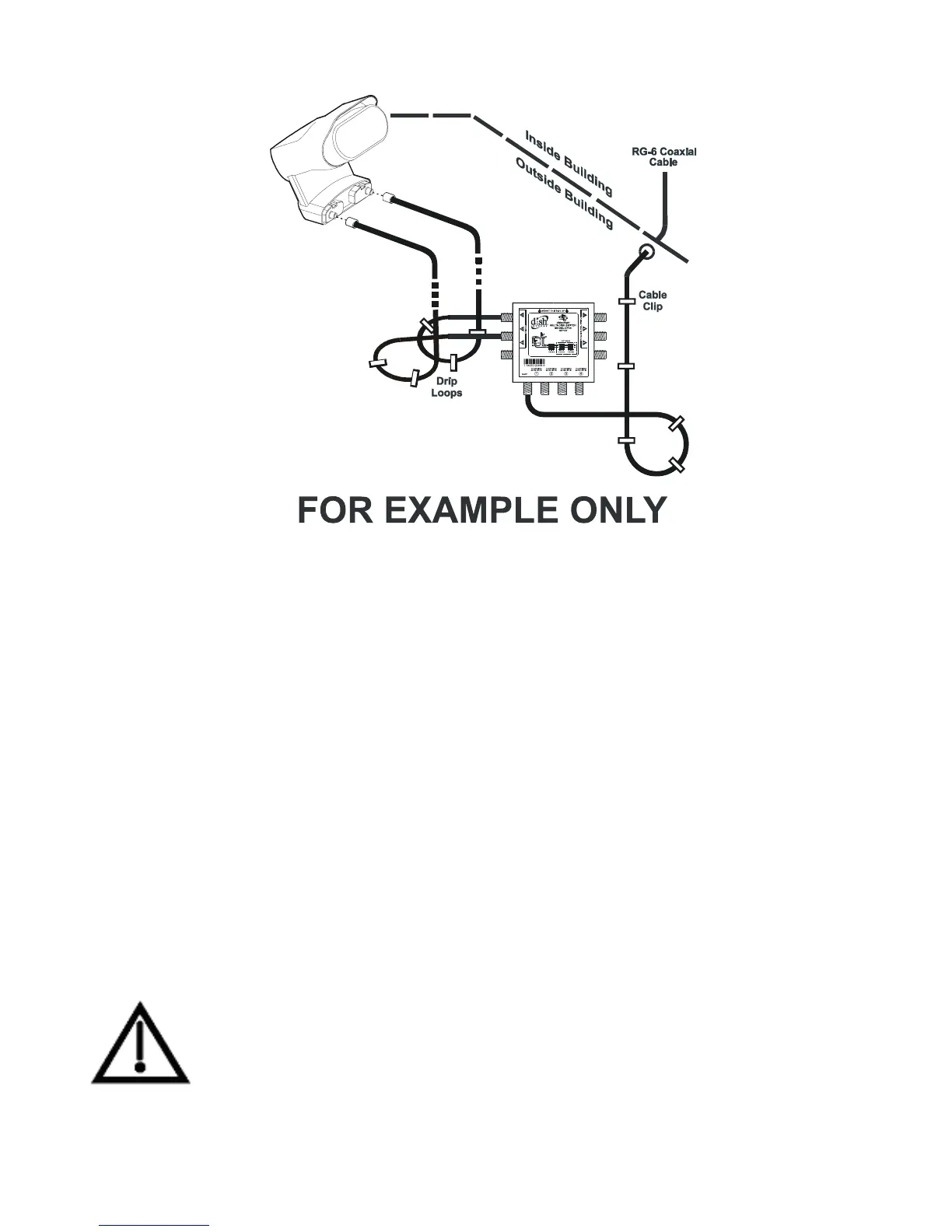
Figure 1. Switch Mounting
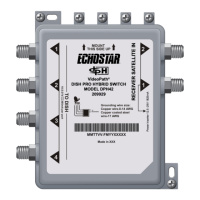
2. Connect the coaxial cables from a DISH 500 or a DISH
Network bandstacked FSS or DBS LNBF to the ports on the
DP34 switch labeled
TO DISH (see also the wiring diagrams that
begin on page 10).
3. Connect the cables from the DISH Network receiver’s back
panel
SATELLITE IN port(s) to the DP34 ports labeled TO
R
ECEIVER SATELLITE IN. The switch’s four outputs each supply
signals from up to three orbital locations, so you can
route the signals from up to three orbital locations to as many
as four receiver tuner inputs.
Do not connect the receiver to the ports labeled
TO
ADDITIONAL SWITCH as this can cause other receivers
in the system to experience loss of video.



 To Next Page