5.
Pairing Your Remote Control
a.
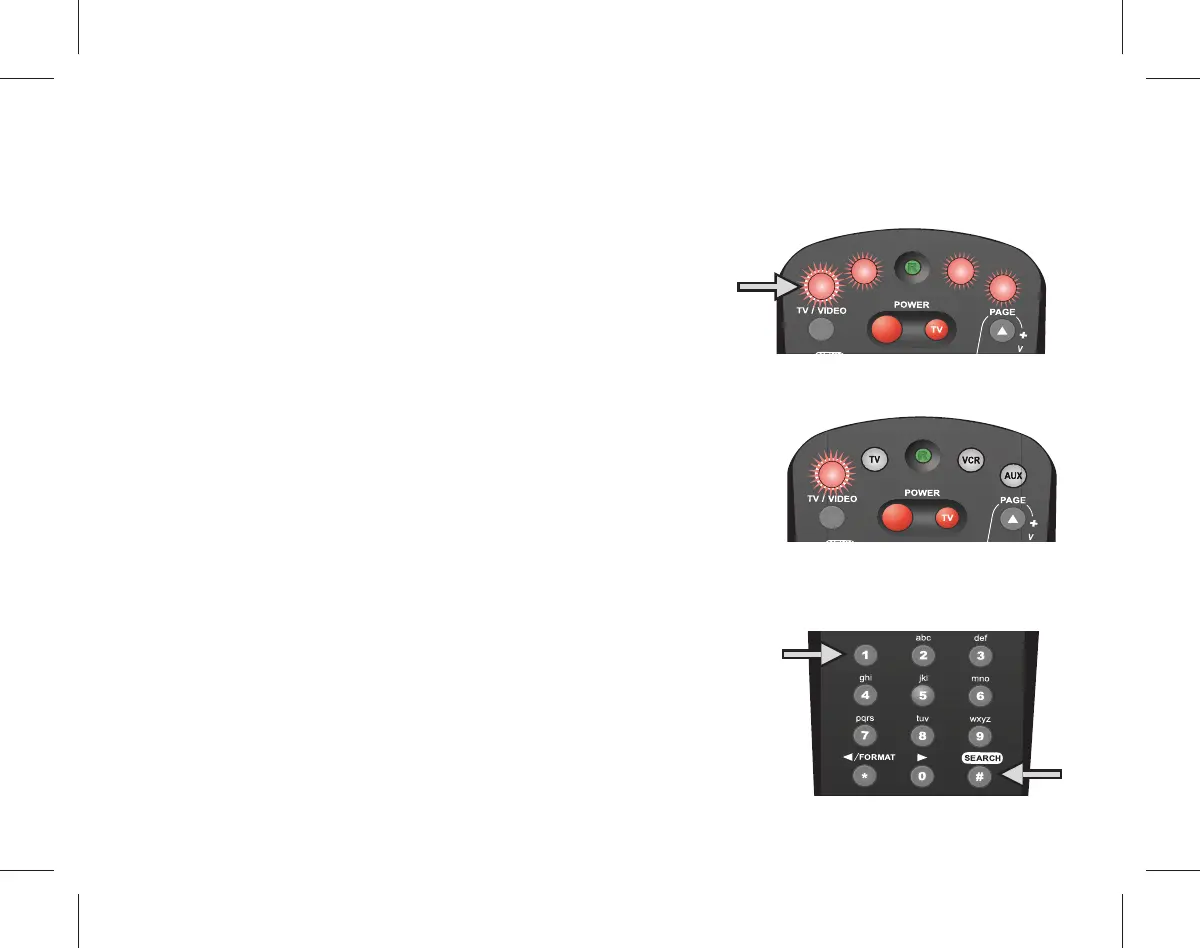
Point the remote control at the receiver.
Press and hold the SAT button until all of
the buttons at the top of the remote
control light up.
b.
While the SAT button light is blinking,
press the number one (1) button.
c.
Press the pound (#) button. The SAT
button will ash three times to signal
the remote control is paired.
SAT
AUX
DVD
TV
SAT
a
c
b



 To Next Page