6.
Activating Your Replacement Receiver
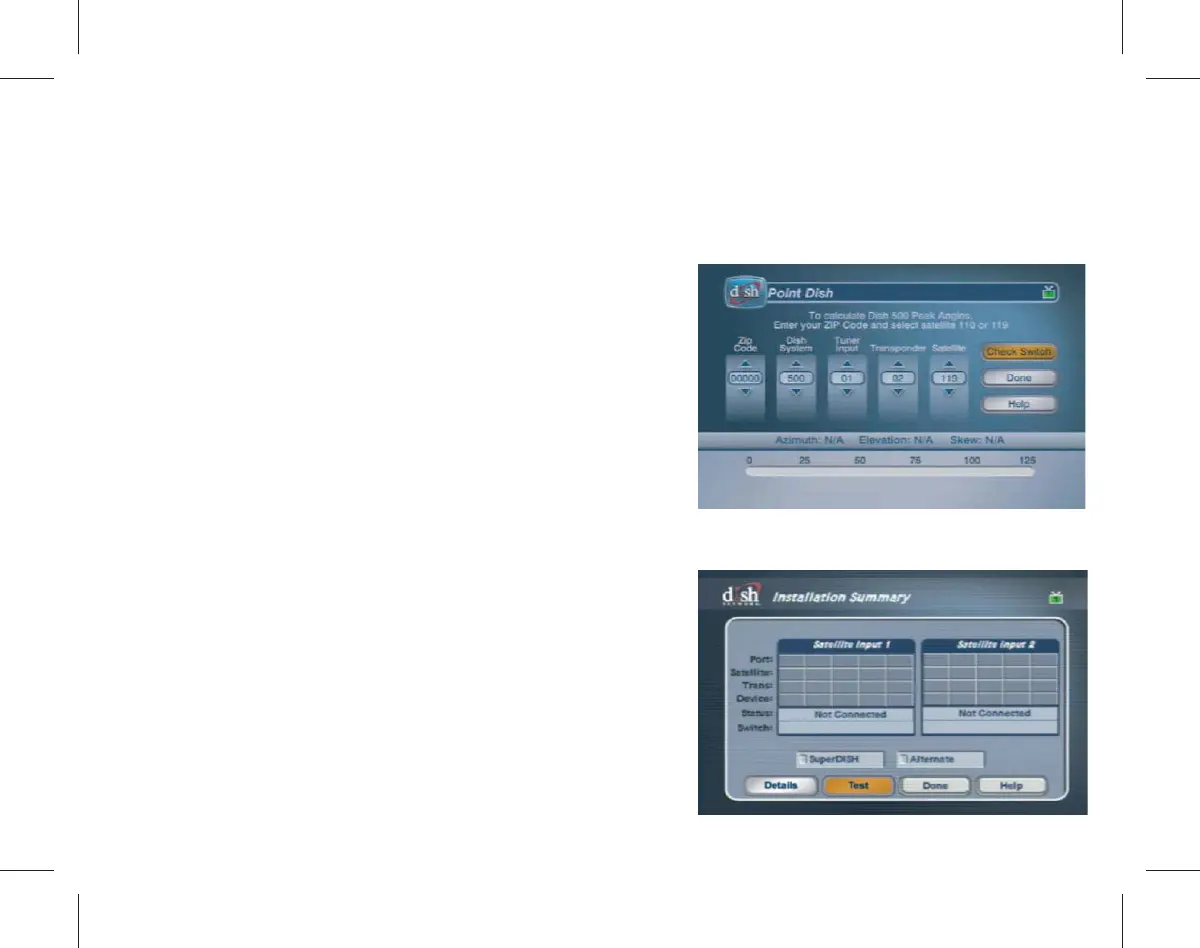
Use your remote control to follow the on-screen instructions.
a.
Using the arrow buttons on your
remote, highlight Check Switch on
the “Point Dish” screen and press
the SELECT button on your remote.
b.
Conrm that your TV is displaying
the “*nstallation Summary” screen.
Using the arrow buttons on your
remote, highlight Test and press the
Select button on your remote to begin
the test. The Attention 058 pop-up
will appear while the test is running.



 To Next Page