86
Using Caller ID
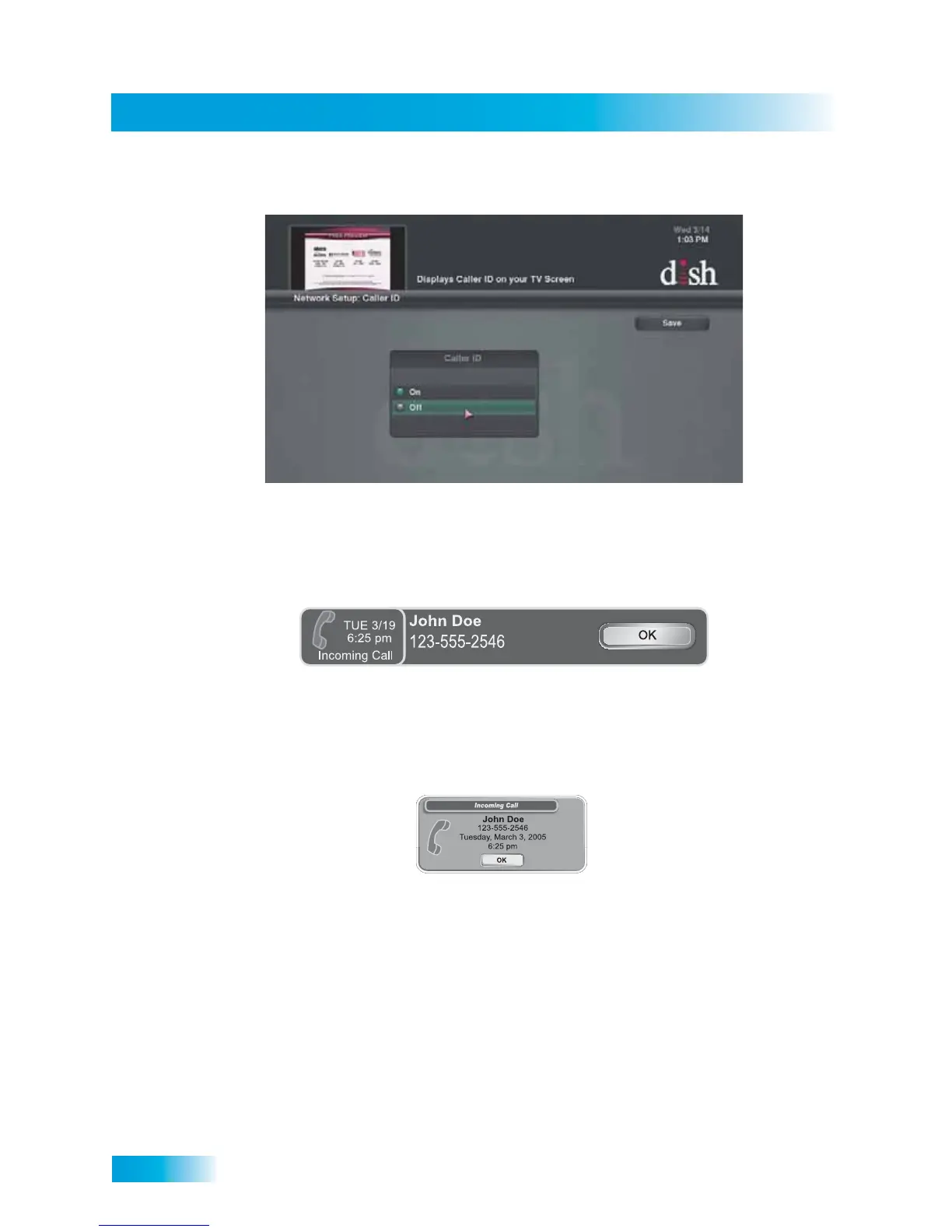
3 Select Enable or Disable for this feature, then select the option to Save..
Caller ID Screens
When you receive a call, you will see a Caller ID pop-up screen.
You can select OK to eliminate the message. If you do nothing, the message will
disappear after about 20 seconds.
If you are using a menu screen when a call comes in, you will see a different Caller ID
pop-up screen. You can select OK to eliminate the message.



 To Next Page