8500 Tracking System Operator’s Manual Controls - 19
8500TK
CMW
Menu
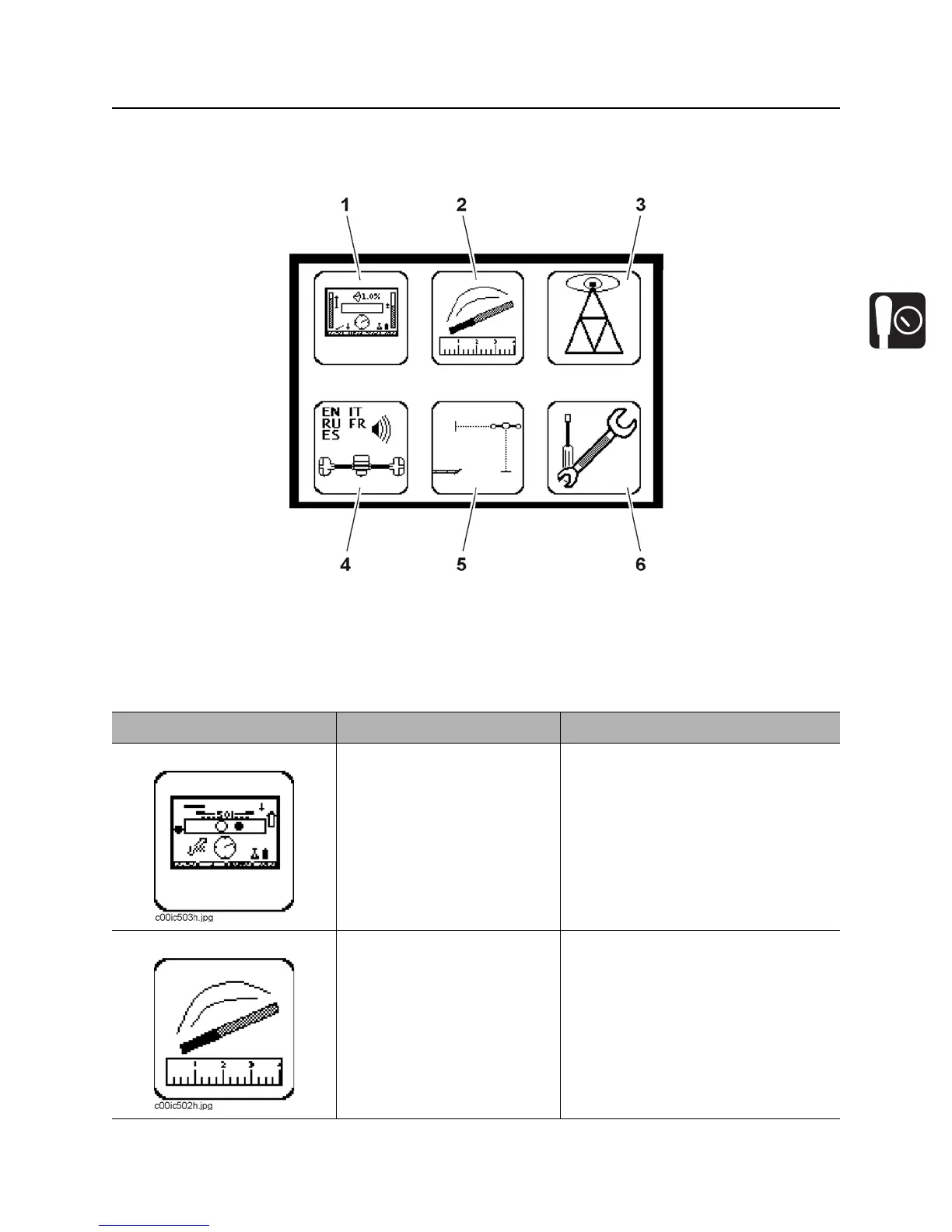
Overview
1. Display settings
2. Beacon settings
3. Radio options
4. System settings
5. Drill-Thru mode
6. Service menu
Item Description Notes
1. Display settings Highlight icon and press
select to enter the “display
settings” menu.
See “Display Settings” on page 21.
2. Beacon settings Highlight icon and press
select to enter the “beacon
settings” menu.
See “Beacon Settings” on page 21.


 To Next Page