Using the NiTek Duo
NiTek Duo Dive Computer User Manual 11
Accessing display modes and screens
There are some display modes that the NiTek Duo enters and/or
exits automatically. For example, by taking the NiTek Duo
underwater, the dive mode automatically turns on. Upon
surfacing, the NiTek Duo automatically enters the time mode.
Accessing other modes or screens requires the use of the NiTek
Duo’s buttons.
Button operation
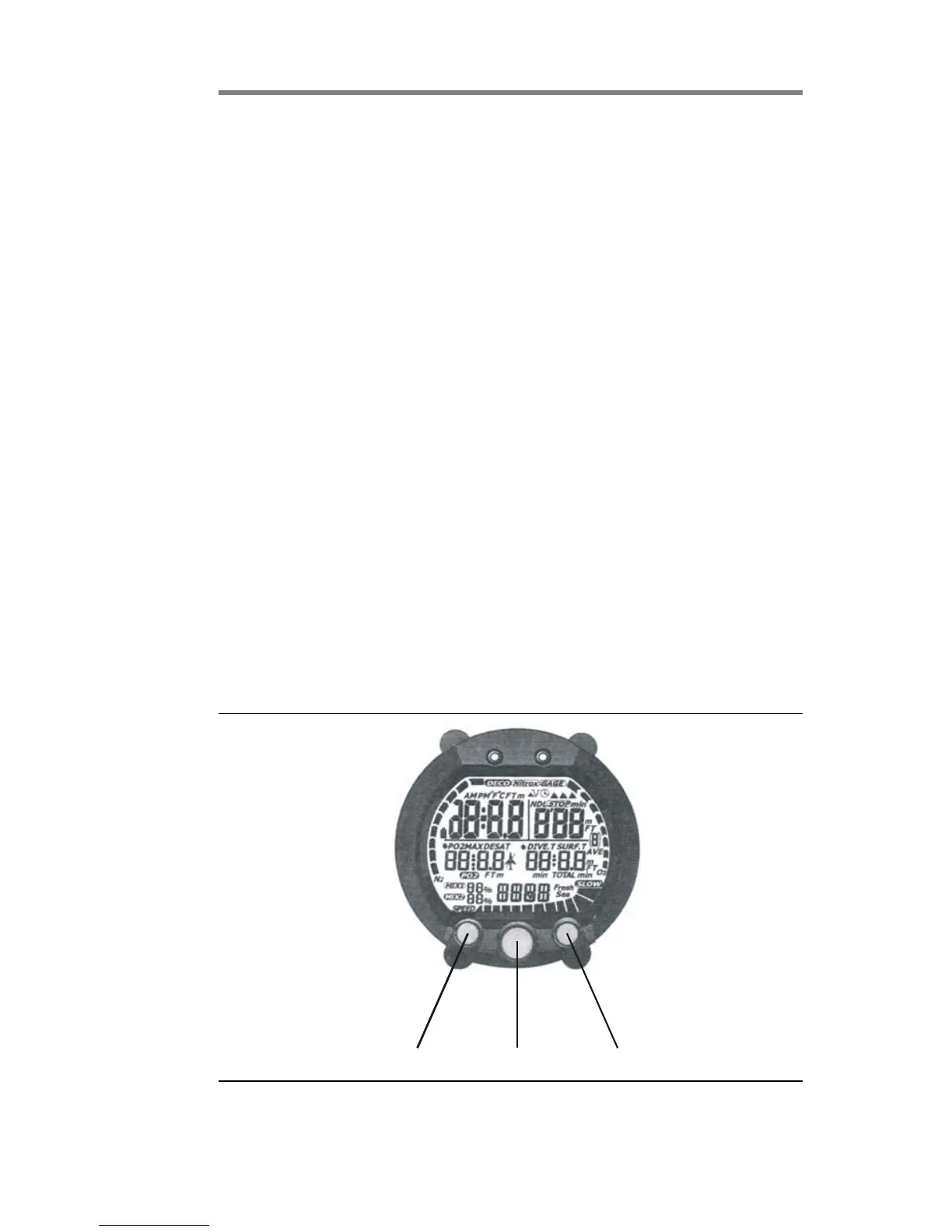
The NiTek Duo has three buttons (select, mode, and set), which
are used to access the different modes and screens. To use the
buttons, simply press the button once or hold the button down
depending on what you are trying to do. The correct procedure to
use is clearly defined in each topic throughout the manual.
• Select button: This button is used to select the option field
that you want to change
• Mode button: This button is used to select and scroll through
the different modes, such as time mode
• Set button: This button is used to set an option’s setting,
such as setting the date
Select SetMode
The front of the NiTek Duo, showing the three buttons that are
used to access and setup the different modes and screens


 To Next Page