Using the NiTek Duo
40 NiTek Duo Dive Computer User Manual
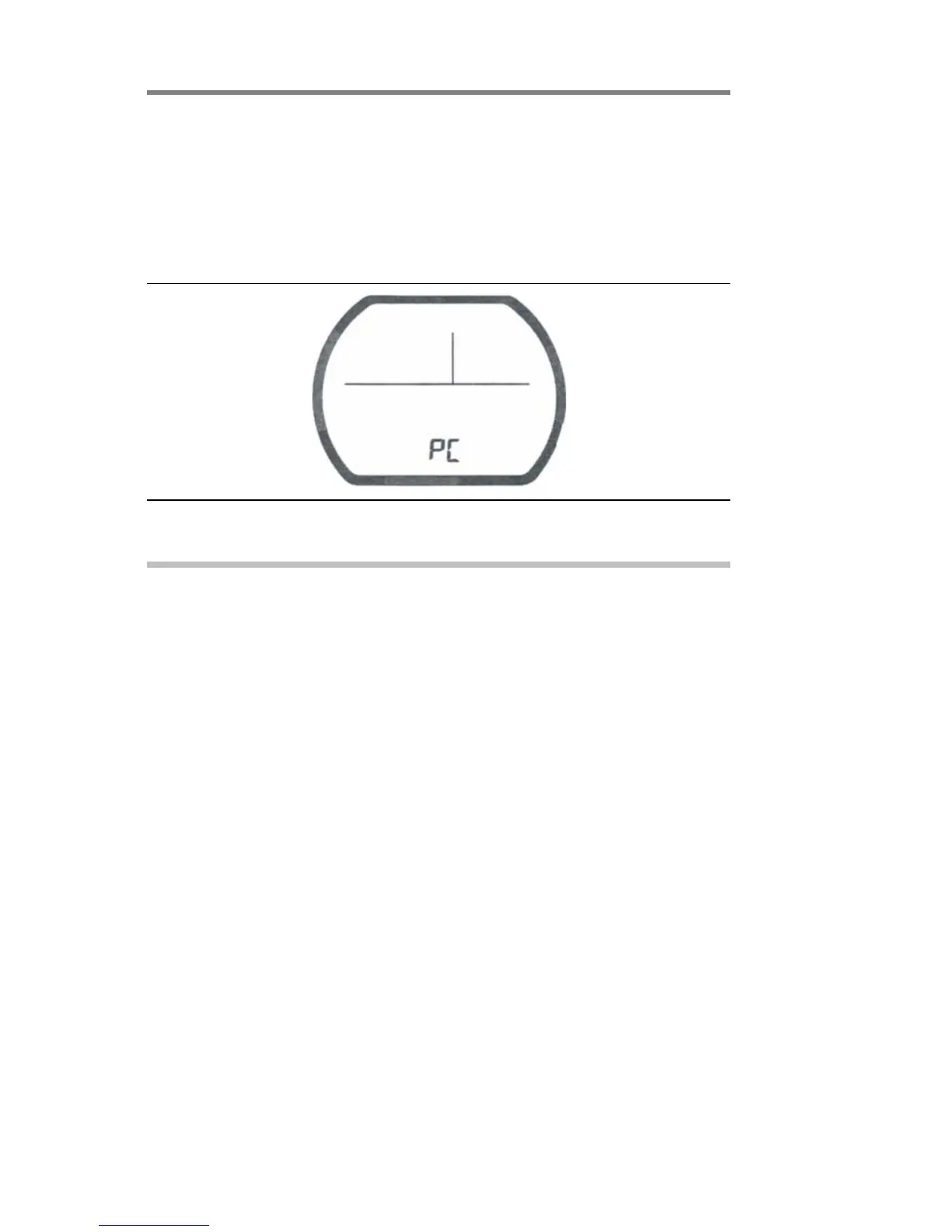
PC transfer mode
You can transfer the stored dive log information to your personal
computer using the optional NiTekLogic software and a USB
interface.
To enter PC transfer mode:
1. Press Mode until “PC” is displayed on the screen.
2. Transfer the dive log data to your PC.
3. To exit PC transfer mode, press and hold Mode for 1 to 2
seconds to return to time mode.


 To Next Page