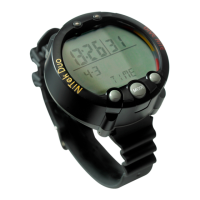
Using the NiTek Duo
NiTek Duo Dive Computer User Manual 25
To enter plan mode:
1. Press Mode until “plan” is displayed on the screen.
2. Press Set to advance the depth or press Select to decrease the
depth.
The no-decompression time limits change automatically
based on the depth.
3. If you want to exit plan mode, press and hold Mode for 1 to
2 seconds to return to time mode.
WARNING: Do not plan dives to depths deeper than those for
which the NiTek Duo is capable of displaying an available no-
decompression limit. Doing so could cause you to exceed the no-
decompression limits or a limiting PO2 of 1.4 atmospheres (1.6
atmospheres for deco). This may increase your risk of
decompression illness or CNS oxygen toxicity and can lead to
serious personal injury or death.


 To Next Page