Using the NiTek Duo
32 NiTek Duo Dive Computer User Manual
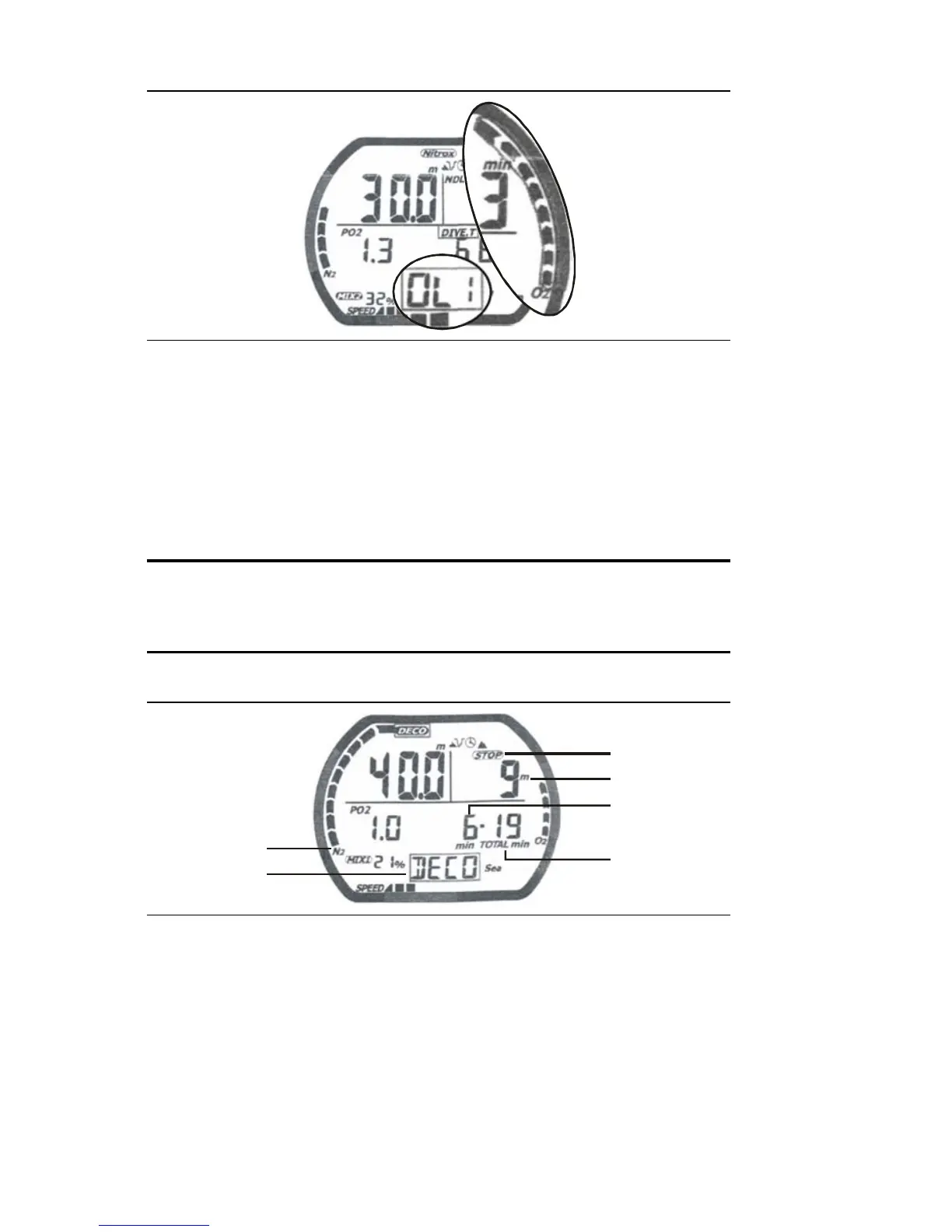
OLI warning with “OLI” displayed and flashing on the screen
Decompression warning
If you exceed the no-decompression limits, the computer enters
decompression mode. An audible alarm sounds for three seconds
indicating that you have decompression stop requirements.
Caution: Decompression diving is considered to substantially
increase your risk of decompression illness more than dives
made within no-decompression limits.
2
5
6
4
3
1
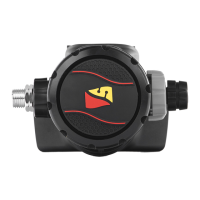
Decompression warning with “deco” displayed on the screen
(1) Stop symbol: The “stop” symbols displays indicating that
you have to stop at the depth displayed.
(2) Required stop depth: This is the required decompression
stop depth.


 To Next Page