Using the NiTek Duo
NiTek Duo Dive Computer User Manual 35
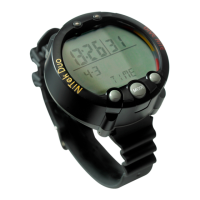
(2) Total dive time: This is the total time for the dive.
(3) Temperature: This is the lowest temperature reached during
the dive.
(4) Max depth: This is the maximum depth reached during the
dive.
To toggle between screens underwater:
1. Press and hold Set.
The back light turns on, and the computer switches to the
secondary screen.
2. Release Set to return to the primary screen.


 To Next Page