DiversiTech International Ltd.
Glaisdale Drive East, NG8 4LY
Nottingham United Kingdom
Email sales@pumph.co.uk
Phone +44(0)115 900 5858
21
FOR FURTHER INSTALLATION ADVICE PLEASE CALL THE TECHNICAL SUPPORT HELPLINE ON 0115 900 5858.
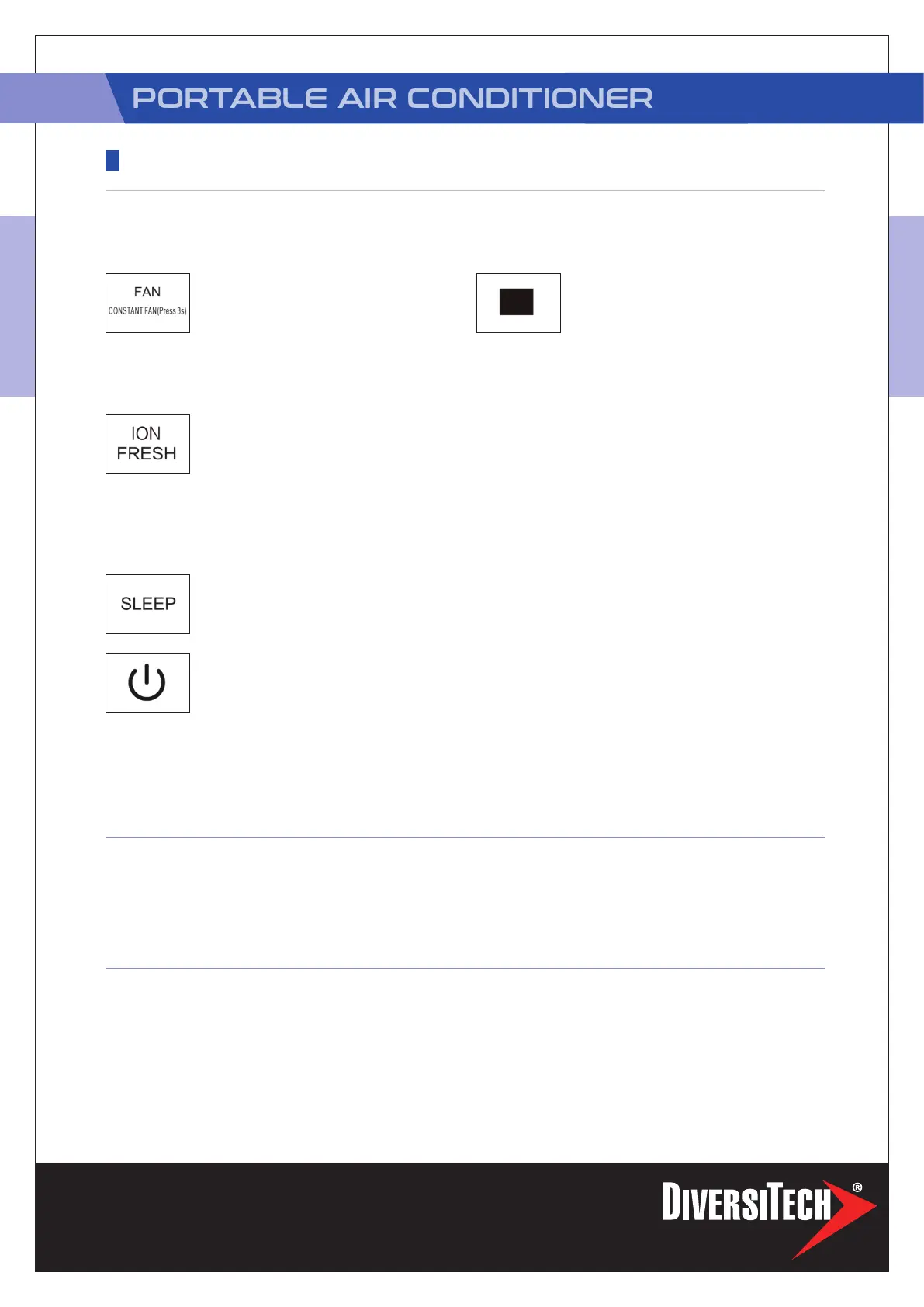
Fan/Constant fan (On some models)
button Control the fan speed. Press to
select the fan speed in four steps-LOW,
MED, HIGH and AUTO. The fan speed
indicator light illuminates under different fan settings.
When select AUTO fan speed, all the fan indicator lights
turn dark. On some models, when select AUTO fan speed,
all the fan indicator lights illumiante.
ION/Fresh feature (on some models)
Press FAN button for 3 seconds to initiate
ION/FRESH feature and the ION/FRESH
light illumiantes(if applicable), the LED
DISPLAY shows ‘On’ for 3 seconds for some units. The ion
generatoris energized and will help to purify the air inside.
Press it for 3 seconds again to stop the ION/FRESH feature
and the ION/FRESH light turn dark(if applicable), the LED
DISPLAY shows ‘OF’ for 3 seconds for some units.
Sleep(Eco) button
Used to initiate the SLEEP/ECO
operation.
Power button
Power switch on/off.
LED display
Shows the set temperature in °C or
°F(“°F” no display for some models) and
the Auto-timer settings. While on DRY
and FAN modes, it shows the room temperature.
Shows Error codes and protection code:
E1-Room temperature sensor error.
E2-Evaporator temperature sensor error.
E3-Condenser temperature sensor error
(On some models).
E4-Display panel communication error.
EC-Refrigerant leakage detection malfunction
(On some models).
P1-Bottom tray is full--Connect the drain hose and drain
the collected water away.If protection repeats,call for
service.
Note: When one of the above malfunctions occurs, turn
off the unit, and check for any obstructions. Restart the
unit, if the malfunction is still present, turn off the unit and
unplug the power cord. Contact the manufacturer or its
service agents or a similar qualied person for service.
NOTE: The following control panels are for explanation purpose only. The control panel of
the unit you purchased may be slightly different according to the models. Your machine may
not contain some indicators or buttons. The actual shape shall prevail.
• Press the “MODE” button until the
“COOL” indicator light comes on.
• Press the ADJUST buttons “+” or “-” to
select your desired room temperature.
The temperature can be set within a
range of 17°C~30°C/62°F~86°F(or 88°F).
• Press the “FAN SPEED” button to choose
the fan speed.
• Press the “MODE” button until the
“HEAT” indicator light comes on.
• Press the ADJUST buttons “+” or “ - “
to select your desired room temperature.
The temperature can be set within a range
of 17°C~30°C/62°F~86°F(or 88°F).
• Press the “FAN SPEED” button to choose
the fan speed.
Note: For some models, the fan speed can
not be adjusted under HEAT mode.
• Press the “MODE” button until the
“DRY” indicator light comes on.
• Under this mode, you cannot select a fan
speed or adjust the temperature. The fan
motor operates at LOW speed.
• Keep windows and doors closed for the
best dehumidifying effect.
• Do not put the duct to window.
OPERATING INSTRUCTIONS
CONTROL PANEL FEATURES
COOL OPERATION
HEAT OPERATION
(COOLING ONLY
MODELS WITHOUT)
DRY OPERATION
PAC-H-12


 To Next Page
 Loading...