1592010870 XWEB3000-5000 EVO STP GB r1.6 12.10.2018.doc XWEB3000/5000 EVO 13/22
6. REMOTE CONNECTIVITY
6.1 GENERAL RULES, AND MINIMUM REQUIREMENTS
The XWEB-EVO user or installer can access his/her user interface either locally from the
screen, keyboard or mouse, or from a PC which must be connected and configured to
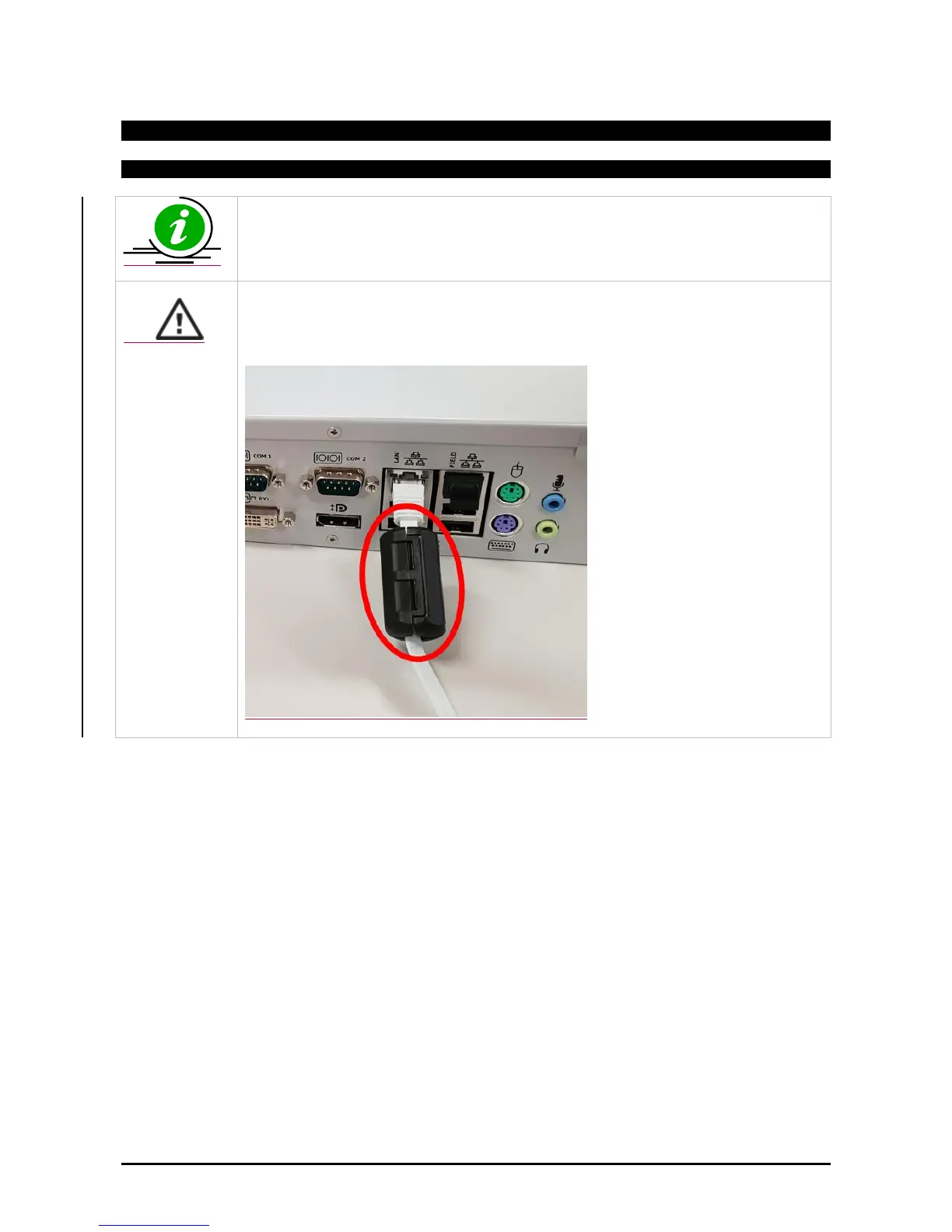
communicate with the XWEB-EVO network. The XWEB-EVO Ethernet port that needs to
be used for remote connectivity must be the LAN port, shown below
Attention: For the technical characteristics and maintenance of the quality of the
electrical signal, it is recommended to use shielded cables also on the connection cables
to the data network and in case they are not available, please apply the supplied ferrites
as in figure below
Performances in the use of a PC as a user interface terminal is greater than the use of local connectivity,
therefore its use is recommended above all during the initial configuration phase. The user interface
available remotely is the same locally available.



 To Next Page