1592010870 XWEB3000-5000 EVO STP GB r1.6 12.10.2018.doc XWEB3000/5000 EVO 9/22
4.1 CONTROLLER INSTALLATION PROCEDURE
XWEB-EVO has two RS485 serial ports that the line for the controller devices need to be connected to. Most
Dixell controller devices are supplied with RS485 serial outputs, to connect the instrument to XWEB-EVO
without requiring an external module or connecting cable. To check whether this feature is provided, read
through the characteristics of the controller in the device manual. Nonetheless, some Dixell devices cannot
be supplied with RS485 serial outputs directly but through small external converters: XJRS485 or XJ485.
With this device it is possible to convert the output - of the controller - from 5-wire "TTL" to 2-wire "485". If
you need to use the TTL/485 converter, be careful to:
• Keep the TTL cable away from any source of electromagnetic disturbance
• Connect each XJ485 module to the instrument by the TTL cable supplied with the module
• Mark the polarity of output 485, which needs to be observed when the instruments are connected to
the network
Below is a list of operational tips to achieve the best result in terms of reliability of the instrument network,
with RS485 serial connection:
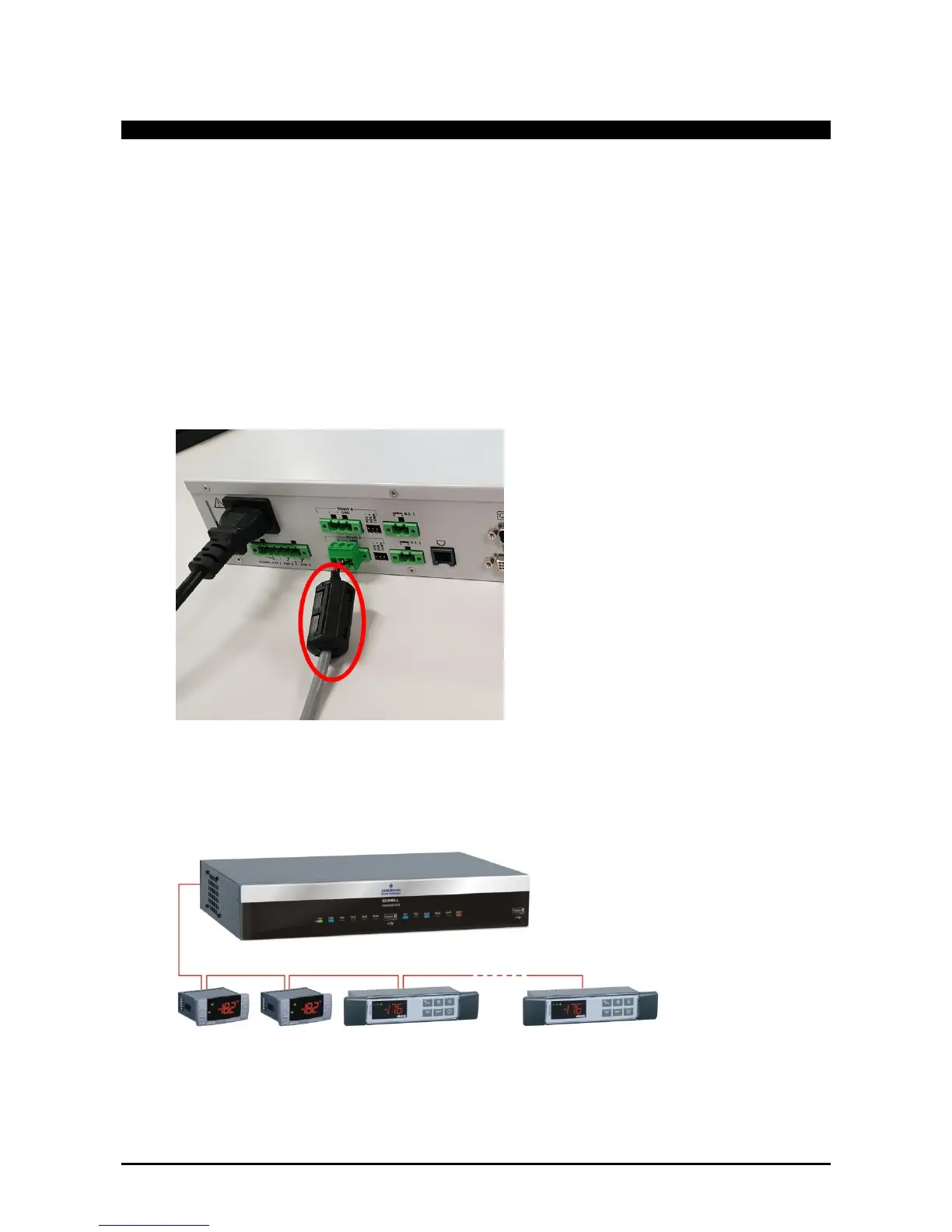
• It is recommended for the serial lines to use the two-wire type cable plus the shielding, with a
minimum cross-section of 0.5mm2 (eg BELDEN 8772). If it is not possible to use it, apply the
supplied ferrites as shown in figure below
• The serial line cable must reach all of the instrument's stations: check the system's floor plan and the
various distances that the cable needs to cover;
• The serial line cable can reach a maximum length of 1 km
• Match the polarity marked on the instrument with the polarity of the cable leading to the serial;
• Do not set up any branches on the line:
Correct connection



 To Next Page