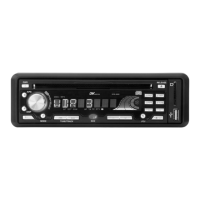
Before you disconnect the memory card from the car radio stop the card playback. To do so
please press the MODE button to switch to another operating mode. To withdraw the card
gently press the edge of the card standing out from the casing so as to unlock it. Now you
can withdraw the card.
How to use Bluetooth
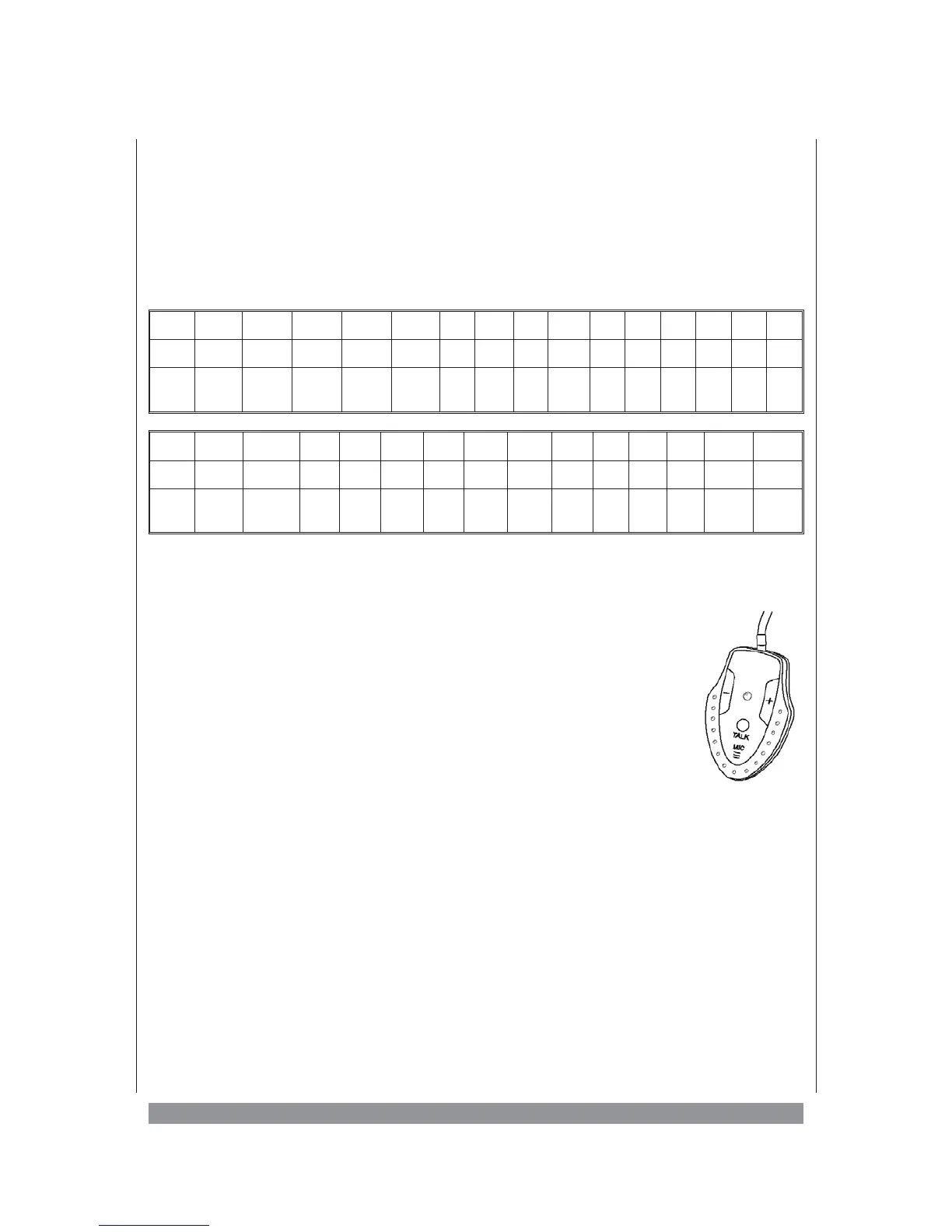
Below you see a list of all currently supported Bluetooth mobile phones:
Brand Ericsson Ericsson Motorola Motorola Motorola Nokia Nokia Nokia Nokia Nokia Nokia Nokia Nokia Nokia Nokia
Model R520m T39 E398 V3 E680i 8910 6310i 6600 N-gage 6260 6230 6680 3230 6280 N70
BHF111
checked
O
1
O
1
O O O O OO O OOOOOO
Brand Samsung BlackBerry SE SE SE SE SE SE SE SE SE SE Siemens Siemens
Model D608 8600G T68i T610 T630 P800 P900 P910i K700i K750i W800i W900i S55 S65
BHF111
checked
OOOOOOO
1
OOO
1
O
1
O
1
OO
O
1
= only HSP support
1. You need to connect your mobile phone and car audio by pairing.
Press (+) button in Bluetooth Remote Box longer than 6 seconds. The
LED in Remote Box will blink fast. This mode is Pairing mode stage.
Note: To deactivate Pairing, Press (+) again longer than 3 seconds. LED
will stop blinking.
Turn on the Bluetooth connection of the mobile phone. Perform add
Bluetooth device. The mobile will search for any Bluetooth devices
within the range. Select “NAME_HF” and enter Passkey: “0000” to
connect to the car audio. (Please refer to the instruction manual of your
mobile phone for Bluetooth Pairing. Your mobile phone should have
Bluetooth function otherwise can not do the pairing).
2. After successful pairing, the LED in Bluetooth Remote will blink 1-2 times every 4 sec.
This unit is in active mode waiting for incoming call.
3. You can hear ring tone from the car’s speaker if there’s an incoming call. Press TALK
button once to receive call. Press TALK button longer than 2 seconds will disconnect the
call.
4. You can talk through Bluetooth Remote Mic and listen through car’s speaker and not
through your mobile. When talking, the LED in Bluetooth Remote is always on. You can
adjust speaker’s volume level using VOL +/- button.
5. To hang up, press TALK button once. Unit switch back to active mode again.
6. In active mode, press TALK button twice will redial last outgoing called number.
19


 To Next Page