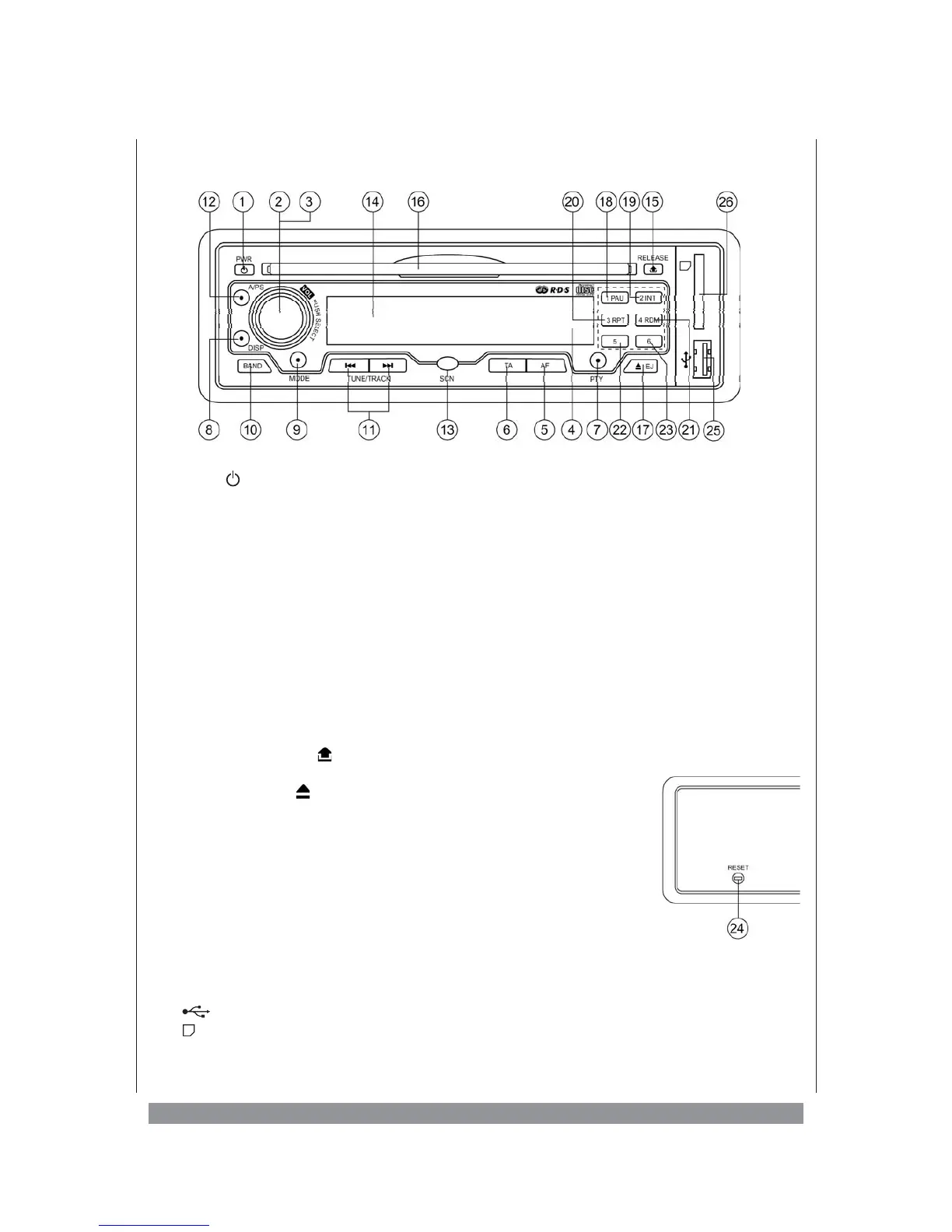
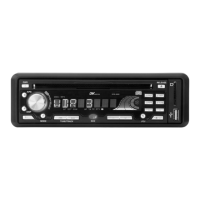
The control elements
1. PWR - Switch on / off
2. VOL PUSH SELECT - Turning knob to control volume
3. VOL PUSH SELECT - Push button to call up more parameters
4. 1,2,3,4,5,6 - Radio station memory buttons in radio mode
5. AF Button - Activates „Alternative Frequencies” function
6. TA Button - Activates volume for traffic announcements
7. PTY Button - Activates search for programme contents
8. DISP Button - To call up various display readings
9. MODE Button - To switch operating modes
10. BAND Button - To select frequency band
11. 9 : TUNE/TRACK - Tuning radio stations in radio mode
Track selection and search in disc mode
12. A/PS Button - Automatic saving of stations / Calling up the saved stations
13. SCN Button - Scans frequency range
14. LCD Display
15. RELEASE Button - With this button you unlock the detachable panel
16. Disc Slot - Here you insert the disc
17. EJECT Button - To eject disc
18. 1 PAU(SE) Button - Station memory no. 1
Stops playing the disc
19. 2 INT Button - Station memory no. 2
Activates the intro mode
20. 3 RPT Button - Station memory no. 3
Activates the repeat mode
21. 4 RDM Button - Station memory no. 4
Activates shuffle mode
22. - Station memory no. 5, -10 key in CD mode
23. - Station memory no. 6, +10 key in CD mode
24. RESET - Restores original settings of the device
25. - USB connection
26. - Slot for MMC
(Multi Media Card) -or
SD
(Secure Digital) - cards
9


 To Next Page