OPC524 man. v.210518 | 13
ENGLISH
ASSEMBLY
REVERSING YOUR BLADES
REVERSING YOUR DK2 POWER OEM BLADES
Your chipper is equipped with dual reversible cutting blades.
1. Unplug the spark plug.
2. Open the large feed chute.
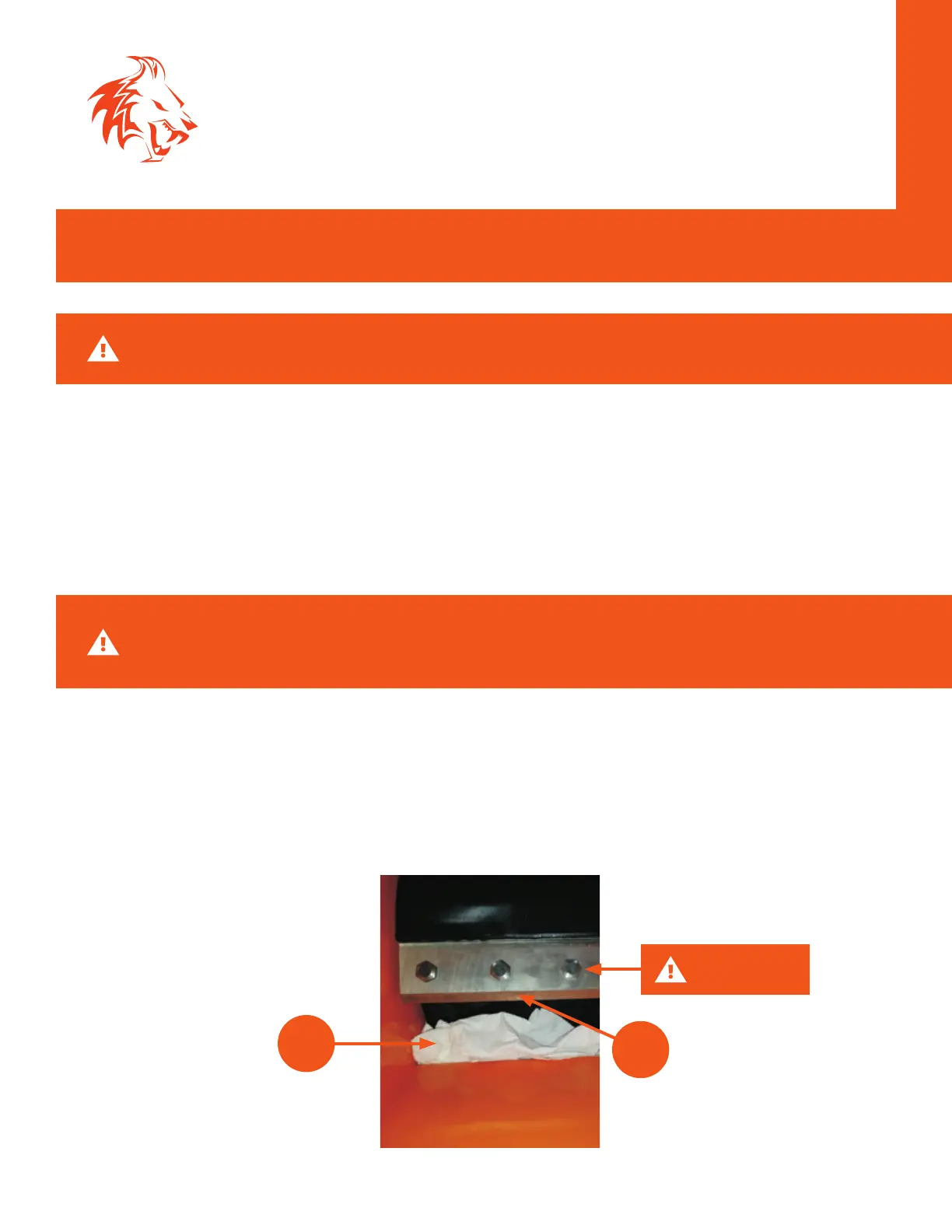
3. Before removing the bolts that mount the blades, place paper towels in the area opening
between the drum and the drum housing. This will prevent bolts from dropping into the drum
housing.
4. Remove the first 3 bolts.
5. Remove the blade, reverse it to the new sharp edge and reinstall it. Use only DK2 POWER OEM
blades.
6. Use Loctite on the bolt threads when replacing bolts.
7. Use the supplied T-Handle tool to remove and replace bolts.
8. Remove the paper towels, any paper left in the chipper will be cut up on the next running
operation.
CAUTION: Before removing the last bolt be sure to support the blade from sliding down
into the drum. A shop towel or more paper towels will suce.
WARNING: Wear protective gloves, the blades are very sharp.
3
5
LAST BOLT


 To Next Page