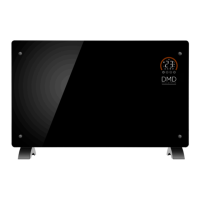
Connecting to WiFi
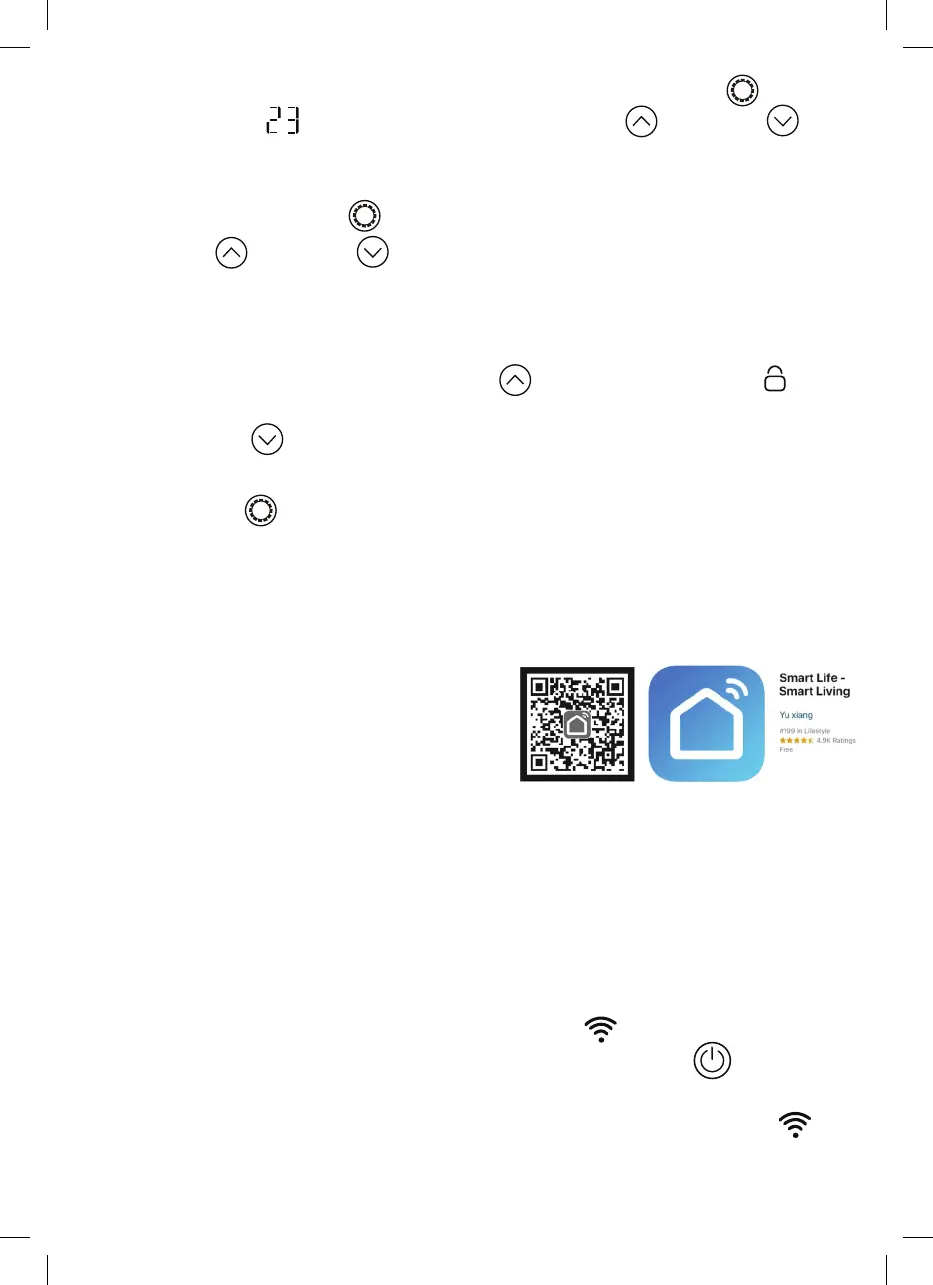
1. To connect your heater to WiFi, the first step
is to download the Smart Life app onto your
smartphone or tablet. You can find the app
by scanning the QR code below or searching
“Smart Life” in the Google Play or Apple app stores.
2. Download and install the app. Unless you already have a Smart Life account, you
will need to create an account by tapping Register. The device will automatically
determine your country, although you can change this if necessary. Enter your phone
number or email address. If you enter a phone number, a verification number will be
sent to your phone: Enter this number to verify, then create a password. If you enter
your email address, you’ll just need to create a password.
3. To add your heater to the app, first put the heater in WiFi connection mode.
The heater is in WiFi connection mode when the WiFi
icon is flashing.
If the WiFi icon is not flashing, go to standby mode and hold down
the
button for three seconds.
4. Once the icon is flashing, go to the app and press Add a Device. Select the
device type (Small Appliances > Heater) and confirm that the indicator is flashing.
You will then be prompted to enter your WiFi password. This allows the app to find
your heater using your WiFi.
4. To adjust the set temperature of any of the modes, You can press the
setting
button, when the
digital light flashes then use the UP
and DOWN
buttons to adjust the temperature. Temperature range is from 5°C to 50°C
Please Note: The temperature cannot be adjusted in anti-frost mode!
5. To set the timer, press the
setting button, when the clock
flashes
then
use the UP
and DOWN
buttons to adjust the time, Timer range is
1 – 24 hours. The digits will flash while setting and then the screen will return
to heating mode. The timer icon
on the screen will show that the timer has
been set. The heater will heat until the time has elapsed.
6. To set the child lock, press and hold the UP
button. The padlock icon
will
appear on the screen and the control panel will be locked out. To release, press and
hold the DOWN
button. The padlock icon will disappear, indicating that all the
buttons can be used again.
7. Hold down the
setting button to turn off all the display lights, and press any key
to light up the display screen of the product. The product will enter low light mode
after you press the stop button for 30 seconds. In the low light mode, the product
will not make any sound, and you can control the product through the APP.


 To Next Page
 Loading...