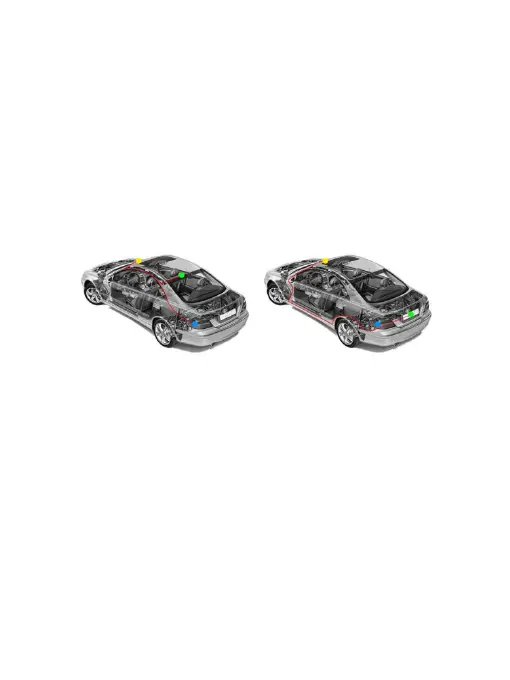
※ Installation Guide
1. Turn off the car engine.
2. Insert the TF card into the recorder card slot.
[Note] Please use high-speed TF card (Class10 or above), the capacity is not less than
8GB, and the TF card supports up to 64GB.
3. Fix the recorder to the original rearview mirror of the car.
4. Insert the car charger into the car cigarette lighter.
5. Connect the recorder's USB port to the car charger with a charging extension cable.
[Note] The wiring cable can be laid along the edge of the car windshield while wiring.
6. Install the rear camera on the rear of the vehicle and pay attention to the direction
while installing. Wiring can be laid along the roof of the vehicle. Connect the rear plug
to the rear camera after the installation.
7. Adjust the lens position to ensure that the lens is level with the ground.
8. Start the engine and check that the dash cam is installed correctly.
[Note] The indicator lights on when the dash cam is installed correctly; the recording
indicator flashes when dash cam enters the recording state. Please check if the picture
on the display is normal. If the display is inverted,please check if the camera install
correctly or contact us in time.
-14-



 To Next Page