EasyManua.ls Logo

DNP CX-D80 - Page 14

DNP CX-D80
124 pages
Print Icon
To Next Page IconTo Next Page
To Previous Page IconTo Previous Page
Loading...
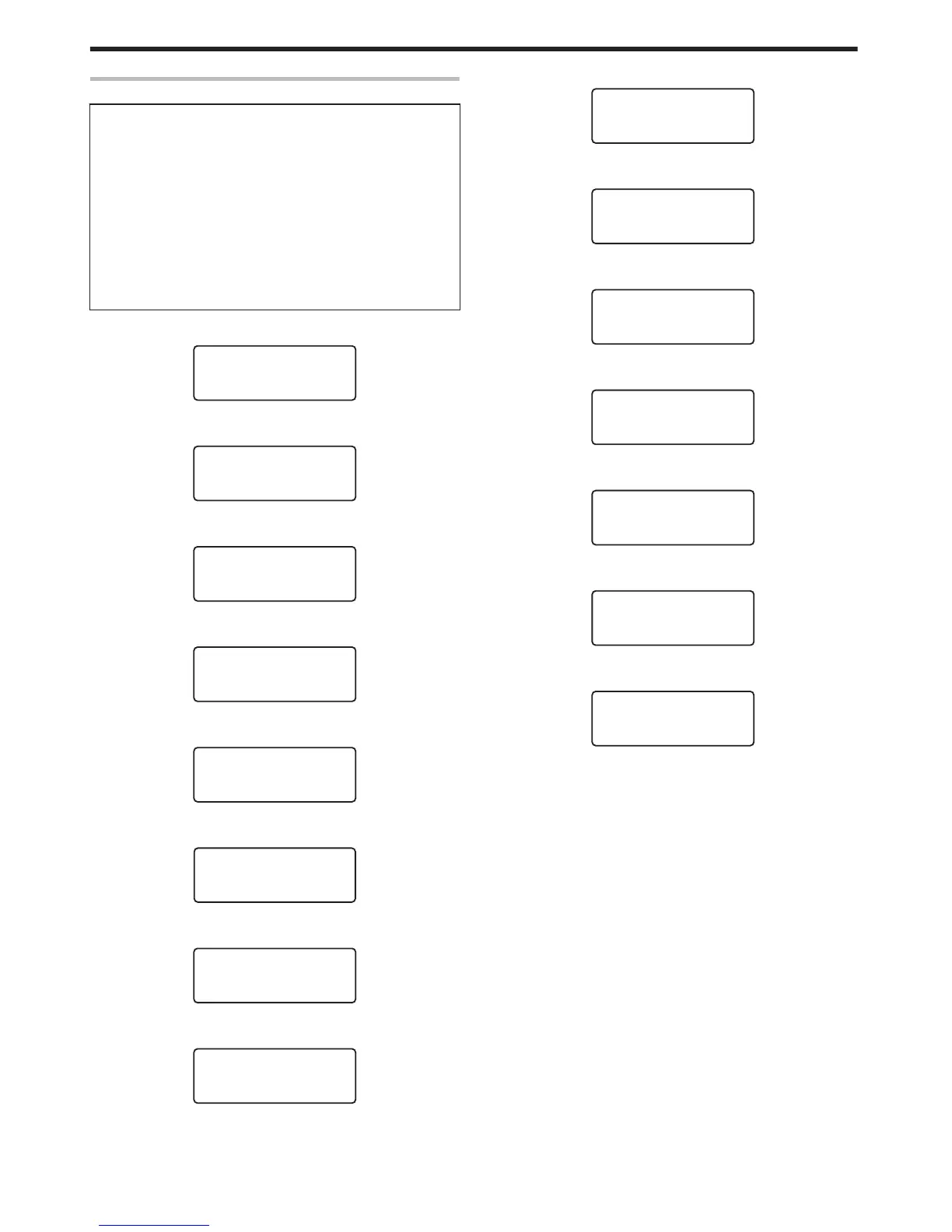
Operation Panel Operation Display
Background color
Changes according to the printer’s operating status.
v
During startup
Bright green
v
Under normal circumstances
Sky blue
v
During initialization using K, during test printing using the
operation panel, cleaning, downloading and during security lock
setting using the operation panel
Light purple
v
During error
Red
m
Starting up
.

m
Initializing
.
m
Preheating
.
m
Ready
.
Ready
m
Feeding card or discharging NG card
.
m
Printing
.
Printing..
m
Test print in progress
.
m
Loading card
.
m
Downloading
.
m
Magnetic encoding in progress
.
MG Encoding..
m
IC encoding
.
m
Adjusting heating roller to the preset temperature
.
m
Retransferring
.
Retransfer..
m
Cleaning
.
Cleaning..
m
Power Saving mode
.
Operating the Printer
14

Related product manuals