WCM2 User Guide Menu Options and Settings
DNP Imagingcomm America Corporation 16
Software Update
Software updates are periodically made available.
If your WCM2 is connected to a local network, either
by Wi-Fi or by Ethernet, a notification will appear in
the main menu indicating an update is available.
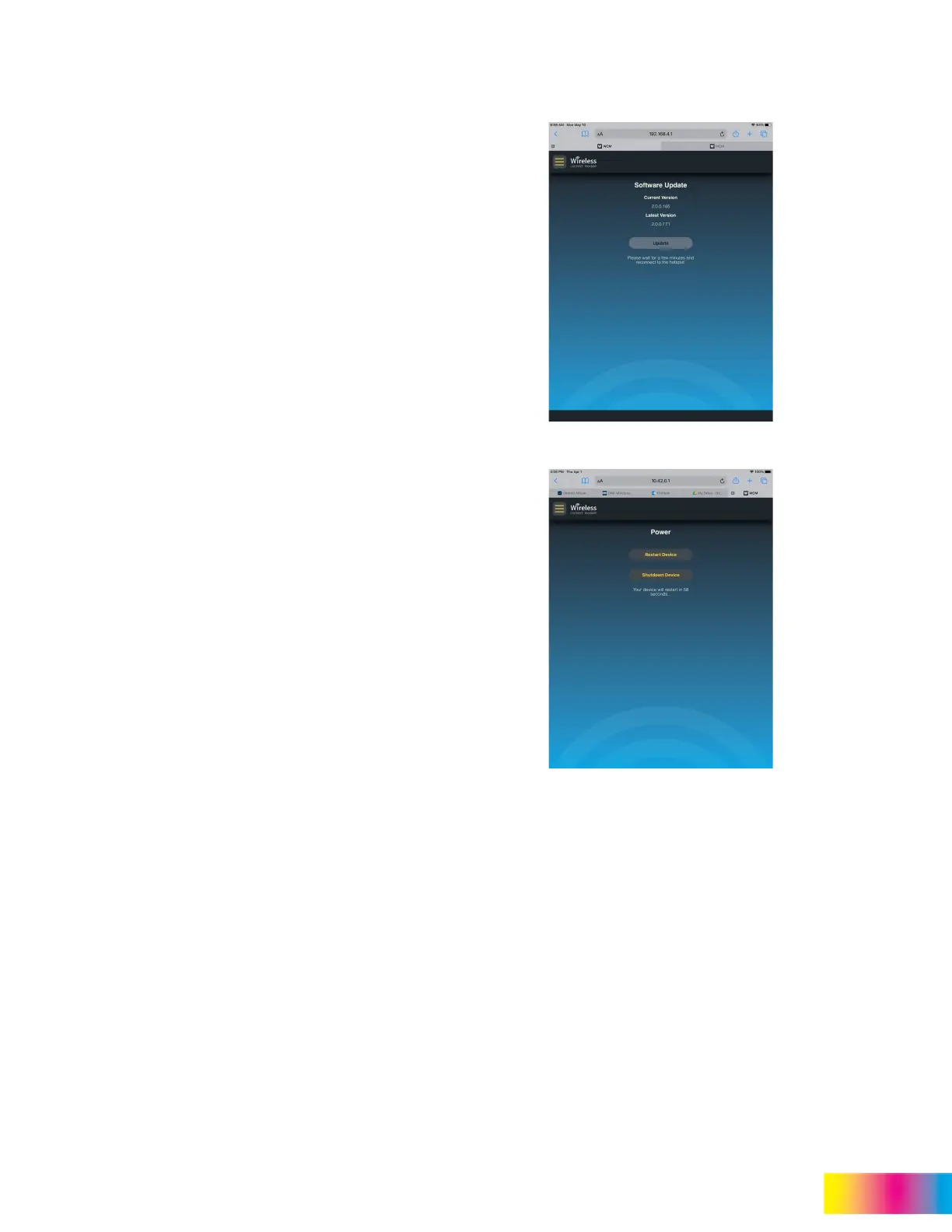
Select Software Update to check the current
version of software and, if an update is available, the
latest version will also be shown.
Tap Update to install the update. You will receive a
notification to refresh the screen after several
minutes when the update is complete.
A welcome page will also print after the update is
complete provided the welcome page has not been
turned off.
Power
The Power menu provides a method to either restart
or shutdown the WCM2.
If the device seems to be stuck or not responding to
input, restarting the device may clear any issues.
Tap Restart Device and allow a few minutes for the
WCM2 to restart and initialize.
Tap Shutdown Device for a controlled method to
turn off the WCM2. The shutdown process will take
approximately 60 seconds.



 To Next Page