WCM2 User Guide Menu Options and Settings
DNP Imagingcomm America Corporation 15
Settings
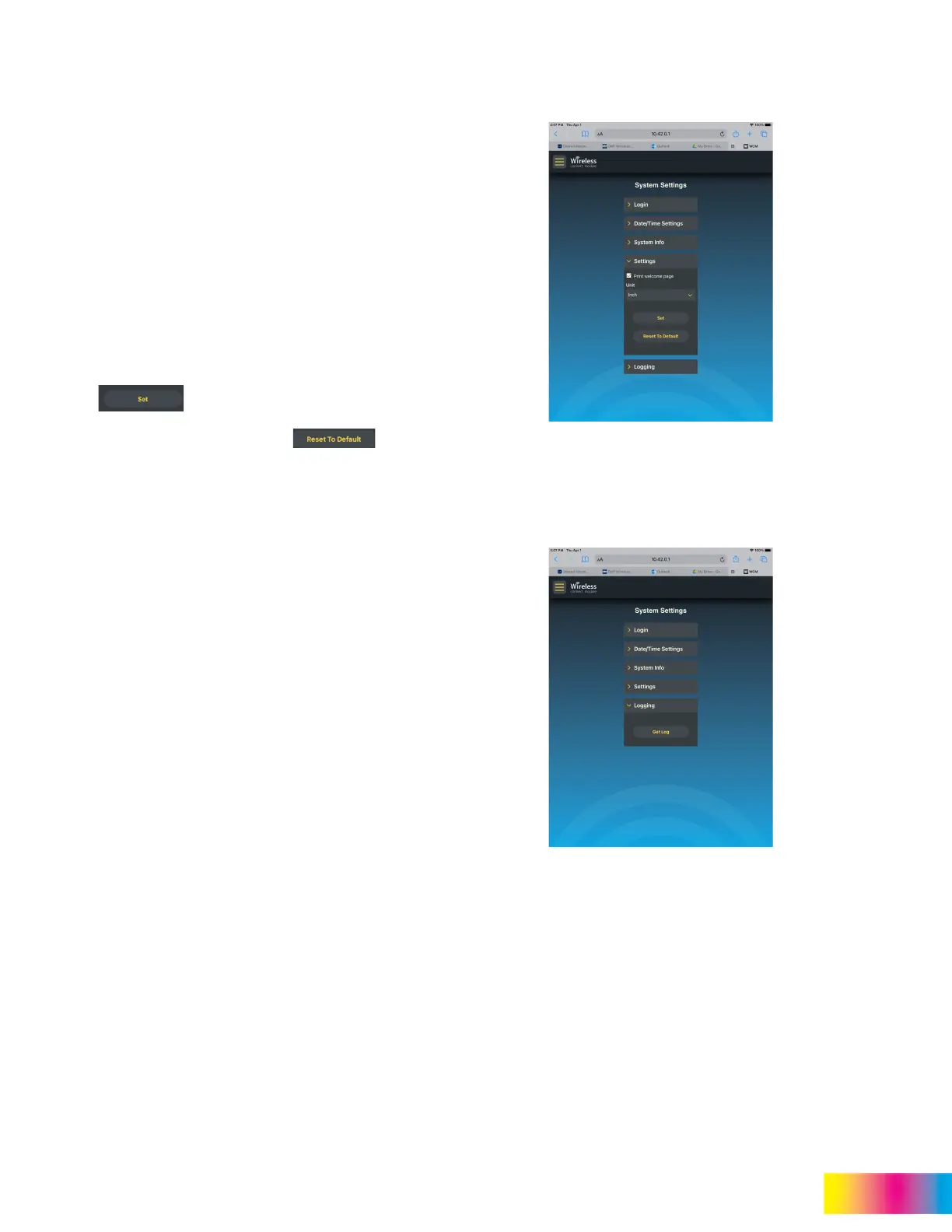
The settings menu controls the welcome page, unit
of measure for print sizes, and a reset option to
restore default settings.
The welcome page is printed when the WCM2 has
completed initialization and is ready to use. Print
Welcome Page is checked by default. This setting
may be turned off by unchecking the box.
Unit allows the displayed print sizes to be shown in
centimeters or inches. Inches are the default setting.
To change the setting, tap the pull-down and select
Centimeters (cm)
Tap to save your changes.
To restore all default settings tap . This
will restore all customizations to the factory default
settings, including hotspot changes, unit of measure
changes, welcome page changes, and others.
Logging
System logs can be accessed by tapping Get Log.
This information can be helpful for troubleshooting
purposes.



 To Next Page