e.g. ‘Music’, ‘Playlists’ etc. Turn the knob to select which category you wish to browse, press SELECT and turn the
knob to highlight a sub category and press SELECT again. For example, you could select ‘Music’ and then ‘Album’.
12. Select the music files that you wish to play.
13. The radio will display ‘[Add to Queue]’, press SELECT and the radio will add the tracks to its queue and begin playing
them automatically.
Step 5- Listening to FM stations
Select FM on the main menu. Press “Select” to confirm and you can listen to your desired FM stations.
1. Push and hold the “Tune/Select” button, it will automatically scan up the FM frequency and play the next one station, it
can scan from 87.5MHz to 108MHz.
Note: You can only scan up 88.8MHz
Æ
89.8MHz.
2. If you want to fine tune the FM frequency, you can press the “Select” once to shift the Volume control function to
Frequency control as below
Then you can turn the knob to adjust the frequency up or down to select the station. If you want to adjust the volume,
press the “Tune/Select” button again to switch from the Frequency mode to Volume control mode.
Note: If you want to scan or auto scan the most clear and more stations, please place your wire antenna
(supplied in the package) in the position as far as it can be extend.
Step 6- How to set the Time/Date
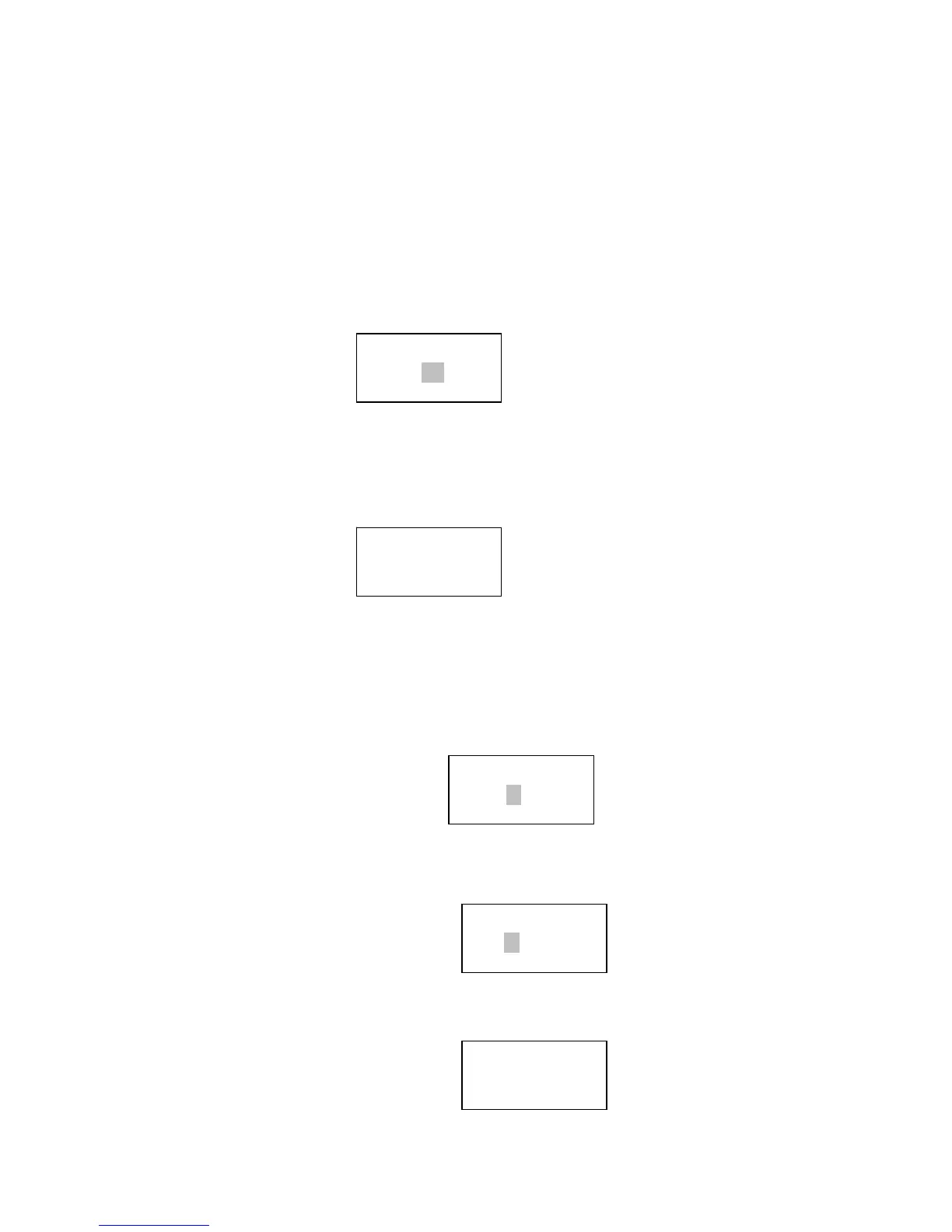
Under <settings> menu, select <Time/Date>, you can then set the time:
Please turn the knob to set the hours, then press the “Select” to confirm then the cursor will jump to minute, so you can
adjust the minute.
Press the “Select” to finish the time setting, it will bring you to set the Date
Turn the knob to set the day, press the “Select” to confirm it then the cursor will jump to month set, and year cursor too,
when you confirm all the sets are OK, press “Select” to complete this Time/Date setting.
The
display
will show
<
Time
Set>
with
the
new
time
for
3
seconds,
and then
returns
to
the
radio
station
display.
Media Player
FM
Frequency:
89.8MHz FM
Set Time
09:06
Set Date
19.May.09
Time and Date
Set


 To Next Page