Replacing the Transformer
4-86 72A-1230 Rev. F
July 22, 2005
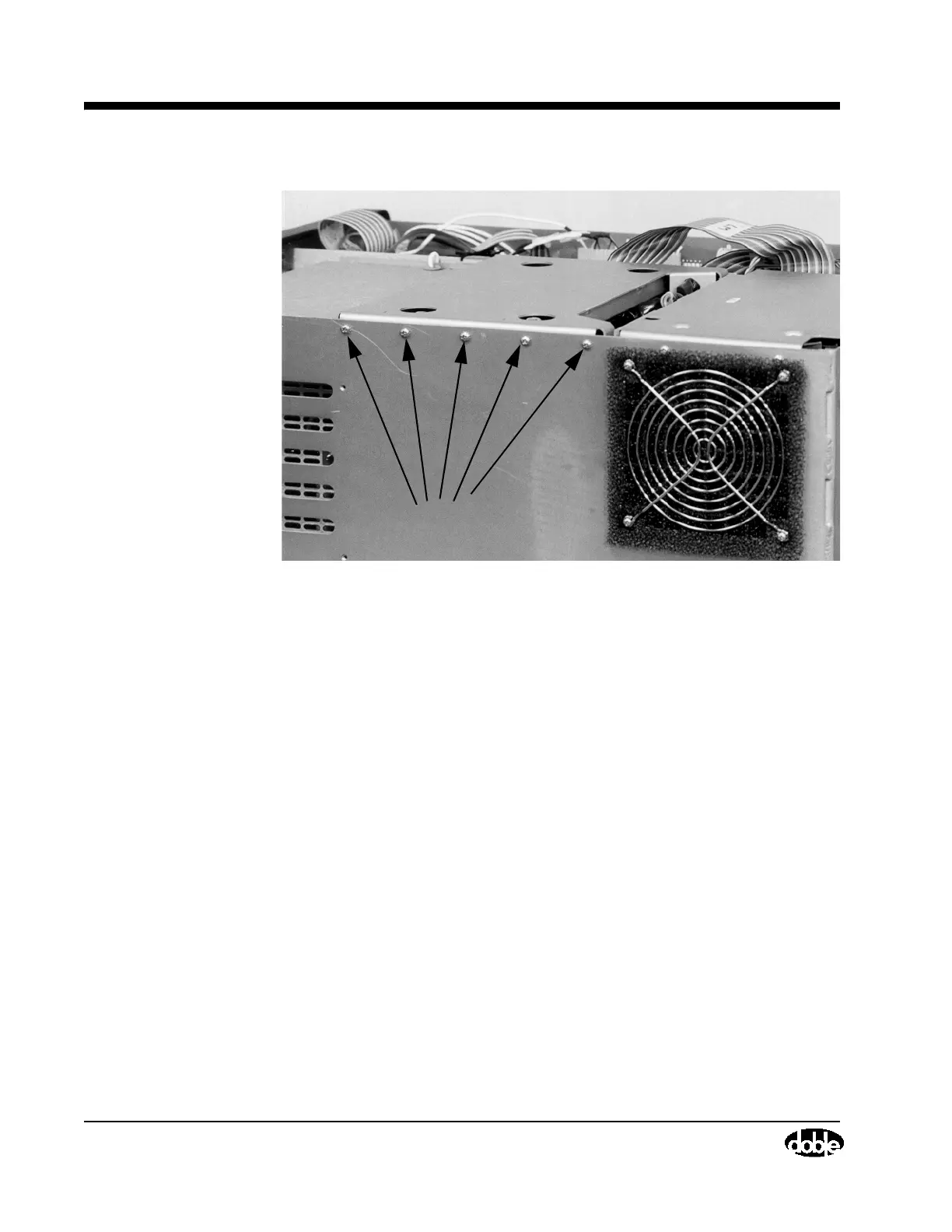
Figure 4.46 Transformer Cover, Screw Locations on Side Panel
• Remove four screws and washers, located on the top of the
Transformer cover, using a flat-blade screwdriver
• Lift the cover off. White grommets will come off with the cover. Keep
all screws, washers, and grommets together in a safe place.
Figure 4.27 on page 4-54 shows the instrument with the Transformer
cover removed.
3. Replace the whiz nuts with elastic stop nuts if necessary. Otherwise,
proceed to Step 4.
• Remove the four whiz nuts located at the corners of the Transformer
where the it attaches to the bottom of the chassis (Figure 4.47). Do this
by inserting a 7/16” socket wrench into each corner of the Transformer
and reaching all the way down to loosen and remove the nuts.
Screws



 To Next Page