M4000 Insulation Analyzer User Guide
72A-1230 Rev. F 4-87
July 22, 2005
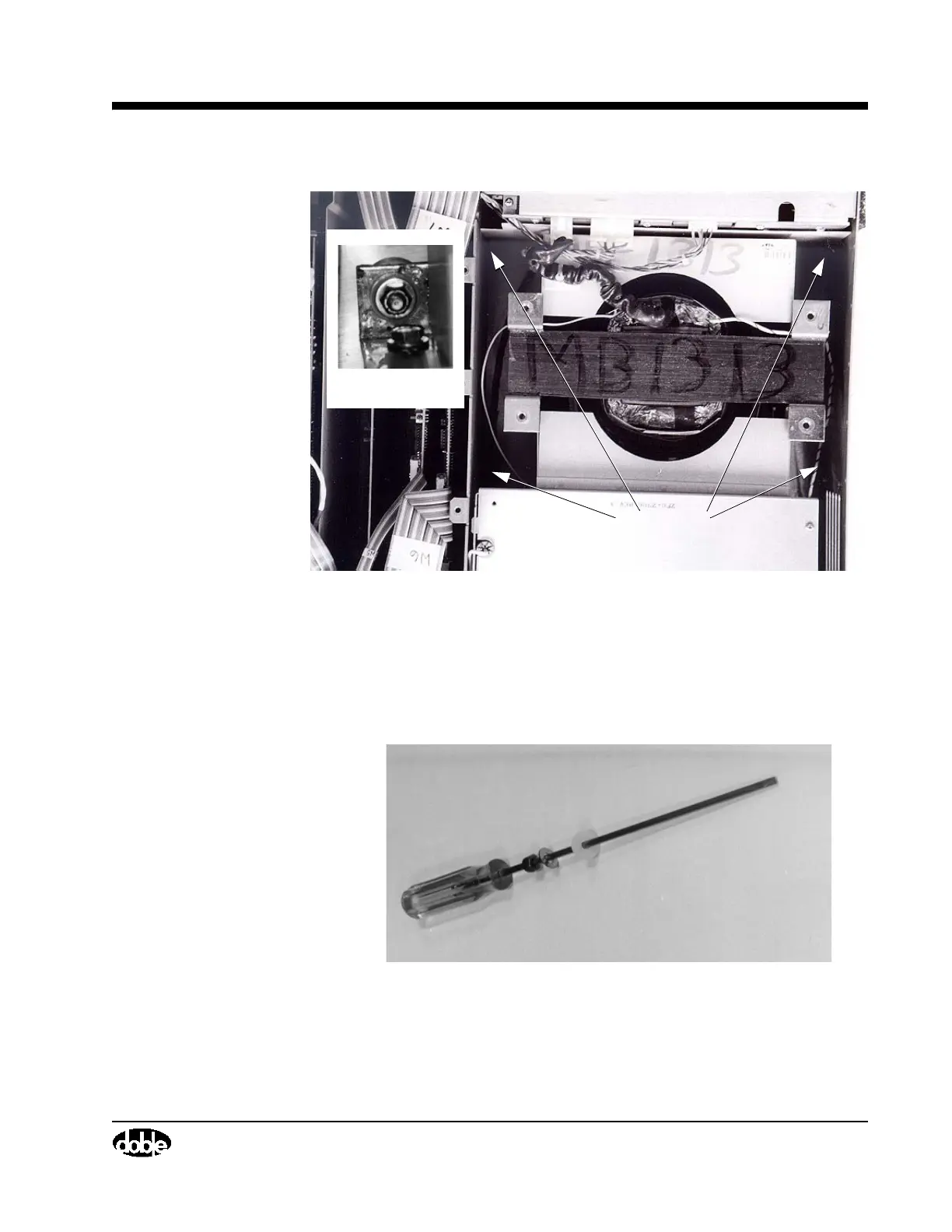
Figure 4.47 Transformer Mounting Nut Locations
• Place the elastic stop nuts into position using a 15” screwdriver as a
guide. Place a nylon washer, a metal washer, and then the elastic stop
nut on the screwdriver (Figure 4.48). Hold these pieces in place while
inserting the screwdriver into each corner of the Transformer
Assembly (Figure 4.49), then release the washers and nuts.
Figure 4.48 Preparing The Screwdriver
Whiz Nut
Whiz Nut



 To Next Page