Replacing the Transformer
4-88 72A-1230 Rev. F
July 22, 2005
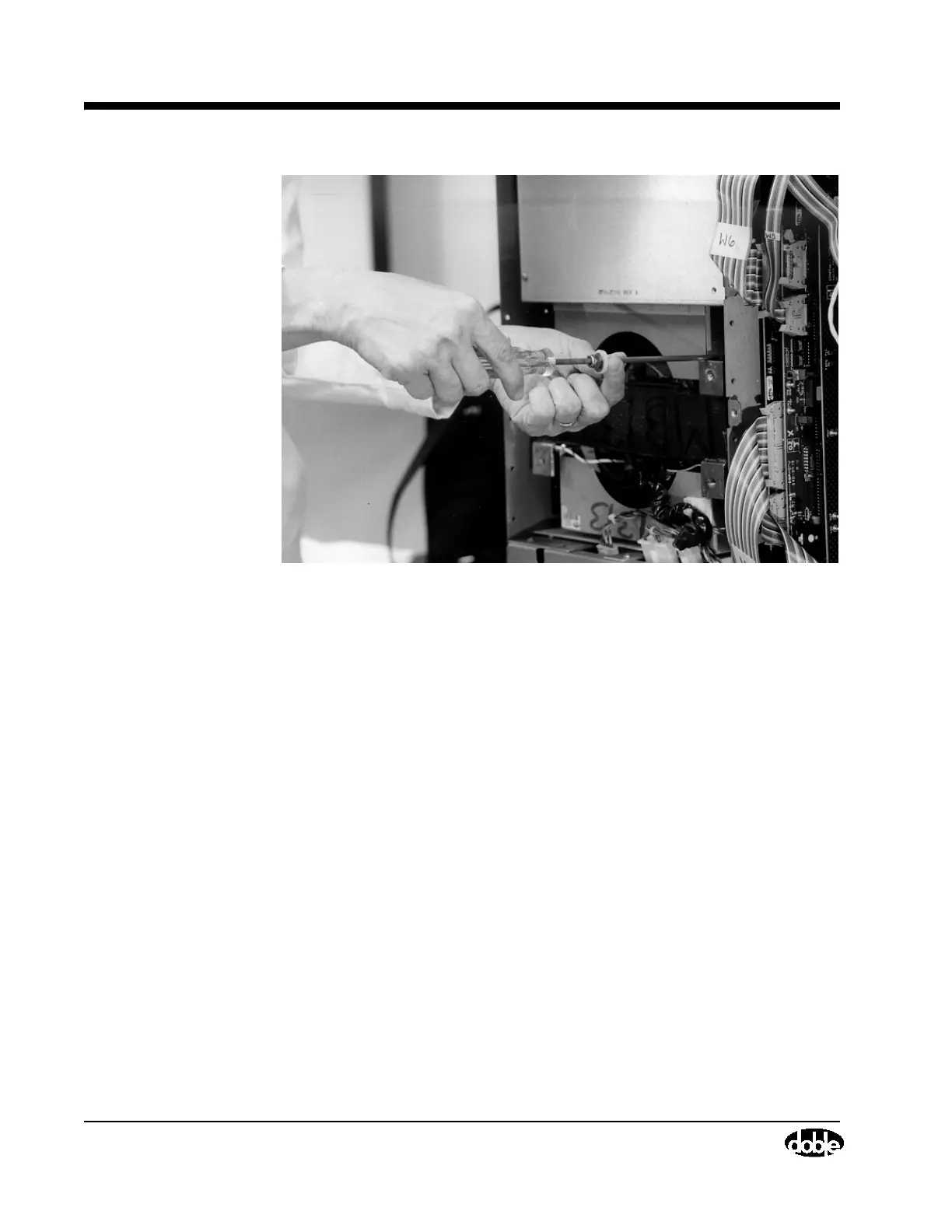
Figure 4.49 Guiding the Transformer Mounting Nuts into Position
• Use the 7/16” socket wrench to tighten the nuts. Do not overtighten
them.
4. Remove the cover of the Main Reference Assembly. Do this by removing
the two screws (Figure 4.50) using a Phillips-head screwdriver.
Figure 4.27 on page 4-54 shows the instrument with the Main Reference
Assembly cover removed.
• Remove the four screws (Figure 4.50), where the Main Reference
Assembly joins the chassis, using a Phillips-head screwdriver.



 To Next Page