8. Troubleshooting
8.1 Self Test Error Code Display
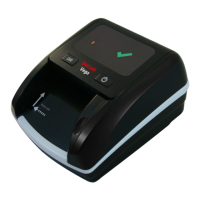
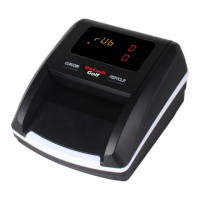
The detector automatically performs a self-test after power on. If one of
the following code is showed on the display window, it is probable that
the sensor is blocked by banknotes or dust. Please use a brush or a piece
of soft cloth to clean the dust on the sensor or remove the banknotes, and
then restart the machine.
14
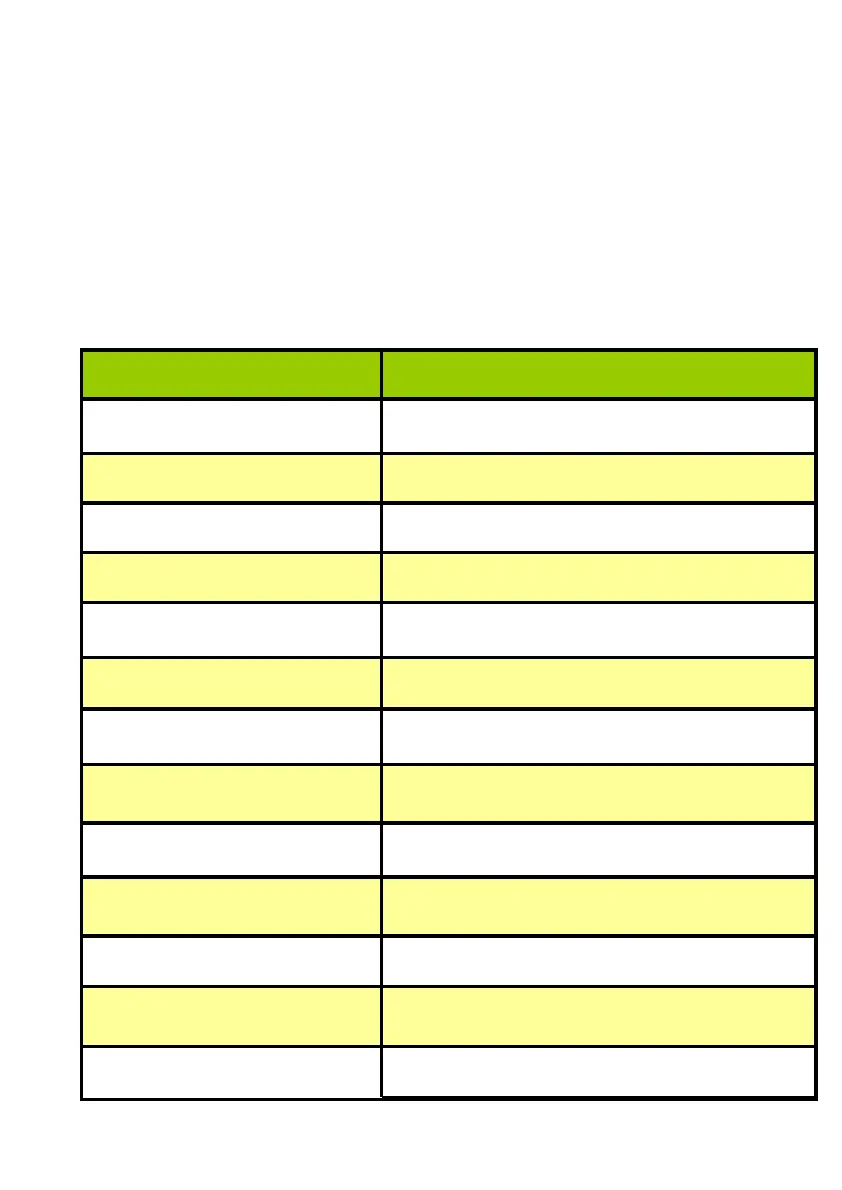
Error code Reason
C1 Motor or code disc abnormal
C2 Left feeding sensor is abnormal
C3 Middle feeding sensor is abnormal
C4 The right IR transmitter sensor is abnormal
C5 The middle IR transmitter sensor is abnormal
C6 The bottom IR reflection is abnormal
C7 The upper IR reflection is abnormal
C8 The upper 850nm IR sensor is abnormal
C9 The bottom 850nm IR sensor is abnormal
C10 The bottom 940nm IR sensor is abnormal
C11 The upper 940nm IR sensor is abnormal
C12 The left MG sensor is abnormal
C13 The middle MG sensor is abnormal


 To Next Page