3. Turn On Your Vehicle.
In most vehicles this will send power to the outlet and automatically turn on your
camera. In some vehicles the power outlet is continously powered even when the
vehicle is off.
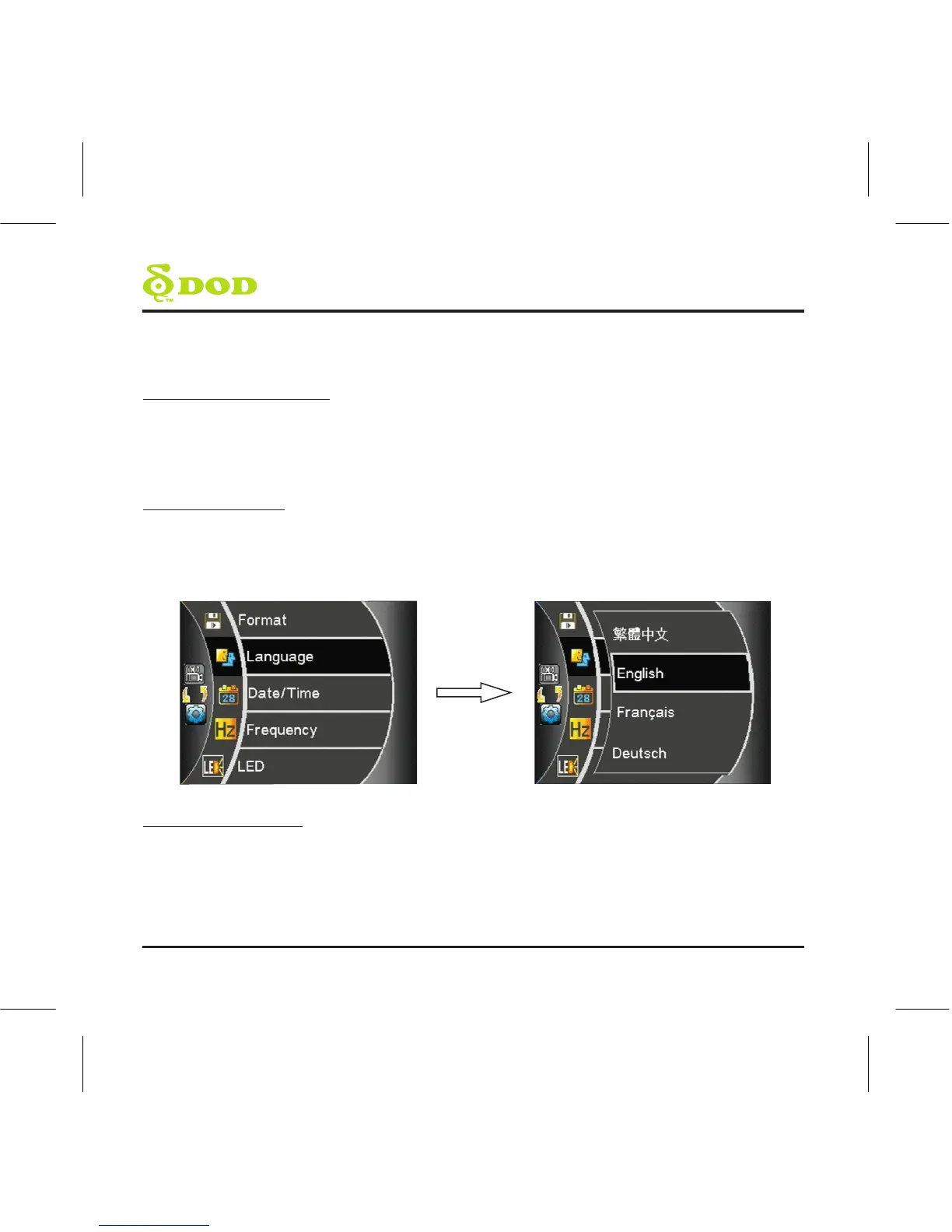
4. Select language
Upon powering up the camera for the first time, use the arrow keys located on the
left side of the LCD Screen and select the language of your choice. Press the
“record/select” button found on top of your unit to confirm your selection.
5. Turn off recording
In order to access the menu to setup the time and date, you will need to turn off the
recording. Press the “record/select” button. You should no longer see a flashing red
dot on the screen.
8
Getting Started



 To Next Page