9
Getting Started
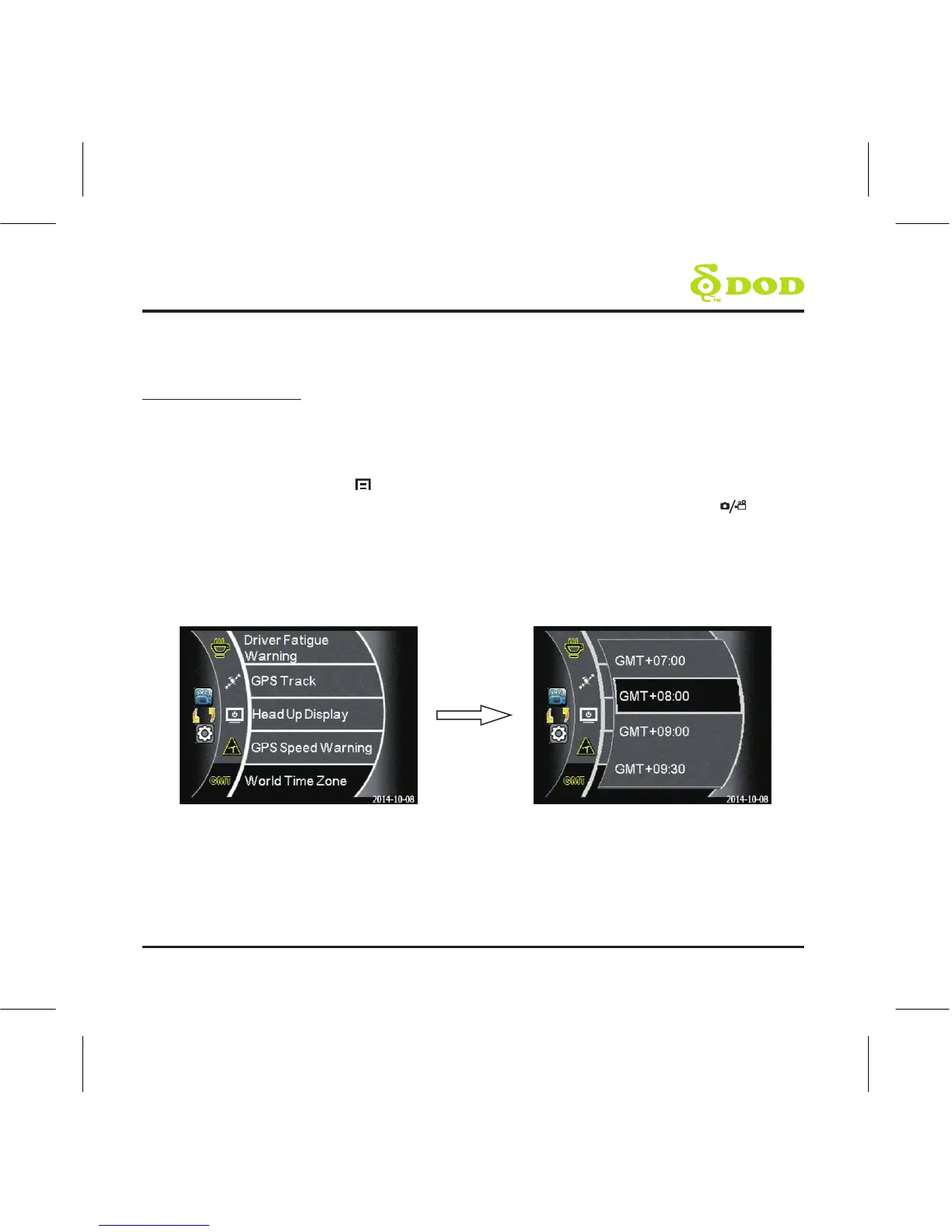
6. Set the Time zone
Your LS460W will automatically sync the time and date to the atomic clock once the
time zone is correctly set.
Press the Menu button [ ]. Inside, scroll down and select “World Time Zone”.
Find and select your respective time zone. Press the “record/select button” [ ].
Note: The timezone must be manually adjusted for daylight savings.



 To Next Page