28
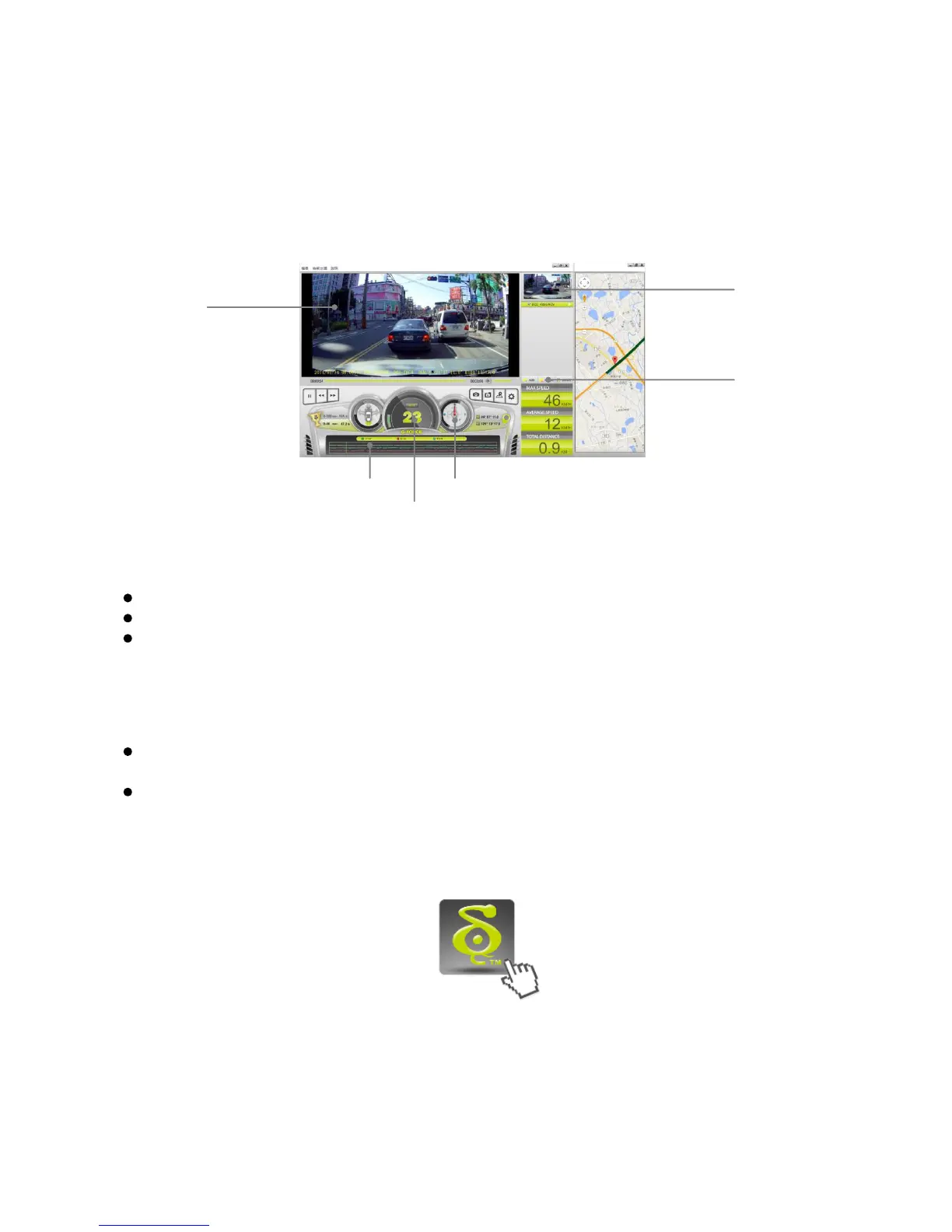
Playback on PC \ DOD Video Player
Launching the DOD Video Player
Once launched, the player will appear on your screen.
To Play a Video
Add your file to the list of videos. To do this, there are two options:
Click “File”, click “Open”, and navigate to the location of your files.
Press the “ADD” button located below the list of videos.
Drag and drop the desired file into the DOD Player window, the video file will automatically
start.
Double click on the video you wish to play. The video will then load into the Player.
Video Player Features
Once the video is playing, your position, speed and G-Force will be displayed at the
bottom of the player window.
Pressing the “Location Map” button will show your position on Google Map.
Click the Player icon below to view instruction video
Learn more about DOD GPS PLAYER V2.0



 To Next Page