29
Transferring Files
Video files can be transferred to your electronic device for viewing and storage.
USB Cable
1. Connect a USB cable from the camera’s USB port to computer.
2. Turn on your camera. A black screen should appear showing “Mass Storage”.
3. Press the【 】button. A blue screen should appear labeled “Mass Storage”.
4. Your computer should now detect a new device. The memory card and videos can be
accessed similar to a USB flash drive.
Card Reader/MicroSD Slot
Use a memory card reader (purchase separately) or a compatible electronic device with a
MicroSD slot (ex: tablet). Follow the manufacturer’s instructions.
Video Output
Choose one of the methods below to install the output connection.
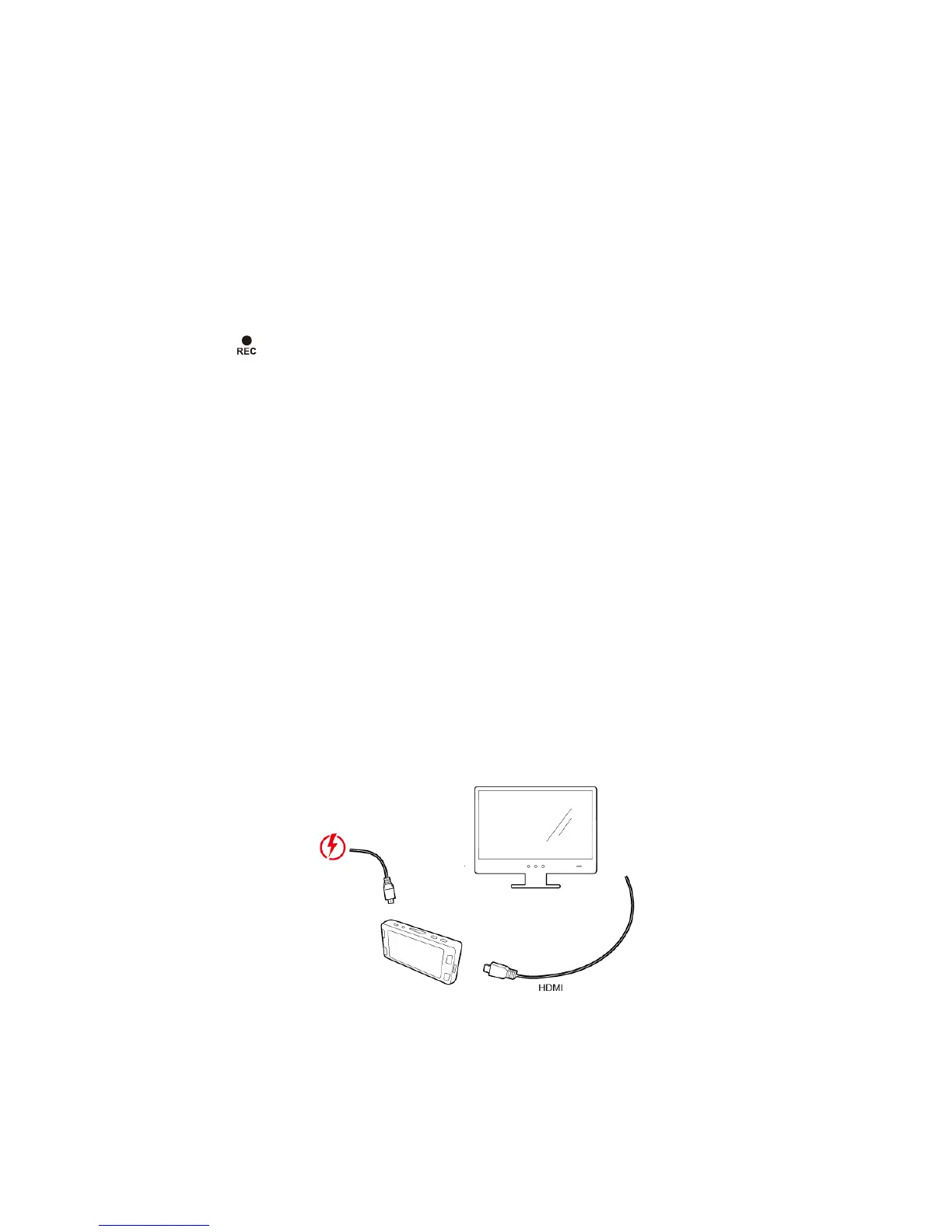
HDMI (TV)
Connecting a mini-HDMI to HDMI from your camera to a compatible television/monitor will
automatically output the camera’s screen. Recording functions are disabled while
streaming video.
Firmware Update
See the support section on DOD Tech’s website for any available firmware updates and
instructions.



 To Next Page