7
Watch the Video
Before you start, watch our installation video at http://dod-tech.ca/GetStarted
Setting Up Your Camera
Set up your camera inside your vehicle to ensure easy access to power.
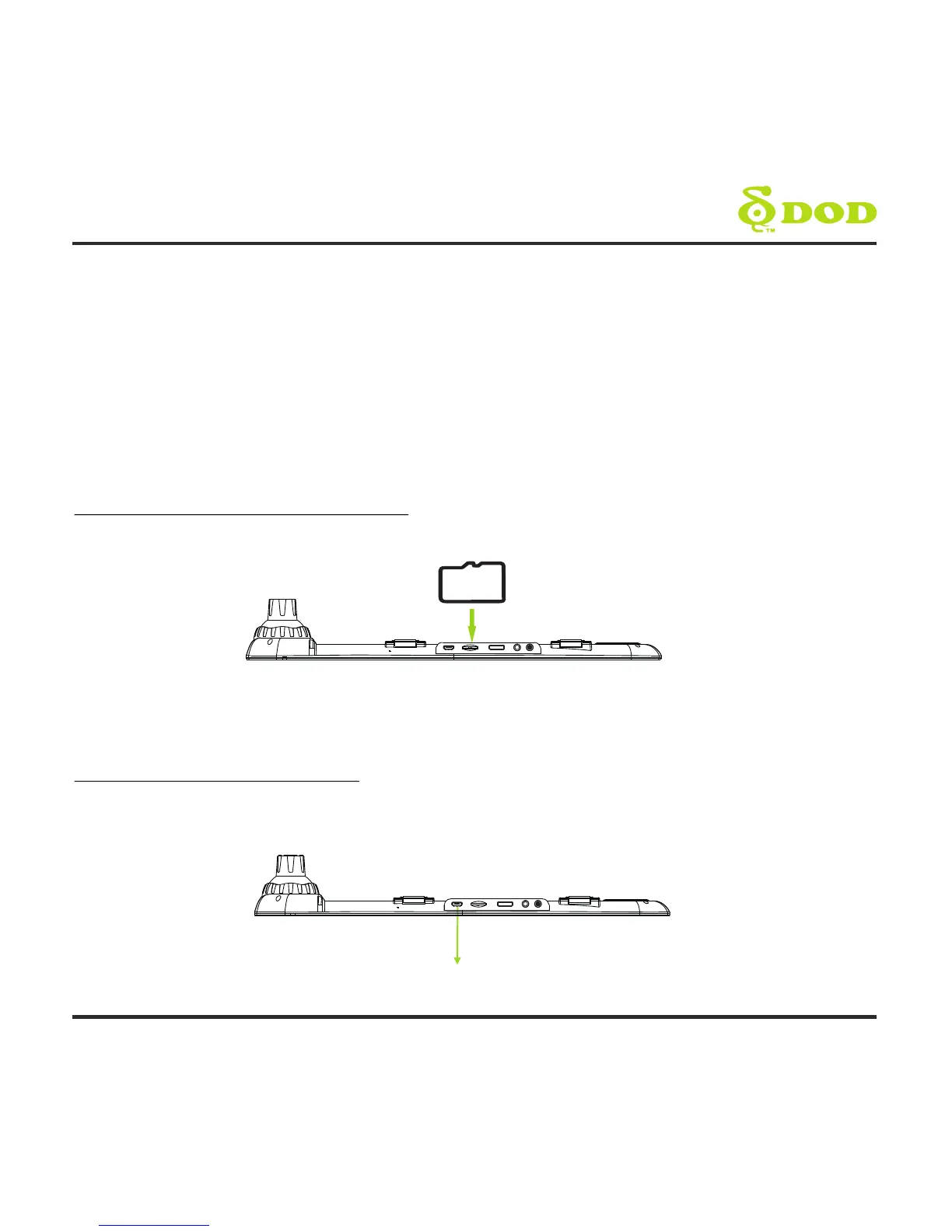
1. Insert the MicroSD Memory Card
*
Note: Please purchase a microSD card for use with this unit
2. Connect the Power Adapter
Plug the DOD power adapter into your vehicle's power outlet and insert the USB
plug into the USB port.
Getting Started
USB Port
Micro SD



 To Next Page