14
Icons
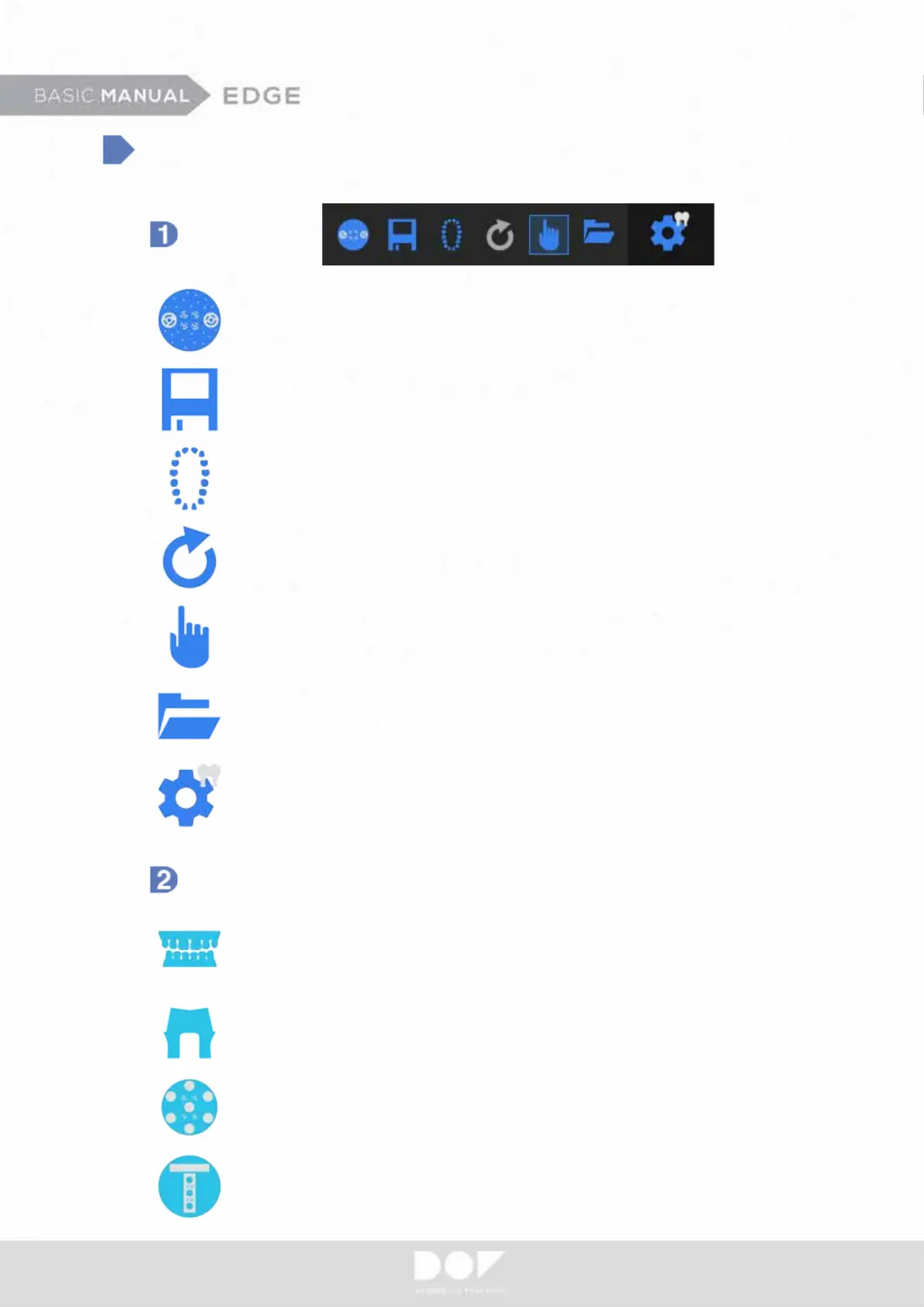
Calibrate
Save – Enables one to start scanning from where it ended.
Current Project – Indicates what types of restoration will be
fabricated.
Reload - Reloads the updated data of the Job Denition
at exocad
Manual Mode – Allows to freely jump to desired
scanning step
Plan – Allows scanning types to be altered (impression,
stones, etc.)
Open Project Folder - Loads dental project
Pre Setting
All-in-One
Articulator
Prep-Die
Scan Icon
Multi-Die


 To Next Page