2120
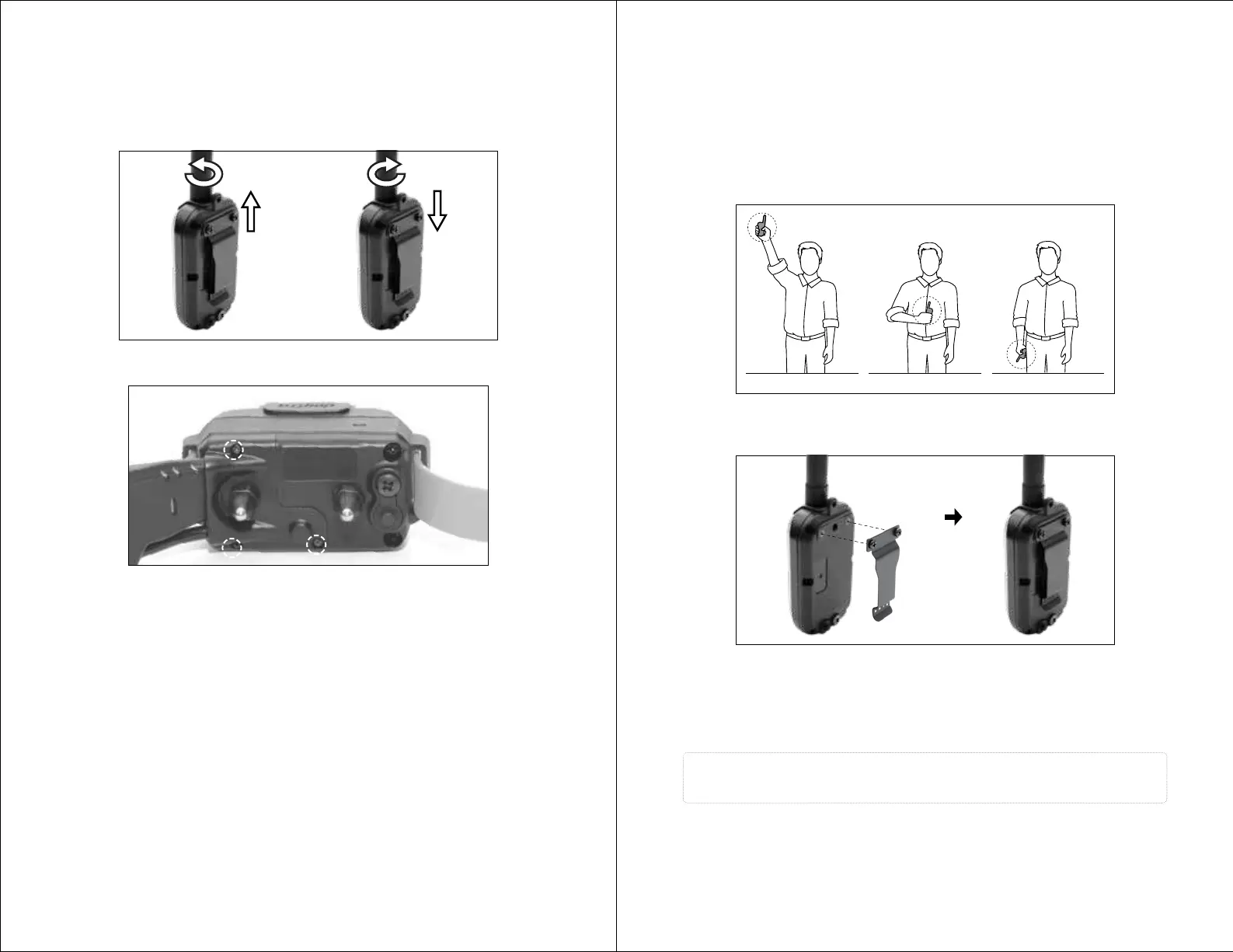
For the GPS Connector
1. Twist the antenna counter-clockwise to remove.
2. Place the new antenna on the bolt and turn clockwise to tighten the antenna.
REPLACING THE ANTENNA
Open the antenna enclosure by removing the 3 screws and the contact points.
Remove the screw holding the antenna in place to replace the antenna.
For the Receiver
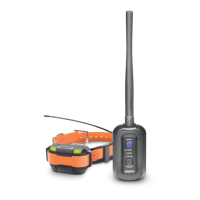
• The PATHFINDER MINI has a 4-mile line of sight range.
• To get the greatest range, hold the GPS connector away from your body and
avoid touching the antenna.
• Keep your unit properly charged for maximum signal strength.
• The GPS connector device must be near your phone for proper operation,
preferably less than 33 feet.
Follow the instructions below to attach the included belt clip to the GPS
connector.
1) Align the belt clip to the grooves on the back of the GPS connector.
2) With a firm grip, screw on the belt clip's Phillips head screws with
a screwdriver.
Caution!
Tighten until firmly in place. Be careful not to over tighten.
ATTACHING THE BELT CLIP
MAXIMIZING THE DISTANCE
Typical range Minimum rangeMaximum range


 To Next Page