1312
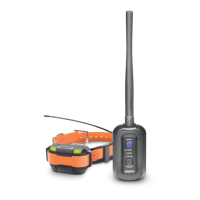
GPS Receiver
The LED on the GPS receiver blinks
while turned on, and the LED colors
represents the battery life: Green when
50-100% battery, Orange when 10-50%
battery, Red when 0-10% battery.
4. LED INDICATOR
GPS Connector
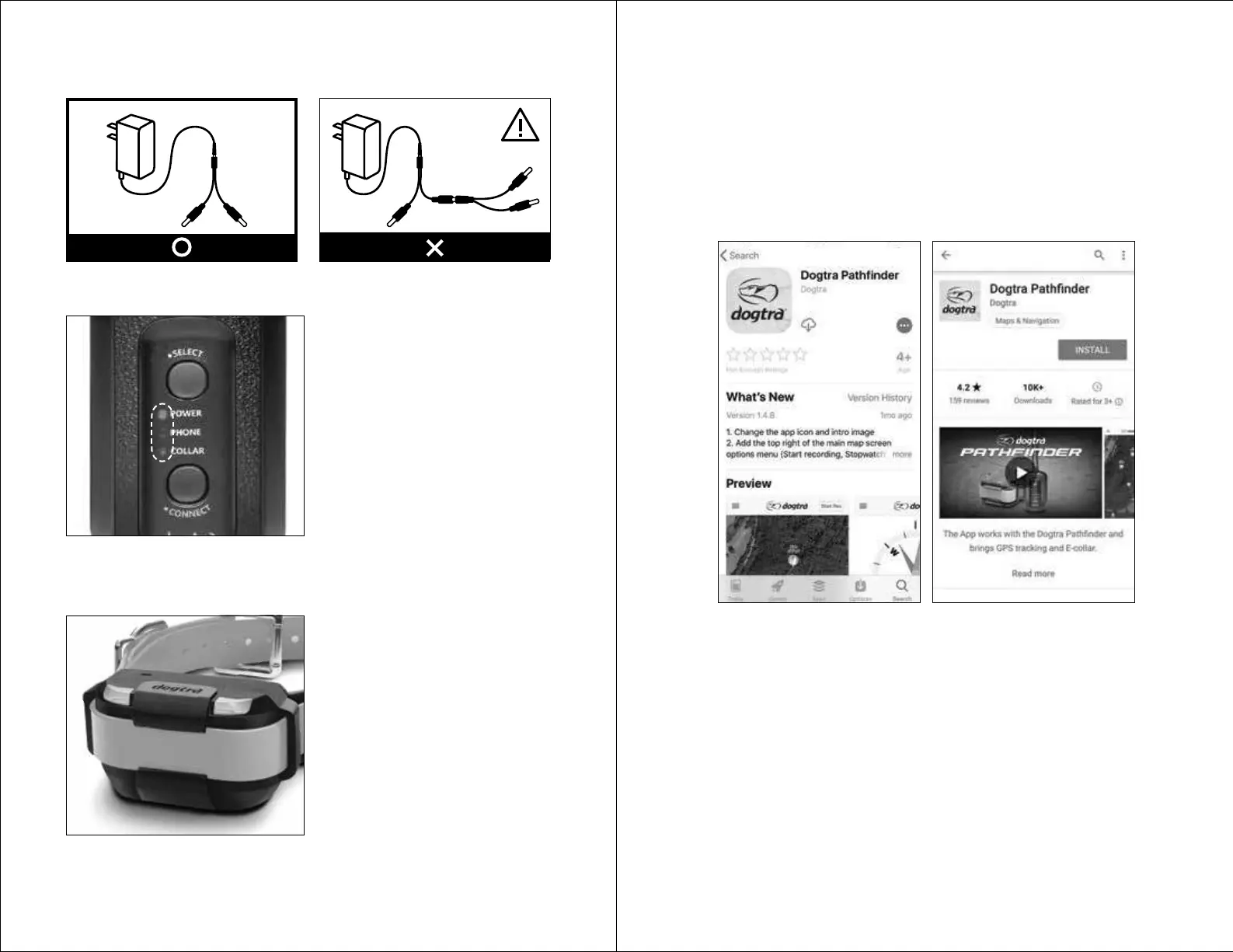
Power: The Power LED blinks every 2
seconds while turned on. The LED colors
represents the battery life: Green when
50-100% battery, Orange when 10-50%
battery, Red when 0-10% battery.
Phone: When turned on, press the
Select button to set the GPS connector
to Phone. When set to Phone, a green
LED will stay on. Hold down the
Connect button until the LED blinks
rapidly to place the GPS connector into
pairing mode.
Collar: When turned on, press the Select button to set the GPS connector to
Collar. When set to Collar, a green LED will stay on. Hold down the Connect
button until the LED blinks rapidly to place the GPS connector into pairing mode.
Splitter Cable
Do not use more than one splitter cable with a single battery charger.
Compatible Phones
1) iOS: iOS 8.1 and above
iPhone 5 series and above
iPad Generation 3 and above
2) Android: Android 4.3 and above
Samsung Galaxy S4 and above, Note 2 and above, and LG G3
Downloading the App
Search for Dogtra PATHFINDER in the App Store or in Google Play.
5. INSTALLING THE PATHFINDER MINI APP
iOS App Store Android Google Play Store


 To Next Page