9
EN
Induction Cooktop Operation
6 Touch Controls
5.2 Plugging In the Induction
Cooktop
• Aer the power supply is connected, a beep will
sound. The LED indicator flashes for 1 second.
5.3 Turning the Induction Cooktop
On
• Aer pressing the “On/Off” button, the buzzer will
ring once. The induction heater is ready for heating.
• Aer pressing the “On/Off” button, if there is no
operation for 10 seconds, the induction cooker will
switch off automatically.
• Aer pressing the Heating button, if there is no
proper pot on the ceramic plate, the induction
cooker will not heat up. The alarm will sound and
the LED will display a “U” symbol to indicate that a
pot is required. Ten seconds later, it will switch off
automatically.
5.4 Putting the Pot on the Ceramic
Plate
• Make sure the air vents are not blocked and keep
utensils away from the immediate area around the
ceramic plate.
• Make sure the cookware that has food or liquid is
placed in the center of the ceramic plate.
5.5 Using Temperature Mode
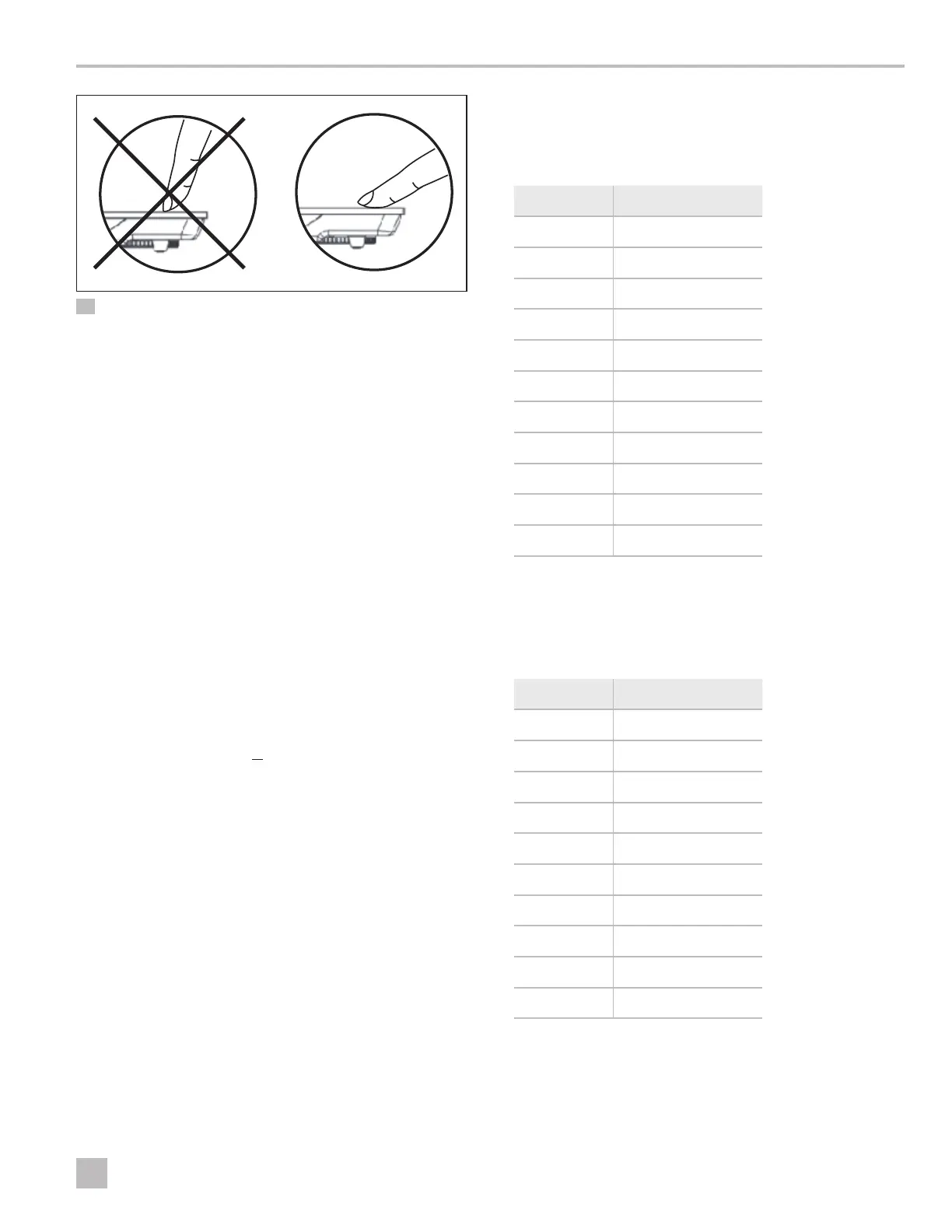
Press TEMP to enter temperature mode, then press “+”
or “–” to select the temperature you want.
Level Temperature
1 120°F (49°C)
2 150°F (66°C)
3 180°F (82°C)
4 210°F (99°C)
5 250°F (121°C)
6 300°F (149°C)
7 325°F (163°C)
8 350°F (177°C)
9 375°F (191°C)
10 425°F (218°C)
11 450°F (232°C)
5.6 Using Heating Mode
Press HEAT to enter heating mode, then press “+” or “–”
to select the wattage you want.
Level Wattage
1 300W
2 500W
3 750W
4 800W
5 850W
6 900W
7 950W
8 1100W
9 1300W
10 1440W


 To Next Page