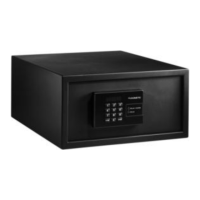
MDD403 Using the safe
17
Reading data on the computer
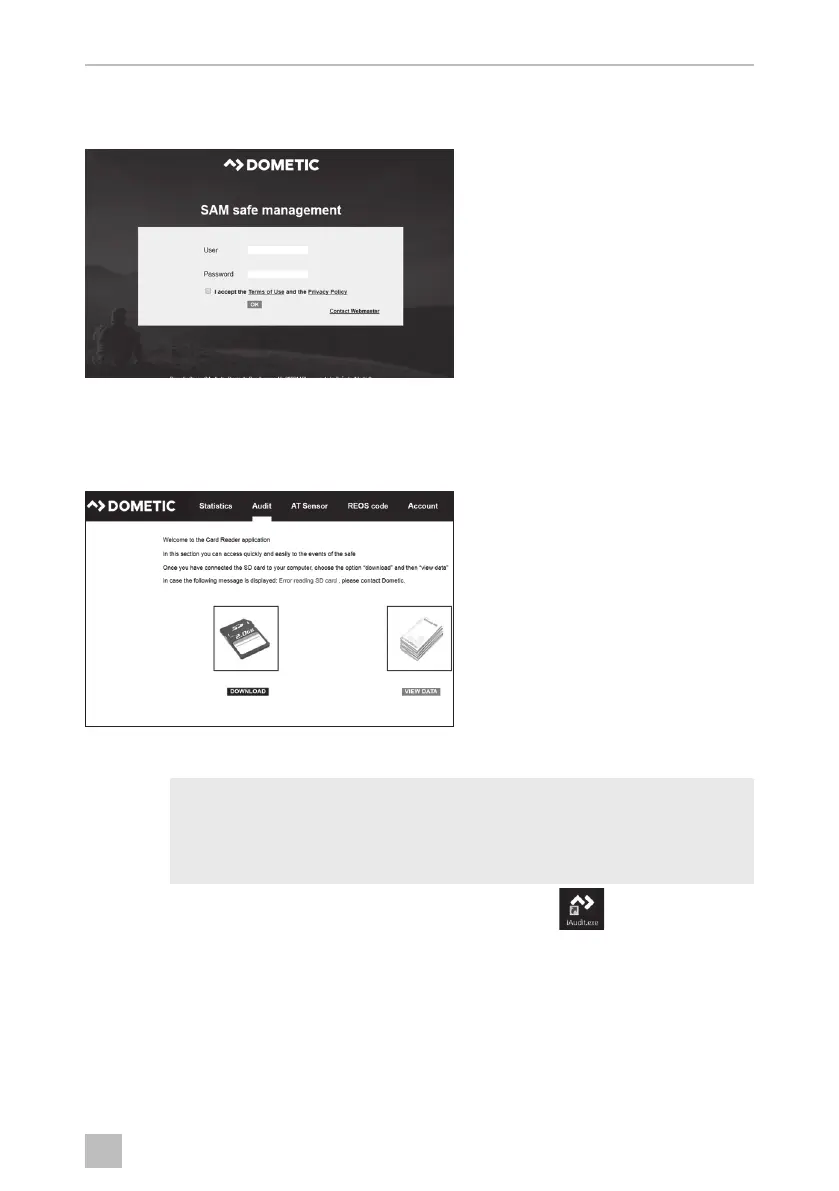
➤ Go to the www.sam.dometic.com page on the internet.
➤ Enter your login data.
➤ Select AUDIT from the menu.
➤ Click DOWNLOAD.
➤ Follow the program instructions.
I
➤ Run the “iAudit.exe” file by double-clicking on the icon .
NOTE
The installation wizard starts automatically. The executable file
“iAudit.exe” is saved on your computer. After the installation is
completed, a link is generated on your desktop.
0'',2VERRN6HLWH'RQQHUVWDJ)HEUXDU


 To Next Page
 Loading...