Using the parking cooler CoolAir RTX1000, RTX2000
16
7.5 Using menus
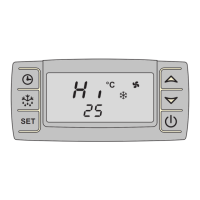
You can set the parking cooler to suit your requirements using the menus:
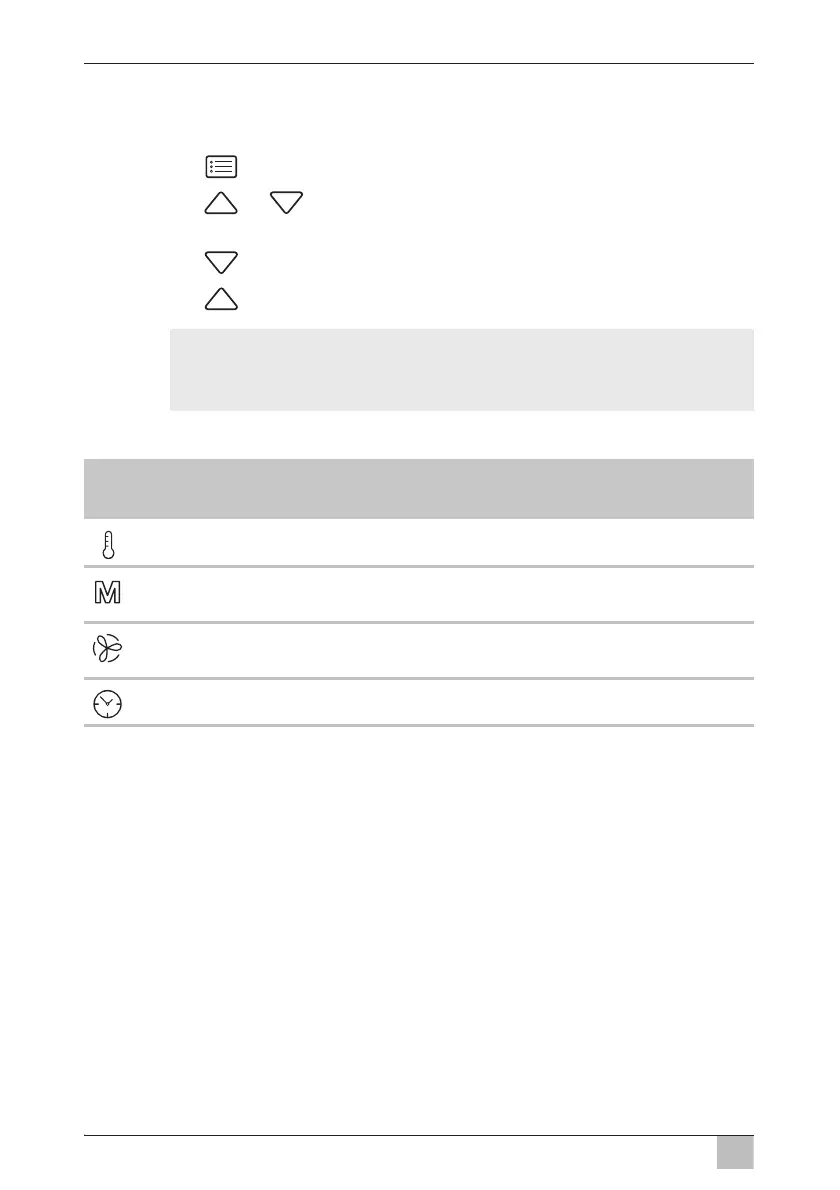
➤ Press the button to browse through the menus.
➤ Press the or button to navigate to the appropriate sub-menu or
to change the selected value.
➤ Press the button to reduce the selected value.
➤ Press the button to increase the selected value.
I
You can select the following menus:
NOTE
If you don‘t press any button for more than 5 seconds, the display
switches back to the menu mode.
Menu Description
Change in
value
Setting the temperature (17 °C to 30 °C/62 °F to 86 °F) 1 °C/2 °F
Setting the mode (see chapter “Menu mode” on
page 17)
–
MANUAL mode:
Set the fan speed manually (level 1 – 5)
1
Set the running time of the timer (10 – 120 min) 10 min






 To Next Page