Operation CoolAir RTX1000, RTX2000
10
6 Operation
6.1 Device elements
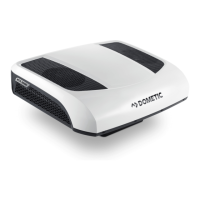
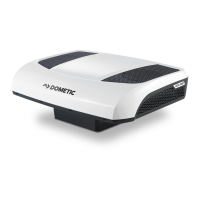
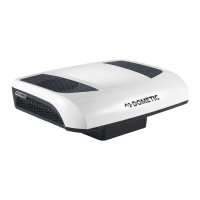
The parking cooler has the following device elements:
6.2 Control panel
The system's control panel contains the following operating and display
elements:
No. in
fig. 1, page 3
Explanation
1 Blower nozzles
2 Intake grille
3 Control panel
No. in
fig. 2, page 3
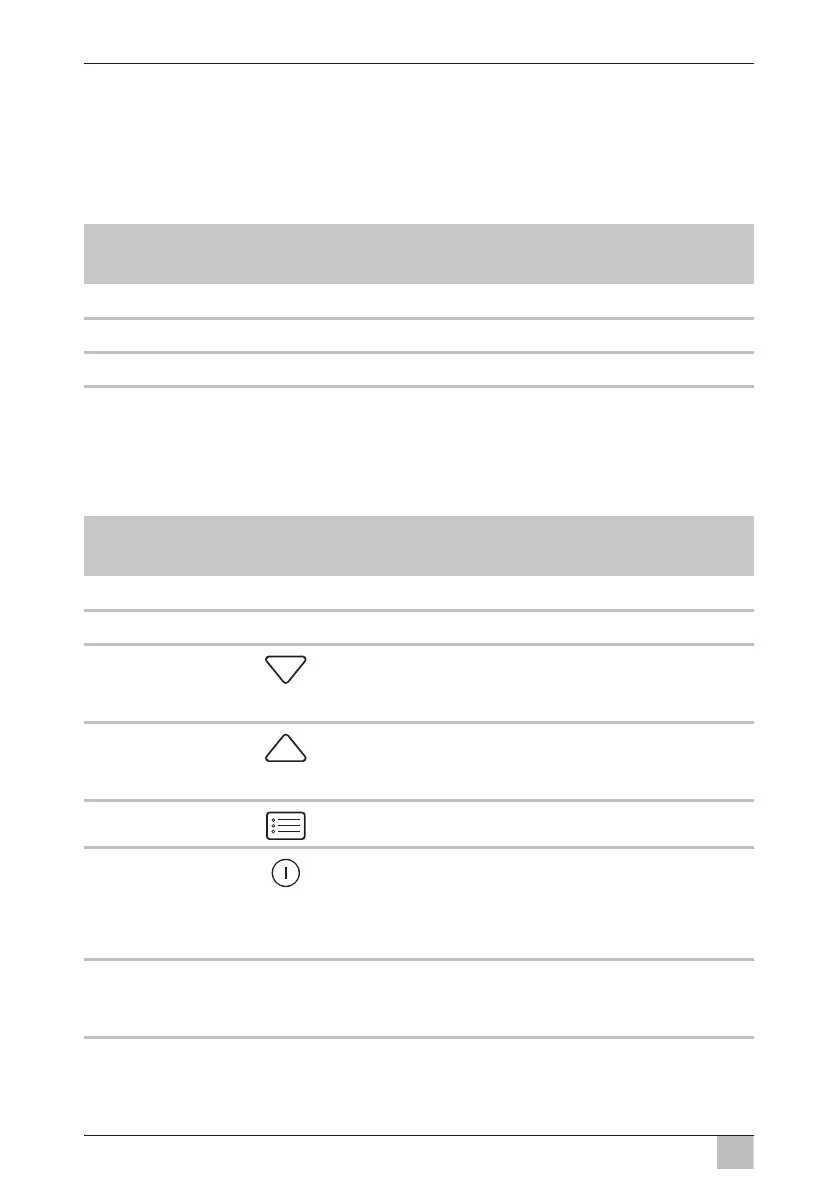
Symbol Description
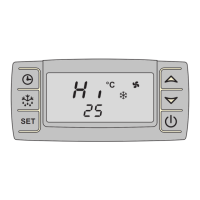
1 Display (see chapter “Display” on page 12)
2 Infrared receiver (for the remote control)
3 Opens the sub-menus for setting or decreases the
value of the selected parameter once a menu has
been opened.
4 Opens the sub-menus for setting or increases the
value of the selected parameter once a menu has
been opened.
5 Scrolls through the menu items.
6 Switches the parking cooler
z on
z off (press button briefly)
z to standby mode (press button longer than 3 s)
7 LED Power (blue):
Only lights up when the system is switched on or in
standby.






 To Next Page