Using the parking cooler CoolAir RTX1000, RTX2000
20
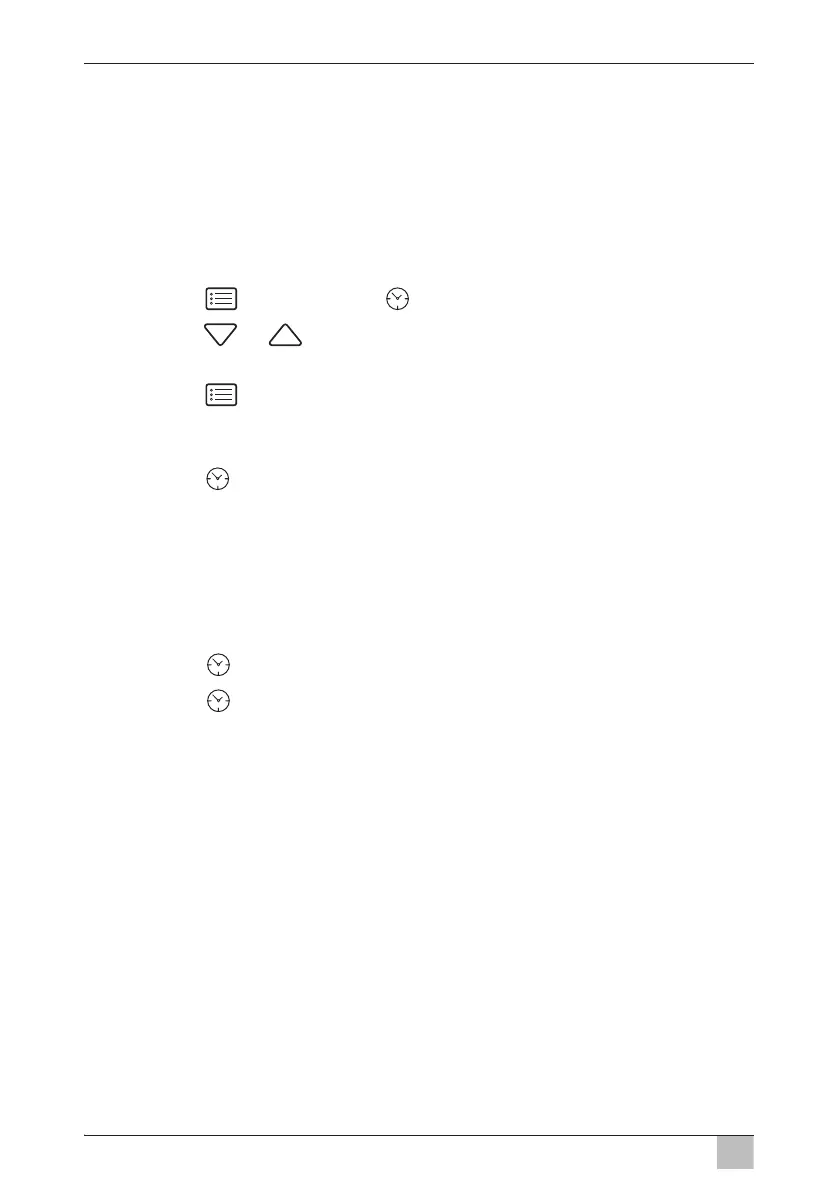
7.9 Setting the timer
The parking cooler is fitted with a timer. Once the set time has elapsed in the
timer, the parking cooler automatically switches off.
If the timer is activated, the display alternates between the set temperature
and the duration.
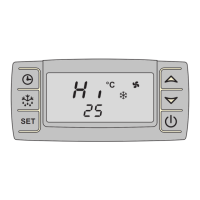
Control panel
➤ Press the button until the
symbol appears.
➤ Press the or button to set the required running time of the timer
in 10 minute intervals.
➤ Press the button to save the value.
Remote control
➤ Press the button to increase the required running time of the timer in
10 minute intervals.
The maximum running time is 120 minutes.
➤ To save the value don‘t press any button for more than 5 seconds.
To reset the timer to 0 minutes, proceed as follows:
➤ Press the button until the timer shows 120 min.
➤ Press the button again.
➤ To save the value don‘t press any button for more than 5 seconds.






 To Next Page