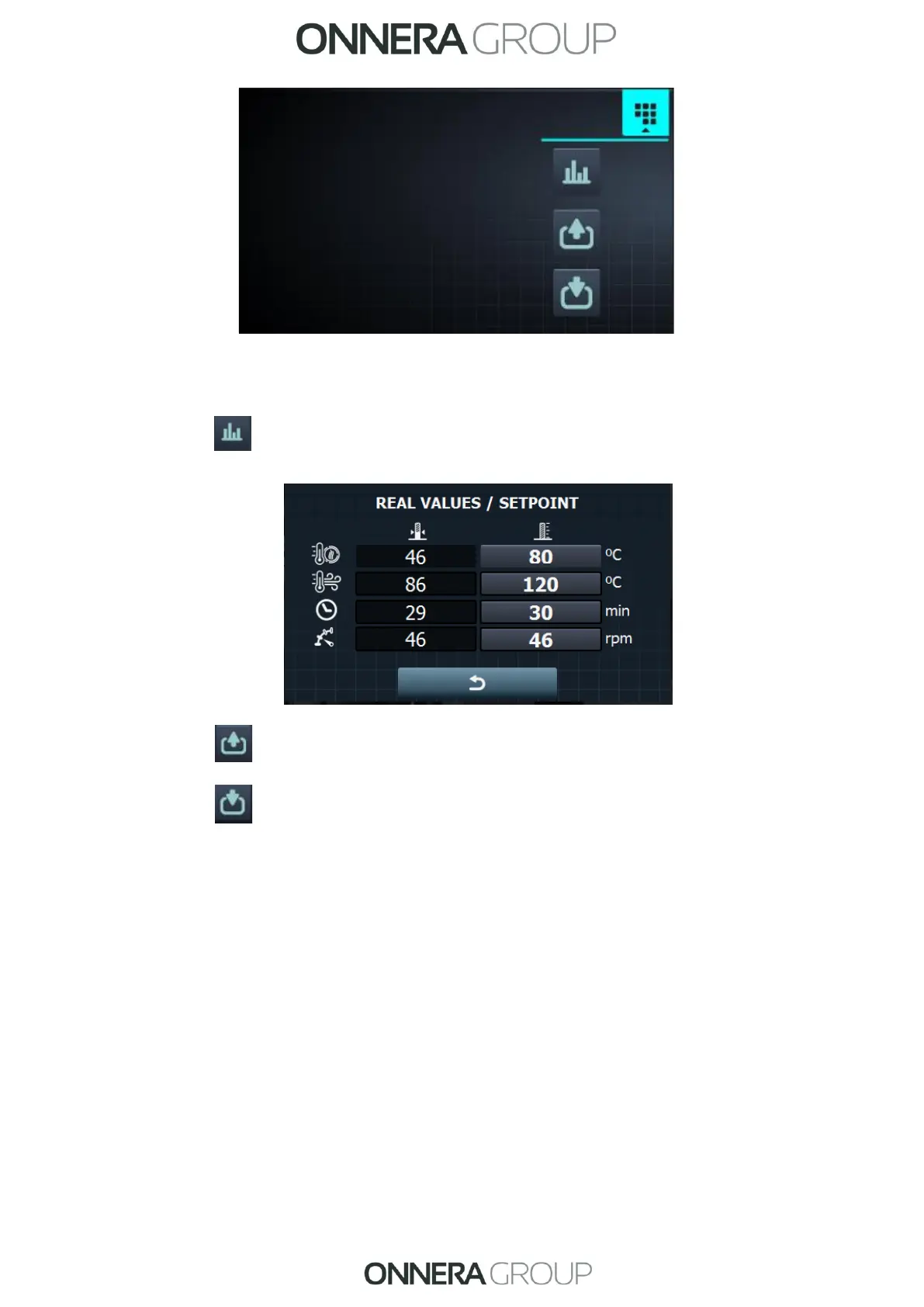
• See/edit settings/true values: press the setting values to edit for the current
drying cycle.
• Outputs: the status of each of the outputs is displayed.
• Inputs: the status of each of the inputs is displayed.
6.4. SELF-SERVICE: SELECTION SCREEN 1 - BUTTONS:
In the self-service machines, to run a programme it is always necessary to insert the required
money first, either in coins or using alternative payment methods (card or mobile).
There are 4 large, fixed buttons on this screen for selecting the drying programmes.
The general information displayed is (configurable in the HUD menu):



 To Next Page