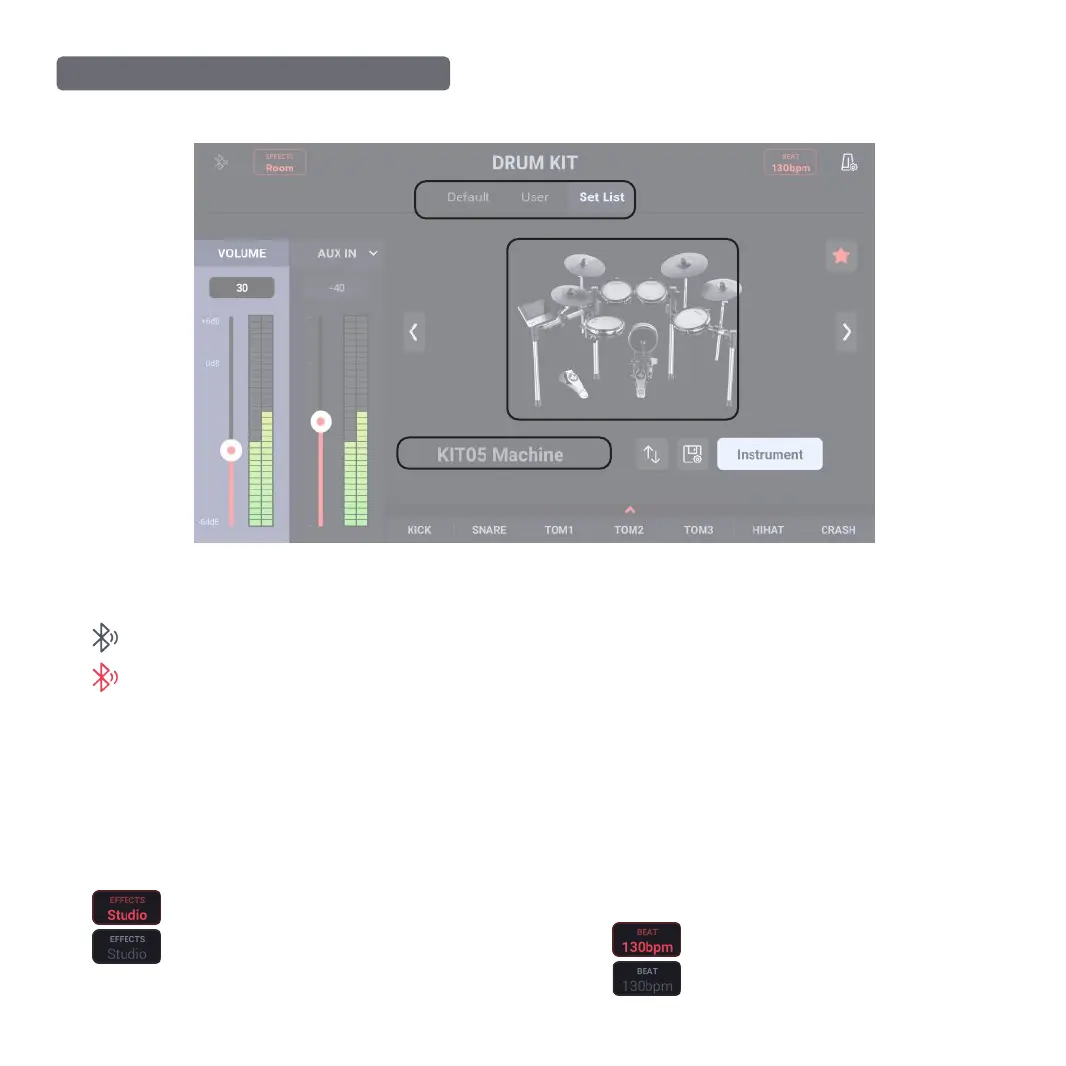
MAIN INTERFACE OPERATION OF DRUM KIT
1. Navigation Bar Information
❸
Metronome CLICK switch display:
Current BPM is displayed here; click it to switch statuses
Enable metronome CLICK status
Disable metronome CLICK status
❶ ❷
❸
❻
❹
❼
❽
❾
❺
05
❶
Bluetooth status display:
Connected
Disconnected
Note: Bluetooth matching is one to one; if you use a new
device to connect Donner Beat, disable the previously
connected Bluetooth device first.
❷
EFFECTS switch display:
Click to switch status
EFFECTS enabled
EFFECTS disabled
Note: Refer to the Effects main interface operation for details.



 To Next Page