EasyManua.ls Logo

DoorHan Sectional-1000 - User Manual

DoorHan Sectional-1000
18 pages
Print Icon
To Next Page IconTo Next Page
Loading...
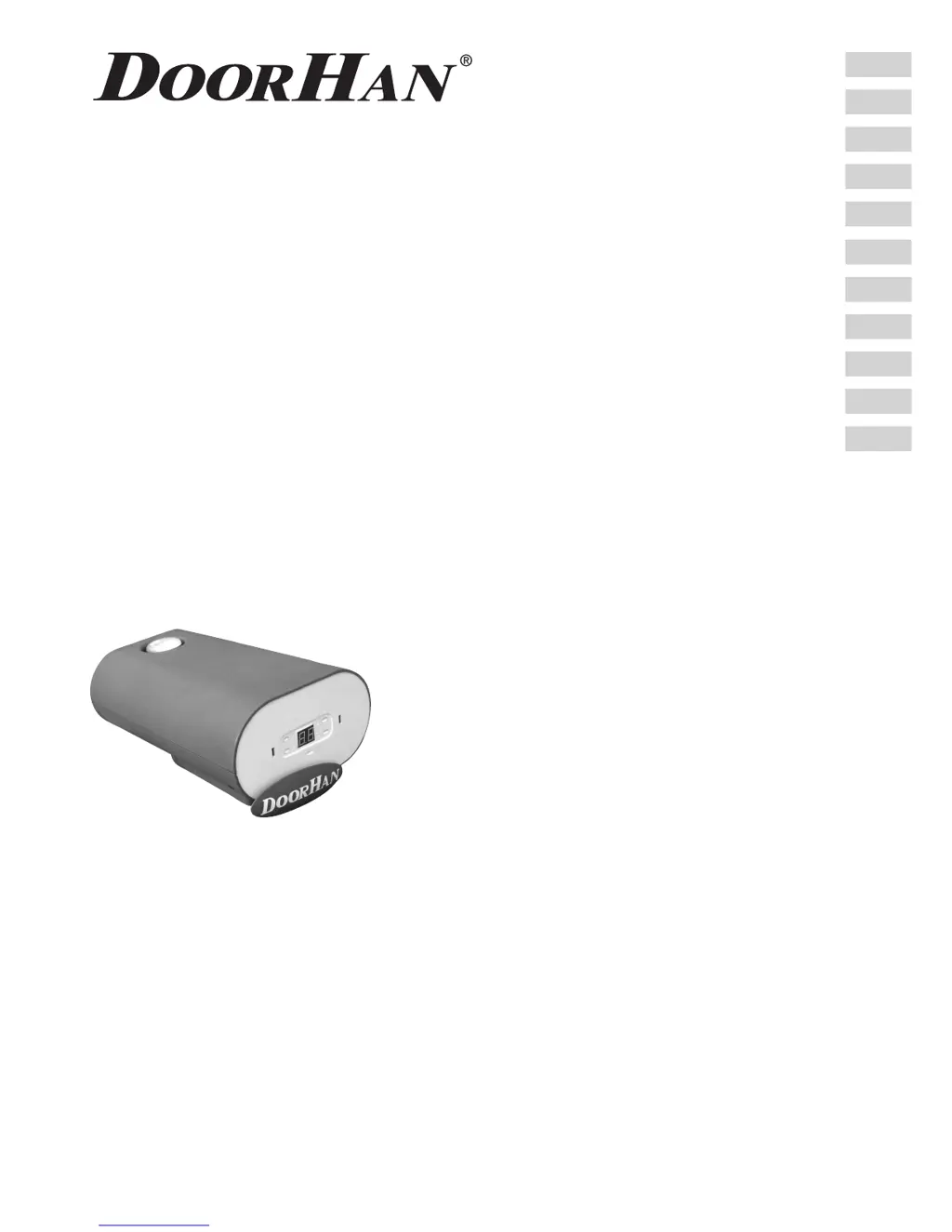
OPERATOR
SECTIONAL-750/1000/1200/FAST-750
© DoorHan, 2014
Installation and Operating Manual
CONTENTS
GENERAL INFORMATION
SAFETY INSTRUCTIONS
OPERATOR UNIT
OPERATOR INSTALLATION
ELECTRICAL CONNECTIONS
OPERATOR PROGRAMMING
REMOTE CONTROL PROGRAMMING
MANUAL OPENING
MAINTENANCE
TROUBLESHOOTING
2
2
4
5
6
9
10
13
14
15
15
Actual versions
soft - v 1.0
pcb - v 1.0

Questions and Answers

  • D
    David HughesAug 16, 2025
    What to do if my DoorHan Sectional-1000 Gate Opener remote control doesn't work?
    • J
      Jason CooperAug 16, 2025
      If your DoorHan Gate Opener isn't responding to the remote, it could be due to a couple of reasons. Either the remote control code hasn't been recorded, in which case you should re-record the remote control, or the remote control battery is low, so try replacing the battery.
  • J
    Jonathan EatonAug 19, 2025
    Why is my DoorHan Gate Opener not working?
    • X
      xmyersSep 12, 2025
      If your DoorHan Gate Opener isn't working, check these common causes: First, ensure that the power is on. If the power is on, the fuse might be blown, and you'll need to replace it.
  • K
    Kevin WallaceAug 21, 2025
    What to do if my DoorHan Gate Opener door suddenly stops and the «F» light is on?
    • K
      Kelli Vance MDAug 22, 2025
      If your DoorHan Gate Opener door stops suddenly and the «F» indicator is lit, it could be due to an obstruction in the door's path or jammed mechanics. Check the door mechanics and remove any obstacles. Another possibility is an unstable power supply, so check the supply voltage.
  • P
    Paula HarrisAug 25, 2025
    Why is the remote control sensing distance too small for my DoorHan Sectional-1000 Gate Opener?
    • L
      Lacey JohnsonAug 26, 2025
      If you're experiencing a reduced sensing distance with your DoorHan Gate Opener remote, the most likely cause is a low battery. Try replacing the battery supply in the remote control.
  • E
    Erik OdomAug 27, 2025
    Why is the sound alarm on my DoorHan Gate Opener?
    • M
      Michelle RobertsAug 27, 2025
      If the sound alarm is active on your DoorHan Gate Opener, it could be due to these reasons: The door might be open, so close the door. Alternatively, it could be an audible warning indicating that the system has reached 2000 cycles and needs maintenance; in this case, turn the power off and then turn it back on.
  • K
    Katelyn WilliamsAug 31, 2025
    What to do if my DoorHan Sectional-1000 door doesn't reach the end position or doesn't work?
    • K
      kphillipsAug 31, 2025
      If your DoorHan Gate Opener door isn't reaching the end position or isn't working at all, it might be due to an error during programming. You should perform programming.
  • R
    Rachel GarciaSep 2, 2025
    What to do if the guide chain moves, but the DoorHan Sectional-1000 Gate Opener door does not move?
    • N
      Nicholas MatthewsSep 3, 2025
      If the guide chain is moving but the DoorHan Gate Opener door isn't, the carriage might be disengaged and not connected to the chain support. Align the carriage with the support and engage the carriage.
  • R
    Robert ParksSep 6, 2025
    Why does the chain generate noises and frictions with the guide of my DoorHan Gate Opener?
    • G
      grahamsheilaSep 6, 2025
      If the chain on your DoorHan Gate Opener is generating noises and friction with the guide, it's likely that the chain has elongated. Lubricate the chain gearwheel and tension the chain.
  • E
    esolisSep 9, 2025
    What to do if my DoorHan Sectional-1000 door works intermittently, but the indicator lights «H»?
    • P
      Paul AllenSep 9, 2025
      If your DoorHan Gate Opener door is working intermittently and the indicator light «H» is on, it indicates an electronics failure due to high humidity. Clean the control board (by technician).
  • H
    Heidi CoffeySep 12, 2025
    Why is a creak audible when my DoorHan Sectional-1000 Gate Opener system is working?
    • B
      Bobby MartinSep 12, 2025
      If you hear a creak when your DoorHan Gate Opener system is running, it's probably due to a lack of lubrication of the guide chain after prolonged working. Lubricate the chain.

Summary

General Information

Specifications

Technical parameters and specifications for Sectional-750/1000/1200 operators.

Operator Package Contents

List and illustration of components included in the standard operator package.

Track Information

Details on guide models, lengths, travel, and opening height capabilities.

Safety Instructions

General Safety Precautions

Essential safety regulations and guidelines for operator installation and use.

Cable Installation Warnings

Warnings and requirements for safe electrical cable installation, including AC voltage.

Operator Unit

Operator Unit Components

Identification and labeling of the main components within the operator unit housing.

Operator Installation

Required Tools for Installation

List of tools needed for the proper installation of the operator unit.

Door Installation Requirements

Checks and requirements for the door itself before operator installation.

Connecting Operator to Guide

Step-by-step instructions for physically connecting the operator unit to the guide rail.

Non-Standard Installation

Instructions for installing the operator at a 90-degree angle.

Track Installation Procedure

Detailed steps for mounting the track and its associated brackets to the lintel and ceiling.

Electrical Connections

Control Block Specifications

Technical data for the operator's control block, including voltage, frequency, and fuses.

Control Block Wiring Diagram

Visual guide illustrating how to connect various components to the control block.

Operator Programming

Photocell Installation (Option)

Guidelines for installing and configuring optional photocell safety sensors.

Operator Control Keys Overview

Identification and function of the buttons and display on the operator's control panel.

Preparation for Programming

Steps to prepare the operator for programming, including carriage blocking and power-on.

Setting Upper Door Position

Procedure to program the fully open position of the door.

Setting Lower Door Position

Procedure to program the fully closed position of the door.

Automatic Force Setup

Process for the operator to automatically determine the required force for door operation.

Force Limit Adjustment

How to adjust the force sensitivity levels for the operator.

Absolute Cycle Counter

Information on how to view the total number of door cycles the operator has performed.

Warning Alarm Setup

Configuration for a 10-minute warning alarm when the door is left open.

Automatic Closing Configuration

Settings for enabling and adjusting the automatic closing delay of the door.

Maintenance Interval Alarm

Setting up an alert for maintenance after 2000 operating cycles.

Completing Programming

Final steps to save settings and exit the programming mode.

Remote Control Programming

Adding a Remote Control

Step-by-step guide to register new remote controls with the operator.

Doorhan Remote Programming

Specific method for programming Doorhan brand remote controls.

Marking Remote Control Buttons

Visual guide to the standard button layout on Doorhan remote controls.

Erasing Remote Controls

Procedure to remove all programmed remote controls from the operator's memory.

Manual Opening

Integrated Carriage Release

How to manually open the door using the operator's built-in release mechanism.

External Releasing Device (Optional)

Instructions for using an optional external device for manual door release.

Maintenance

Troubleshooting Common Issues

Appendix

Guide Cutting Procedure

Detailed steps for cutting and shortening the operator guide rail.

DoorHan Sectional-1000 Specifications

General IconGeneral
BrandDoorHan
ModelSectional-1000
CategoryGate Opener
LanguageEnglish

Related product manuals