EasyManua.ls Logo

DoorHan SECTIONAL-500PRO - User Manual

DoorHan SECTIONAL-500PRO
18 pages
Print Icon
To Next Page IconTo Next Page
Loading...
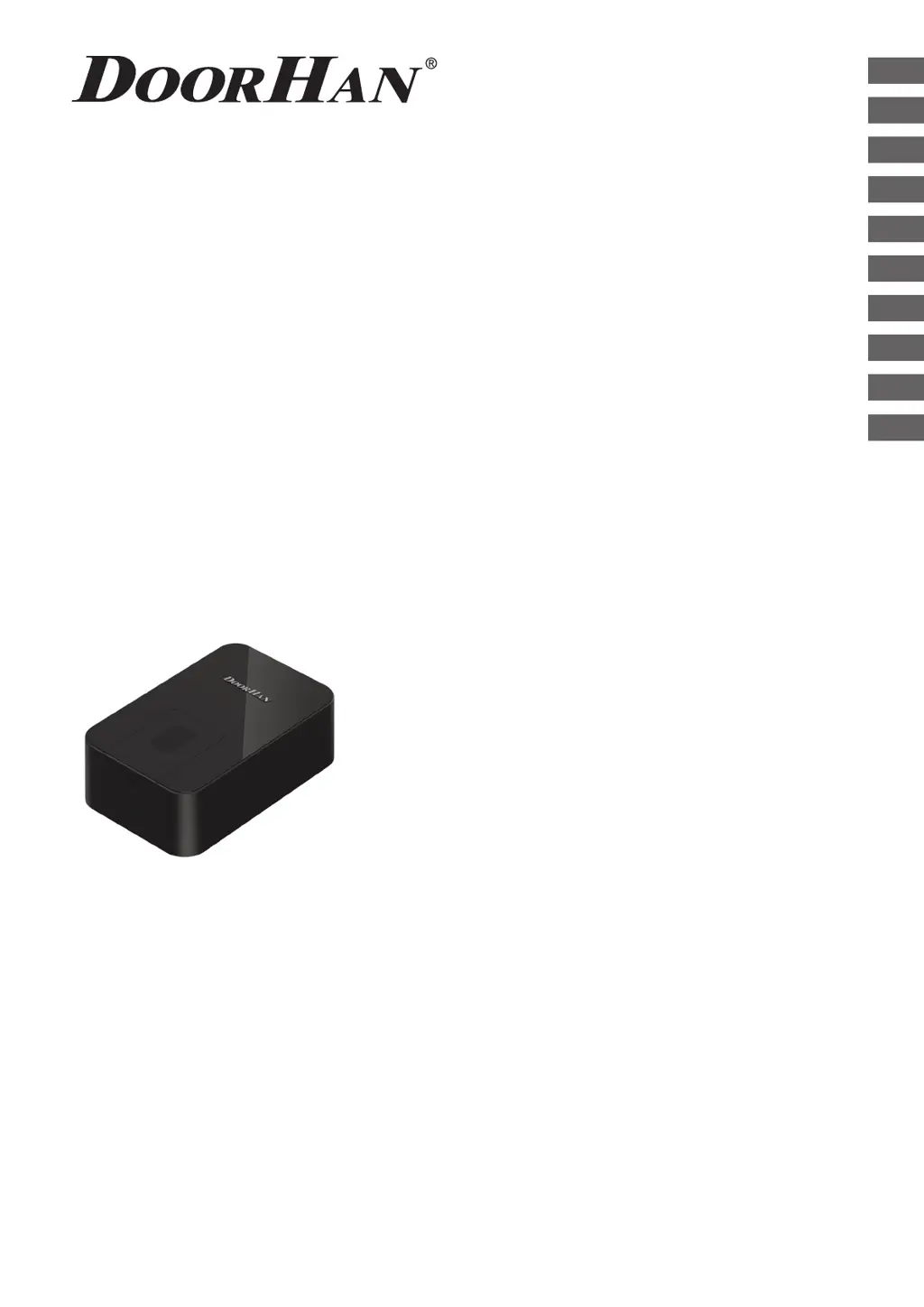
OPERATOR
SECTIONAL-500PRO/ 750PRO
© DoorHan, 2014
Installation and Operating Manual
2
2
4
5
6
8
12
13
13
CONTENTS
GENERAL INFORMATION
SAFETY INSTRUCTIONS
OPERATOR UNIT
OPERATOR INSTALLATION
ELECTRICAL CONNECTIONS
MANUAL OPENING
MAINTENANCE
TROUBLESHOOTING
APPENDIX
14
Actual versions
soft - v 1.0
pcb - v 1.0

Questions and Answers

  • S
    sbaxterAug 13, 2025
    What to do if my DoorHan Gate Opener doors suddenly stopped and the “F” indicator is on?
    • G
      Gabriel ReyesAug 13, 2025
      If your DoorHan Gate Opener suddenly stops and the “F” indicator is on, it means the doors have encountered an obstacle or the mechanics are blocked. You should check the door mechanics and remove any obstructions.
  • D
    Dennis ThomasAug 17, 2025
    Why my DoorHan SECTIONAL-500PRO Gate Opener does not run?
    • L
      Laura WhiteAug 17, 2025
      If your DoorHan Gate Opener isn't running, it could be due to a lack of power. Ensure the power is turned on. Alternatively, the fuse might be broken; in that case, replace the fuse.
  • E
    ecantrellAug 21, 2025
    What to do if my DoorHan SECTIONAL-500PRO remote control does not run?
    • B
      bgardnerAug 21, 2025
      If the remote control for your DoorHan Gate Opener isn't working, it might not be entered correctly. Try re-entering the remote control. If that doesn't work, the remote control battery may be discharged, so replace it.
  • V
    Victor GuerreroAug 25, 2025
    Why is the DoorHan SECTIONAL-500PRO remote control actuation distance too small?
    • M
      Mark OnealAug 26, 2025
      If the remote control actuation distance for your DoorHan Gate Opener is too small, it's likely that the remote control battery is discharged. Replacing the battery should resolve this issue.
  • R
    Rachel MccarthyAug 28, 2025
    What to do if the chain moves but the door doesn't move on my DoorHan SECTIONAL-500PRO?
    • C
      Catherine RobertsAug 29, 2025
      If the chain moves but the door doesn't move with your DoorHan Gate Opener, it indicates that the carriage is disengaged and not meshed with the chain support. Engage the carriage and connect it to the chain support.
  • J
    jessicataylorSep 1, 2025
    Why doesn't my DoorHan SECTIONAL-500PRO door reach end positions or doesn't work?
    • C
      cindyjonesSep 1, 2025
      If your DoorHan Gate Opener door doesn't reach the end positions or doesn't work, it's possible there's a programming error. Reprogramming the door should resolve this issue.
  • D
    dustin55Sep 4, 2025
    How to fix noise when DoorHan SECTIONAL-500PRO Gate Opener runs?
    • S
      Shawn ReyesSep 4, 2025
      If your DoorHan Gate Opener makes noise when it runs, the chain may not be properly lubricated. Lubricate the chain to reduce the noise.
  • M
    Marcia BernardSep 9, 2025
    Why does the DoorHan Gate Opener chain make noise and rub against the guide?
    • L
      Lee CookSep 9, 2025
      If the chain on your DoorHan Gate Opener makes noise and rubs against the guide, it likely means the chain has stretched. Tighten the chain using the chain tension screw and lubricate the gear wheel.

Summary

General Information

Specifications

Details technical parameters for SE 500PRO and SE 750PRO models.

Operator Package

Lists all components included in the standard operator package.

Track

Information on different guide models, their lengths, travel, and opening heights.

Safety Instructions

General Safety Guidelines

Essential safety rules and recommendations for installation and operation to ensure user health and prevent damage.

Operator Unit

Overall Dimensions

Diagram and measurements of the operator unit's physical size.

Drive Device

Exploded view and list of components within the operator's drive mechanism.

Operator Installation

Tools

List of necessary tools for installing the operator unit and guide.

Door Installation Requirements

Prerequisites for the door to ensure proper operator function and safety.

Operator and Guide Connection

Step-by-step guide on attaching the operator to the guide rail.

Track Installation

Procedure for mounting the track to the ceiling and door leaf.

Electrical Connections

Control Block Specifications

Technical parameters of the control block, including power and frequency.

Control Block Wiring Diagram

Schematic illustrating how to connect electrical components to the control block.

Operator Programming

Overview and steps for programming operator functions and limits.

Manual Opening

Integrated Carriage Releasing Device

Instructions on disengaging the operator for manual door control.

Maintenance

Servicing Recommendations

Guidelines for regular checks and maintenance of the automatic system.

Troubleshooting

Common Issues and Solutions

Table listing common operator problems, their possible reasons, and solutions.

Appendix

Guide Cutting Procedure

Step-by-step instructions for cutting and assembling the guide.

DoorHan SECTIONAL-500PRO Specifications

General IconGeneral
BrandDoorHan
ModelSECTIONAL-500PRO
CategoryGate Opener
LanguageEnglish

Related product manuals